Option 1: Download it via HPOS (recommended)
If you’re set up with HPOS (Health Professional Online Services), this is the fastest option.
Steps
Go to HPOS via Services Australia
Log in using PRODA
Select My linked services → HPOS
Open My linked services → My details
Navigate to My linked services → Medicare (or your linked organisation)
Download your Medicare Registration Letter
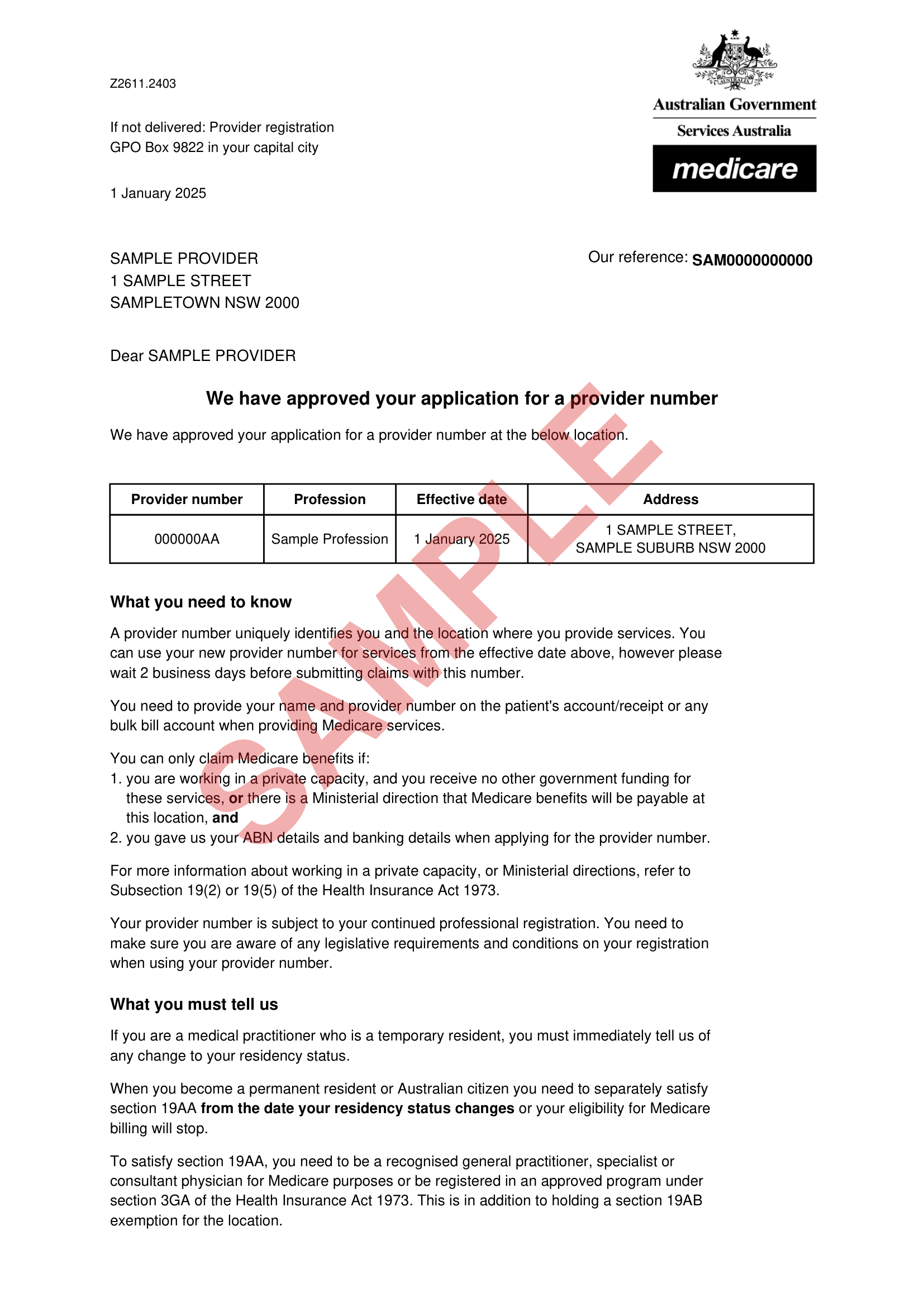
The letter will list:
Your name
Your Medicare Provider Number(s)
Associated practice locations
Option 2: Request it through HPOS if you can’t see it
If you’re logged into HPOS but can’t find the letter:
Log into HPOS
Go to Messages or My details
Submit a request for your Medicare Registration Letter
Services Australia will send it to your HPOS inbox once processed.
Option 3: Call eBusiness Service Centre
If you don’t have HPOS access, or you’re locked out:
Phone: 1800 700 199
Hours: Monday–Friday, 8:00am–5:00pm (local time)
Let them know you need a copy of your Medicare Registration Letter. They can email or post it to you after verifying your identity.
Common issues
I don’t have PRODA or HPOS access
You’ll need to set up PRODA first. Once that’s done, you can link to HPOS and access your Medicare details.
My letter doesn’t show all my locations
Medicare Provider Numbers are location-specific. Make sure all practice locations are correctly linked in HPOS.
The letter looks old
That’s usually fine—most organisations just need confirmation of your provider number. If needed, you can request an updated copy via HPOS.
How long does it take after submitting the letter? Can I start processing transactions with health funding attached?
Your letter should be approved within 2 business days. Once approved, you can instantly start putting through transactions with health funding attached.
Need help?
If you’re stuck or unsure which document to upload, contact Services Australia or the support team requesting the letter—they can confirm exactly what they need.
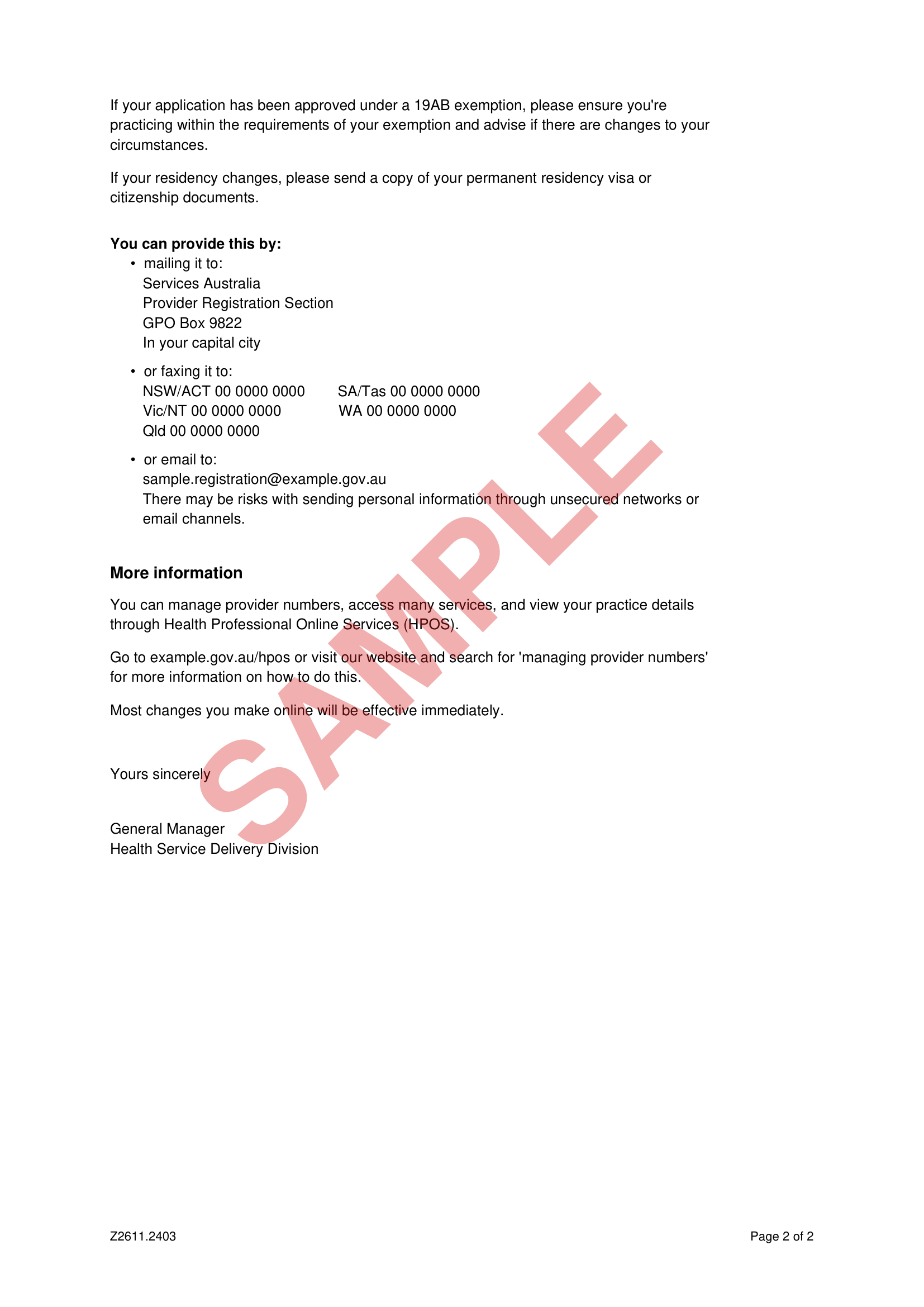
What does the Medicare Registration Letter look like?