The provider is registered for Medicare. See Register for Medicare and DVA claiming.
A referral is required for every Medicare claim.
Clients under 14 need a claimant, usually a parent or guardian. Checkout shows Claimant needed until you add one.
Medicare can't use Claim only. The client always pays the full fee by card, and Medicare pays the rebate into their bank account.
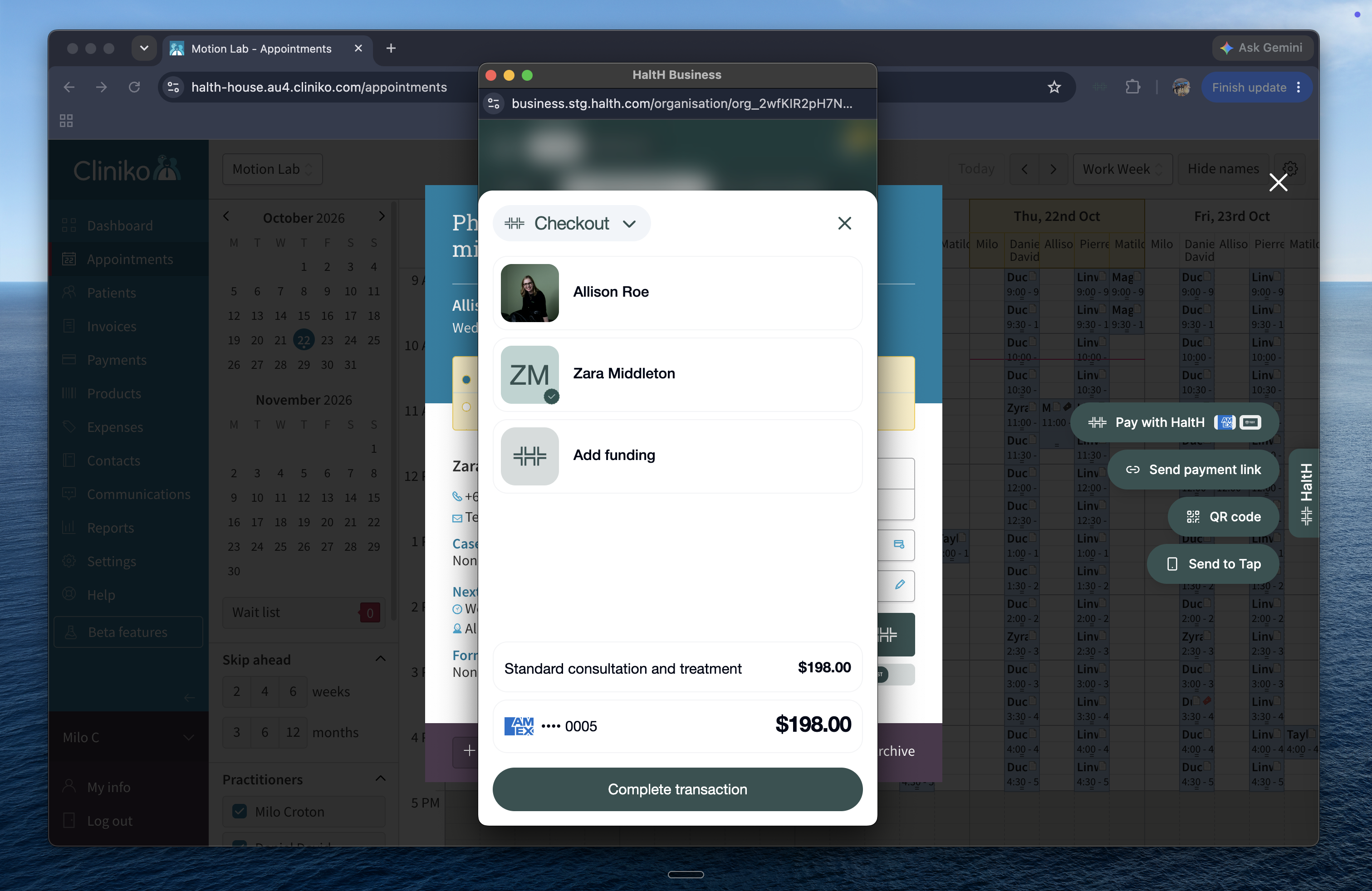
Open checkout for the booking you want to claim.
Select Add funding, then Medicare.
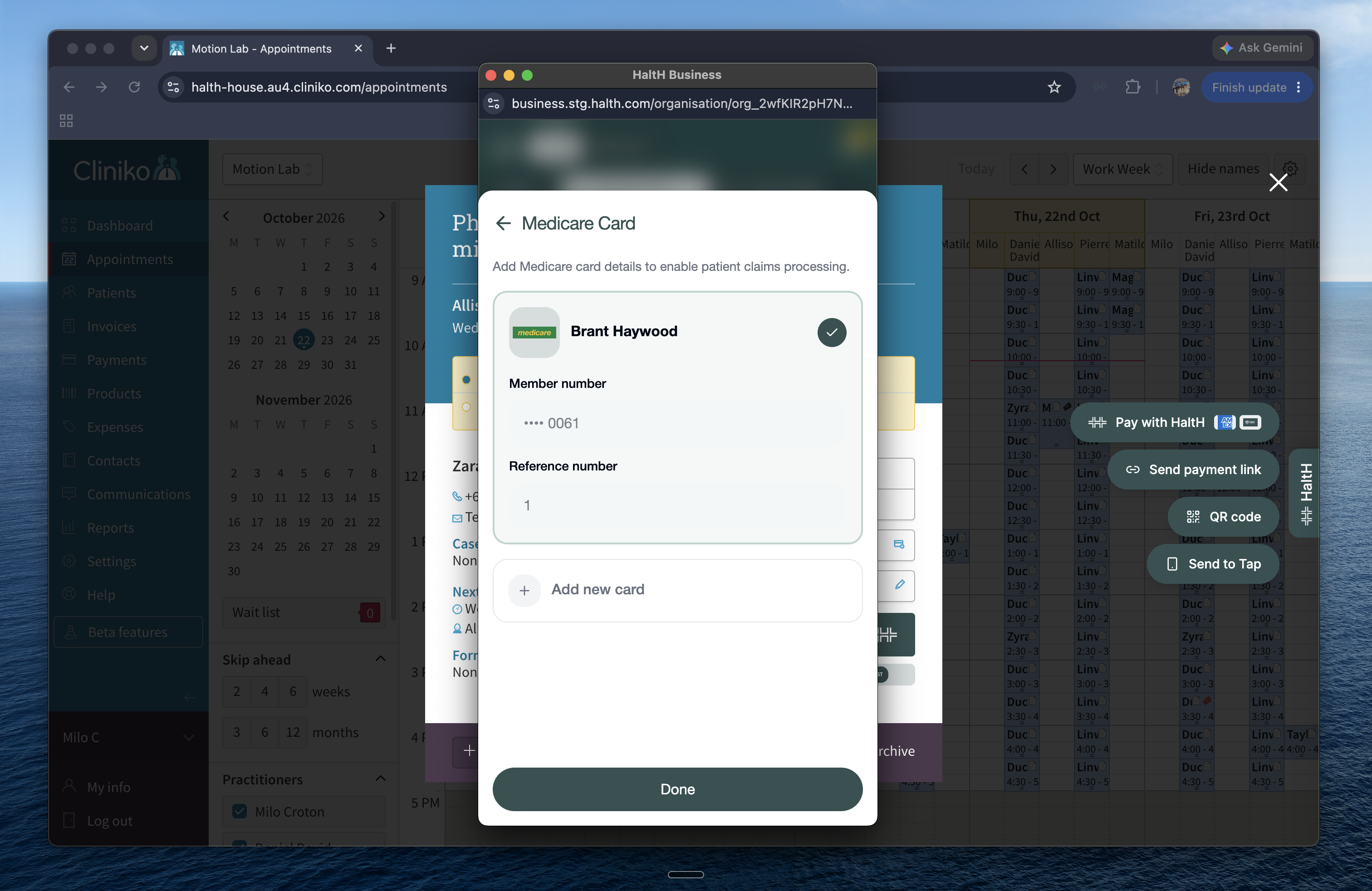
Select a saved Medicare card or add a new one, then select Done.
Select Add referring provider.
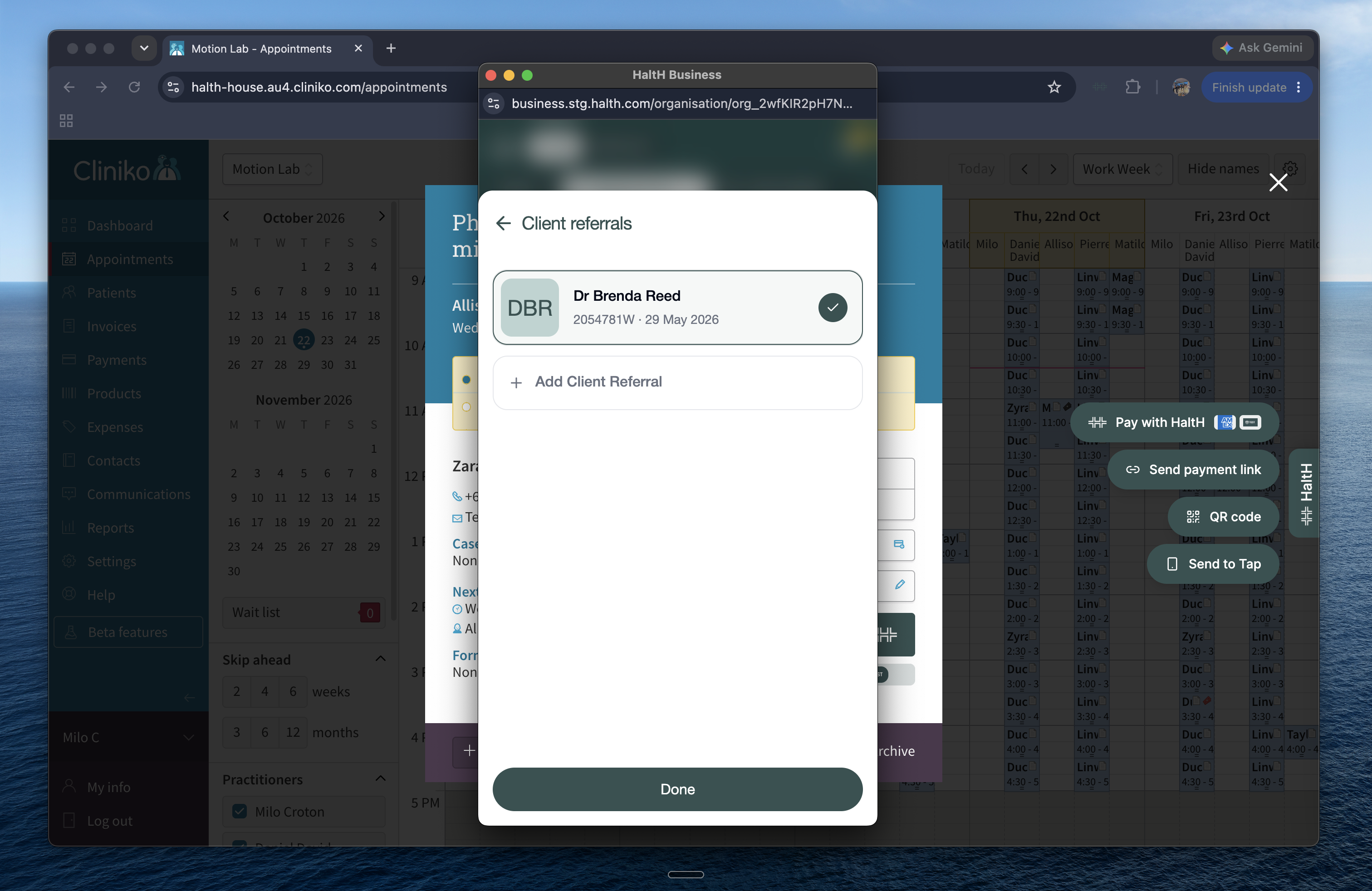
Select a saved referral, or select Add Client Referral to add a new one. Then select Done.
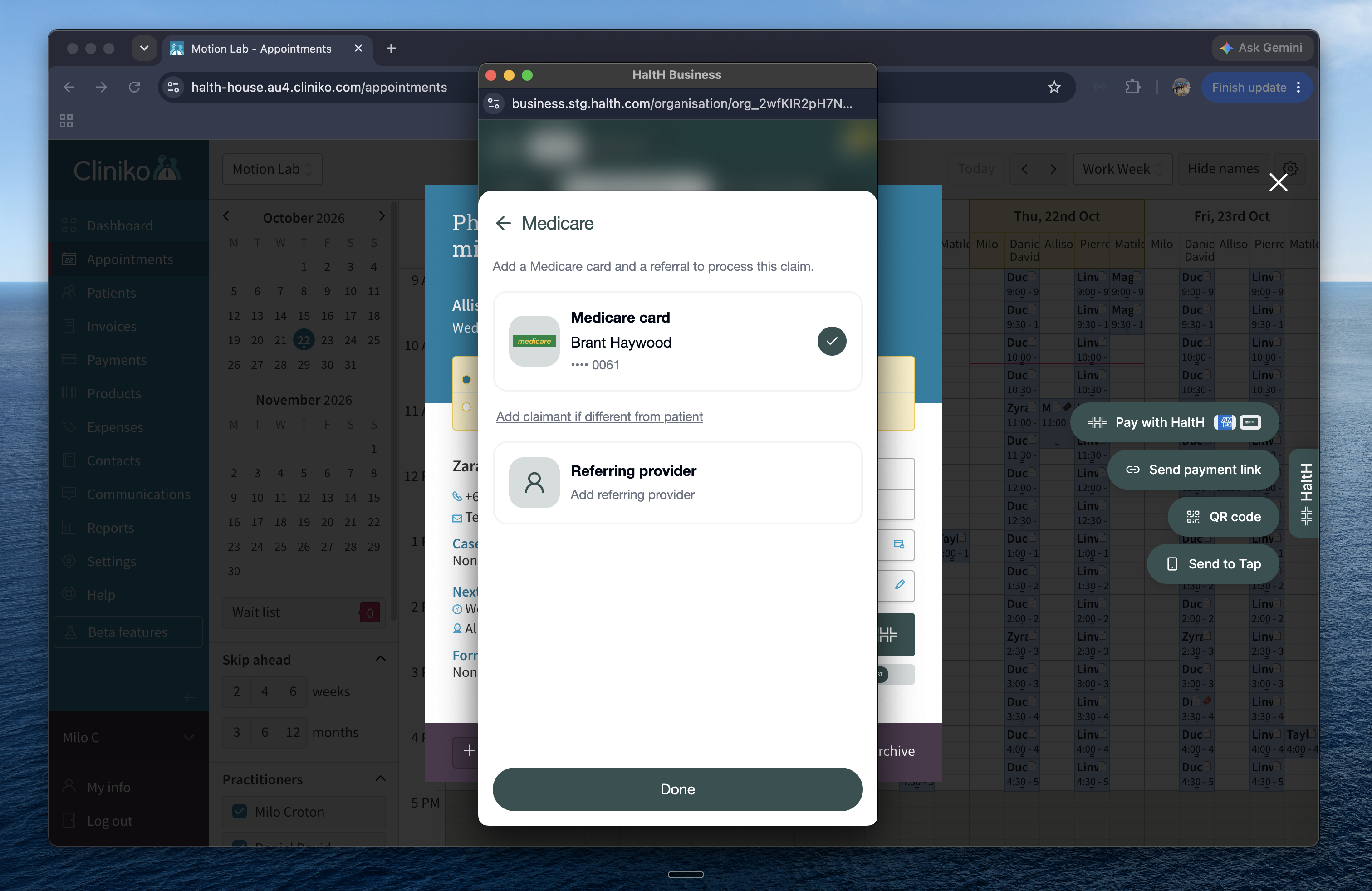
If the client is under 14, add the claimant's Medicare details.
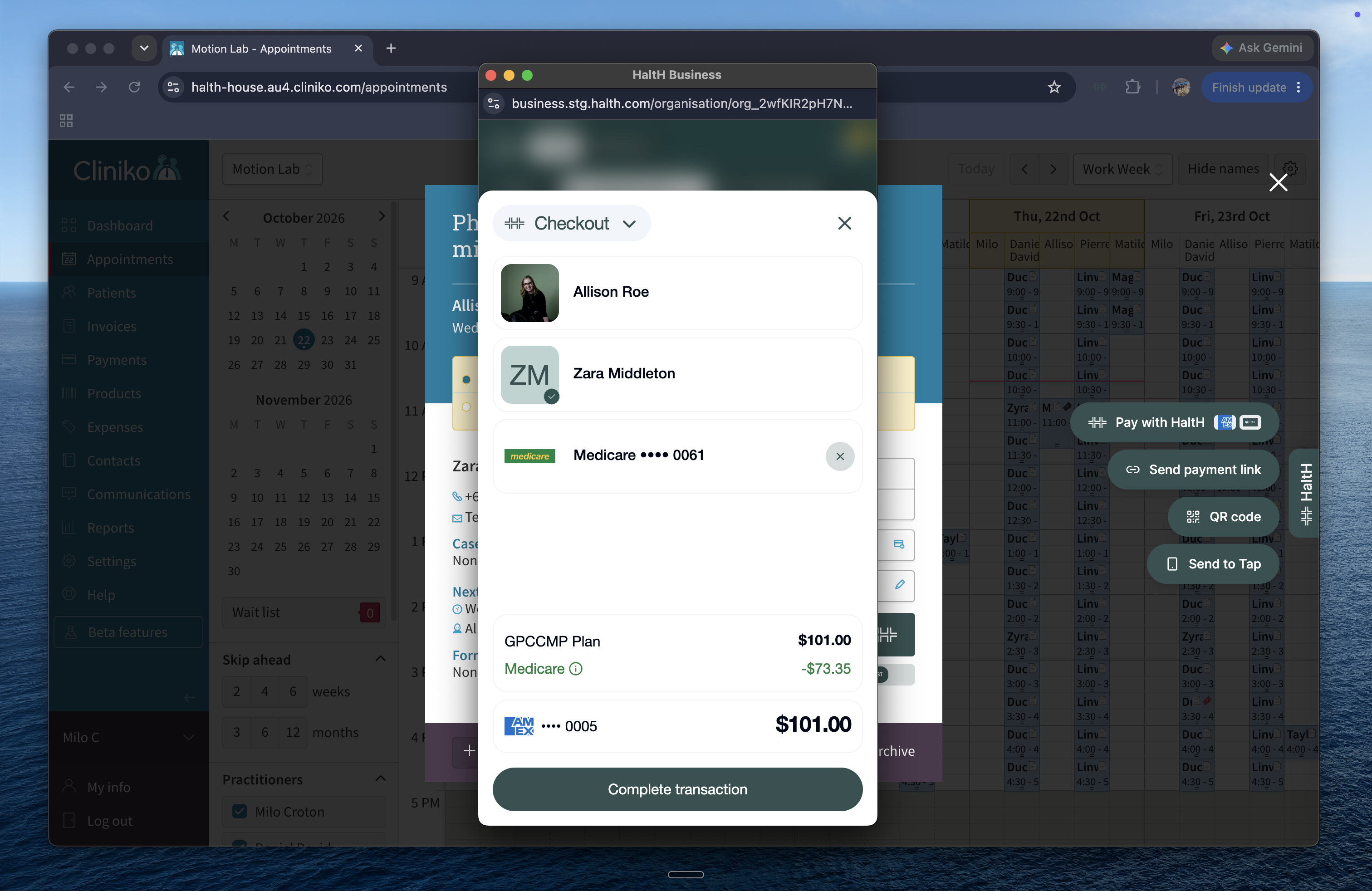
Check the details. The total stays at the full fee, and the expected Medicare rebate is shown alongside it.
Select Complete transaction.
Send the receipt to the client by email or phone number.
Medicare pays the rebate into the client's bank account. This can take up to 5 business days.
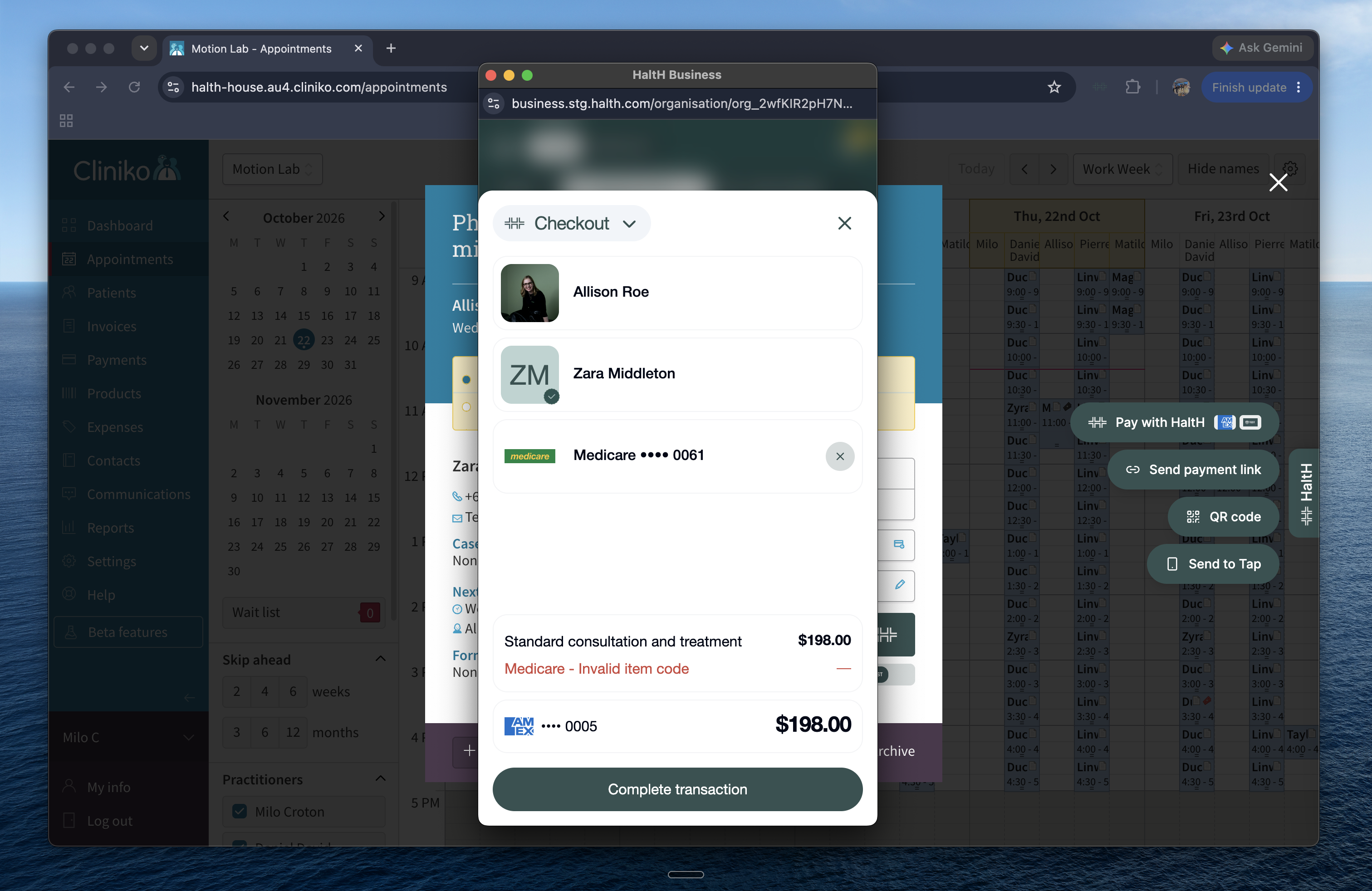
Seeing an invalid item code error? The appointment type isn't eligible for a Medicare claim. Open the appointment, select the appointment type in the top-left corner, and choose a Medicare appointment type.
Why doesn't the rebate change the total? The client pays the full fee upfront. Medicare pays the rebate directly to the client, not to your practice.
Need to reverse a claim? HaltH can only reverse a Medicare claim on the same day it was made. After that, contact Services Australia.
Medicare with HaltH Tap: how payments and rebates work
When you claim Medicare, the client pays the full fee and Medicare pays the rebate back to them directly. Here's how to do it in the HaltH app.
