How to Start a Medicare Claim After a Health Transaction
1. Complete the booking/transaction with the correct Medicare details:
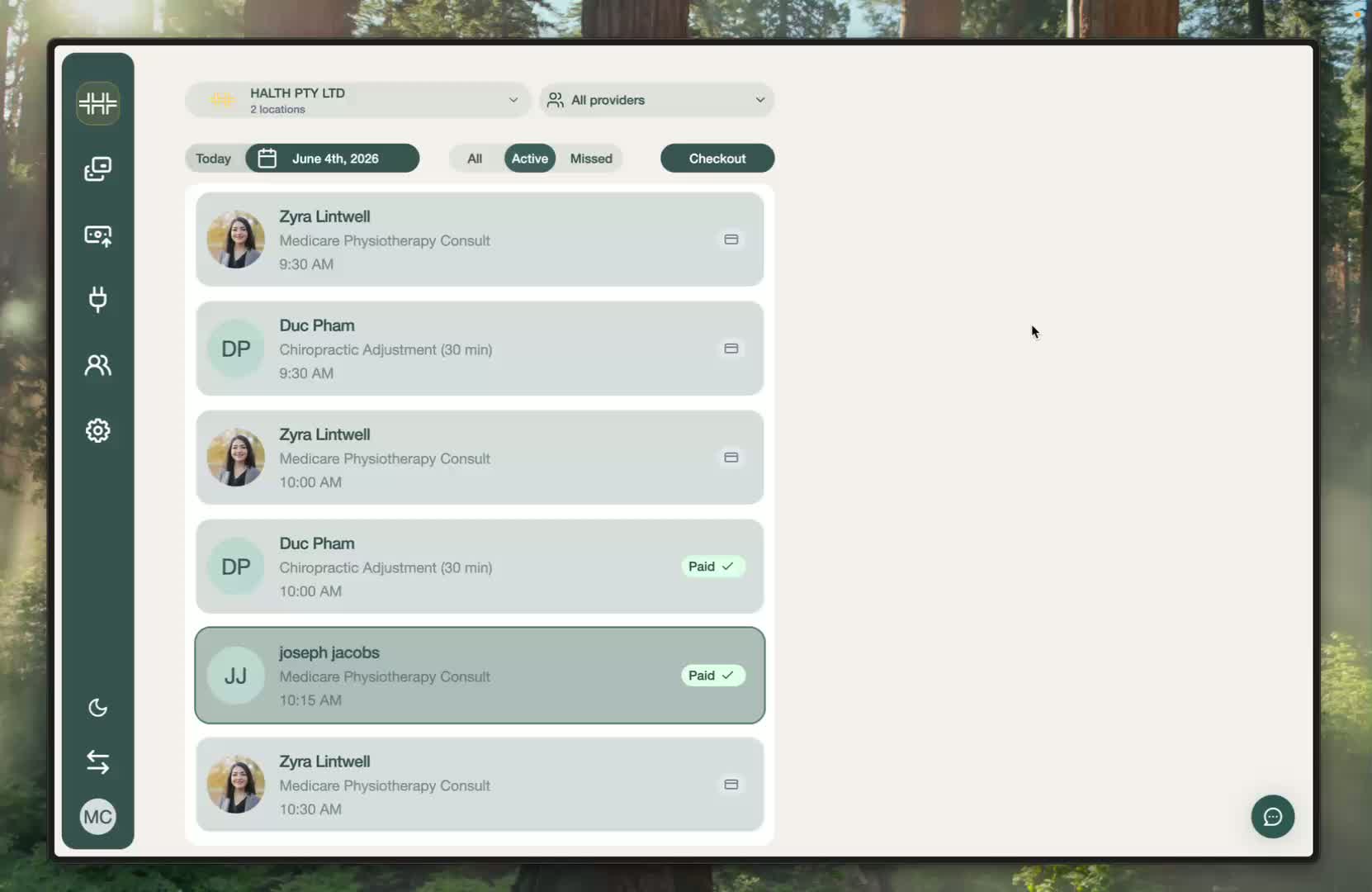
Start from the HaltH homepage and proceed through the normal booking flow.
Add the Medicare card details.
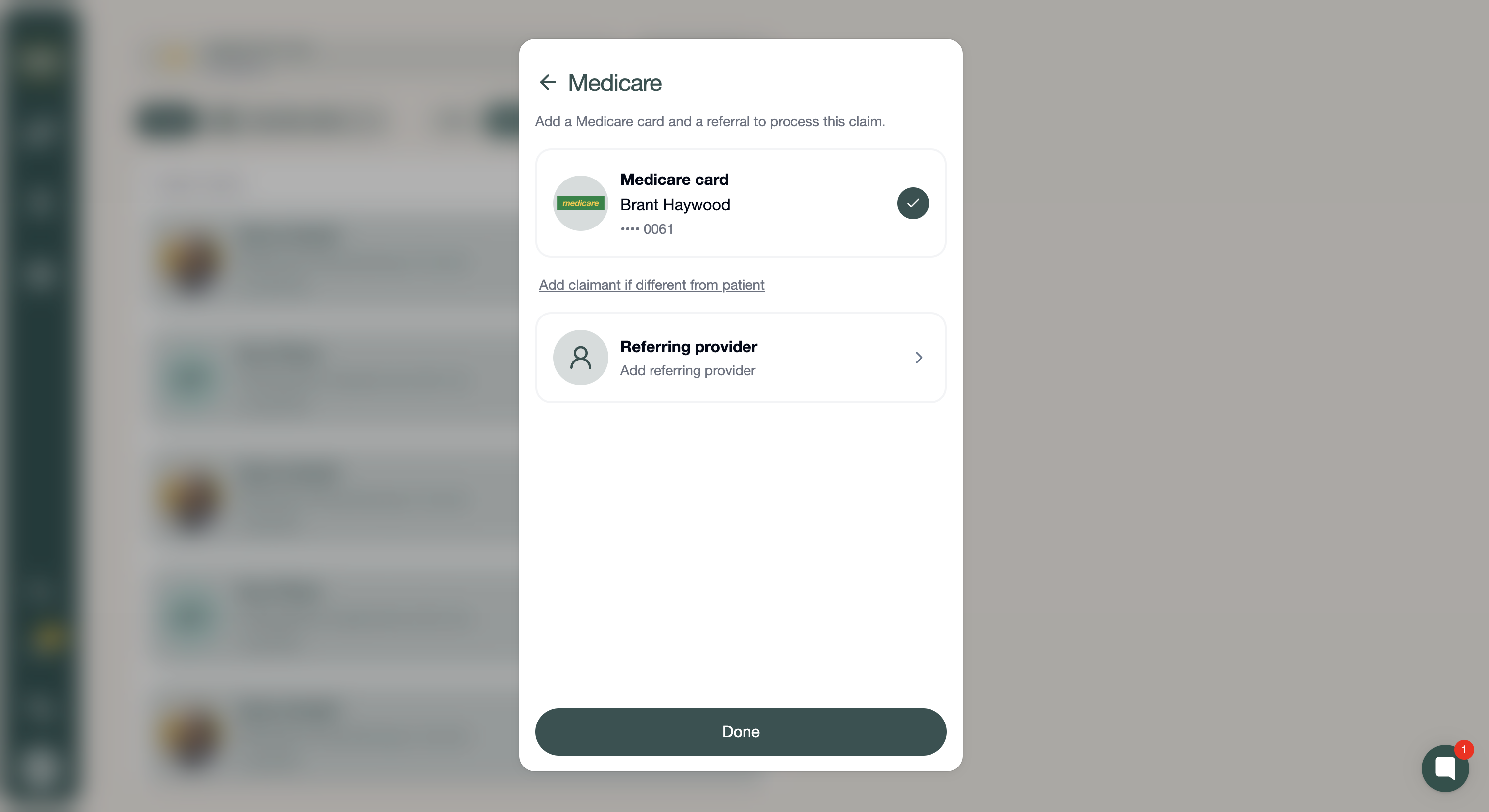
Enter the referring provider.
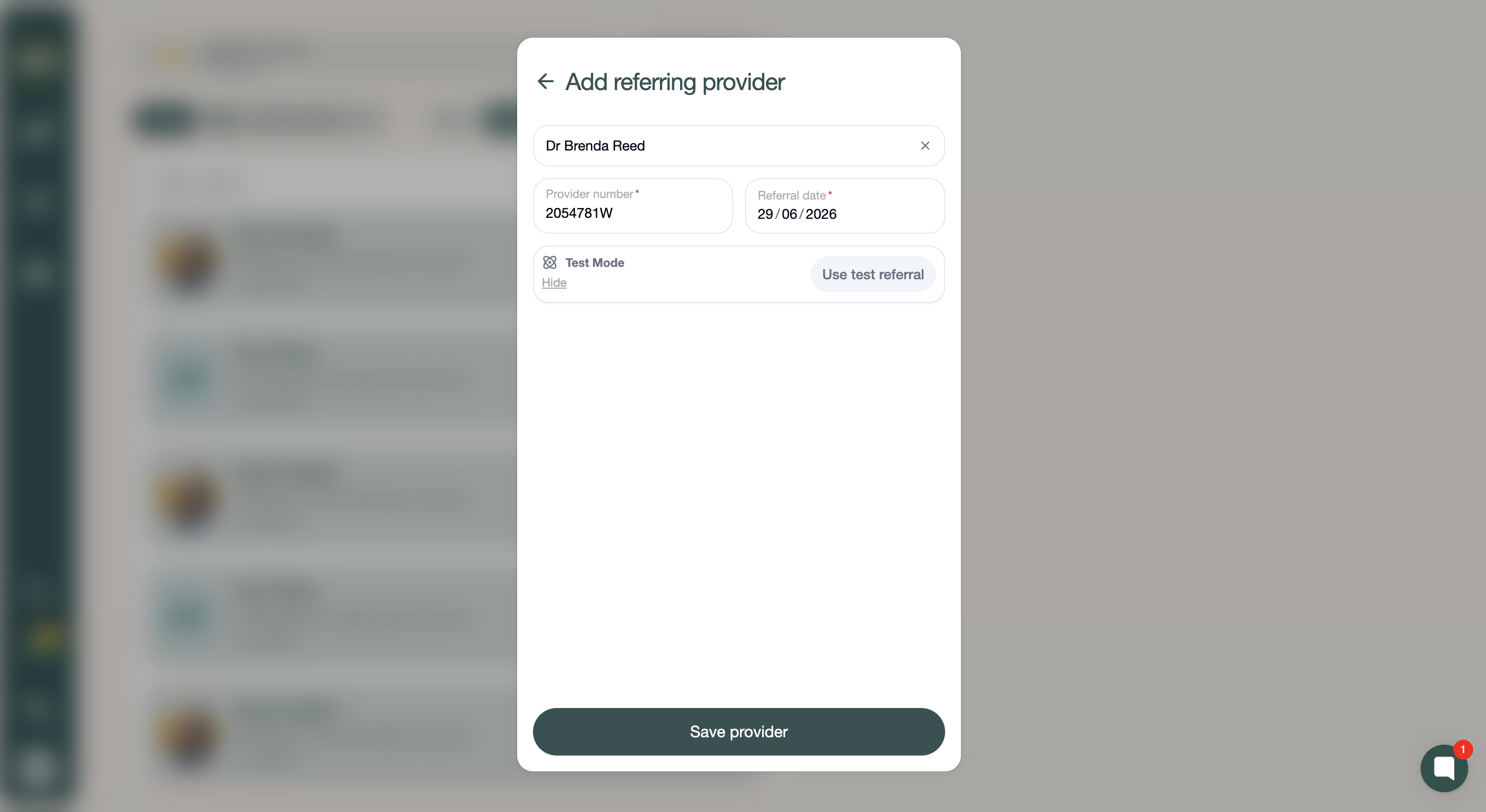
Make sure you are using a correct Medicare code (One labelled with Medicare underneath).
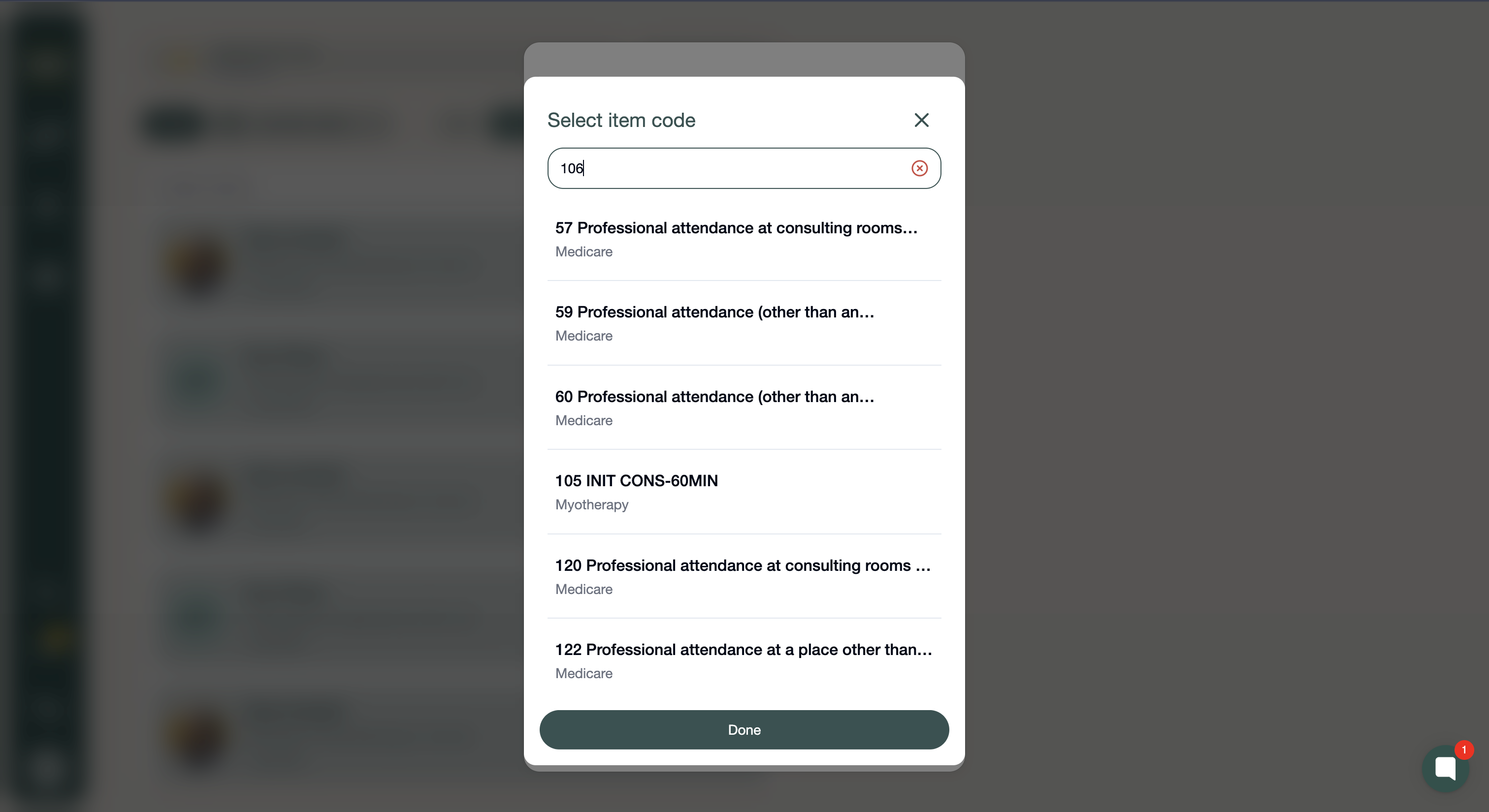
Then complete the transaction after confirming all details are correct.
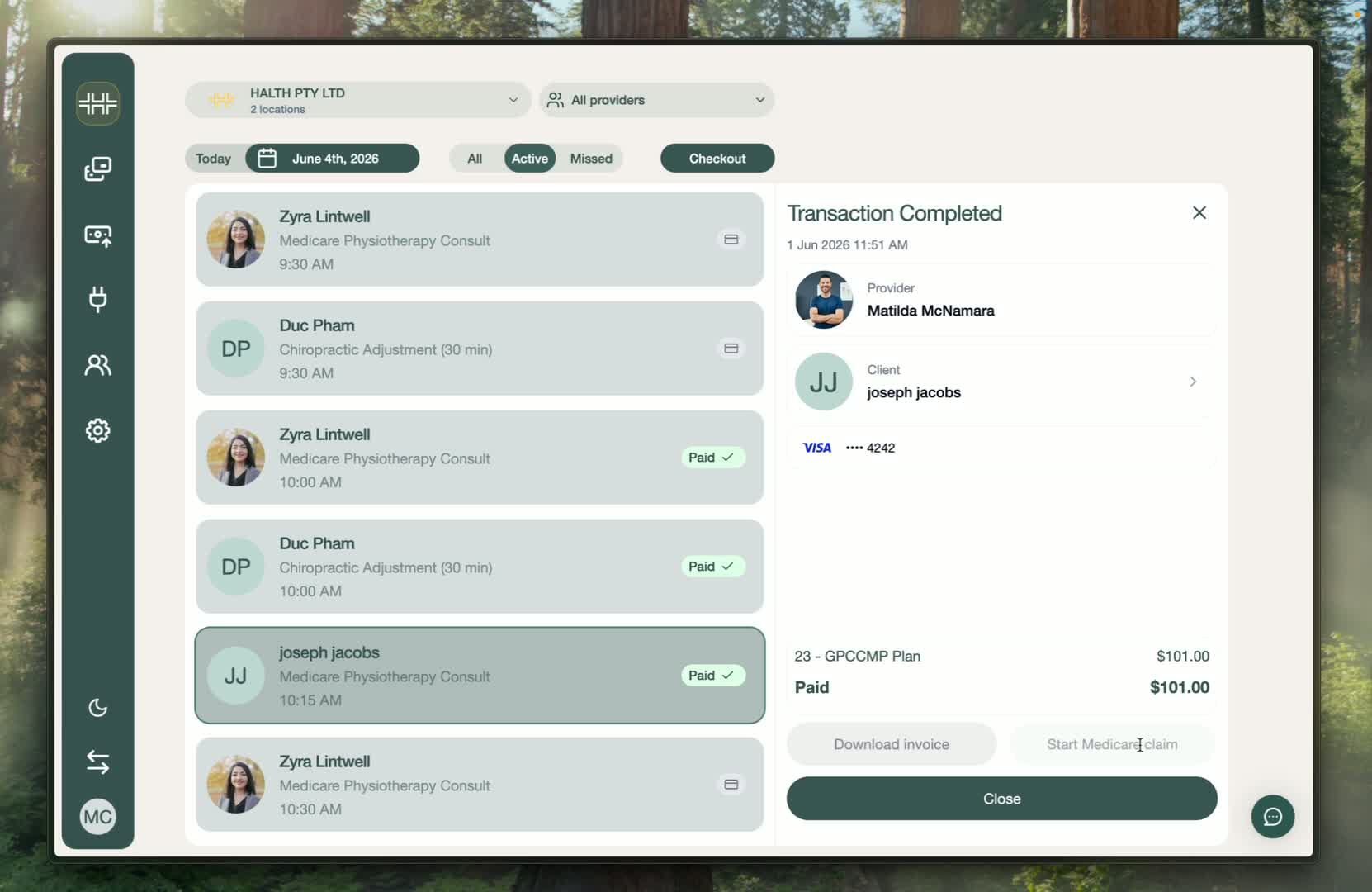
2. Automatic Medicare Claim Submission:
Once the transaction is processed successfully, the system will check the details.
As long as the Medicare card details and referring provider were added during the booking flow and are correct, the claim will be sent out automatically!
3. Send the receipt and wait for Medicare processing:
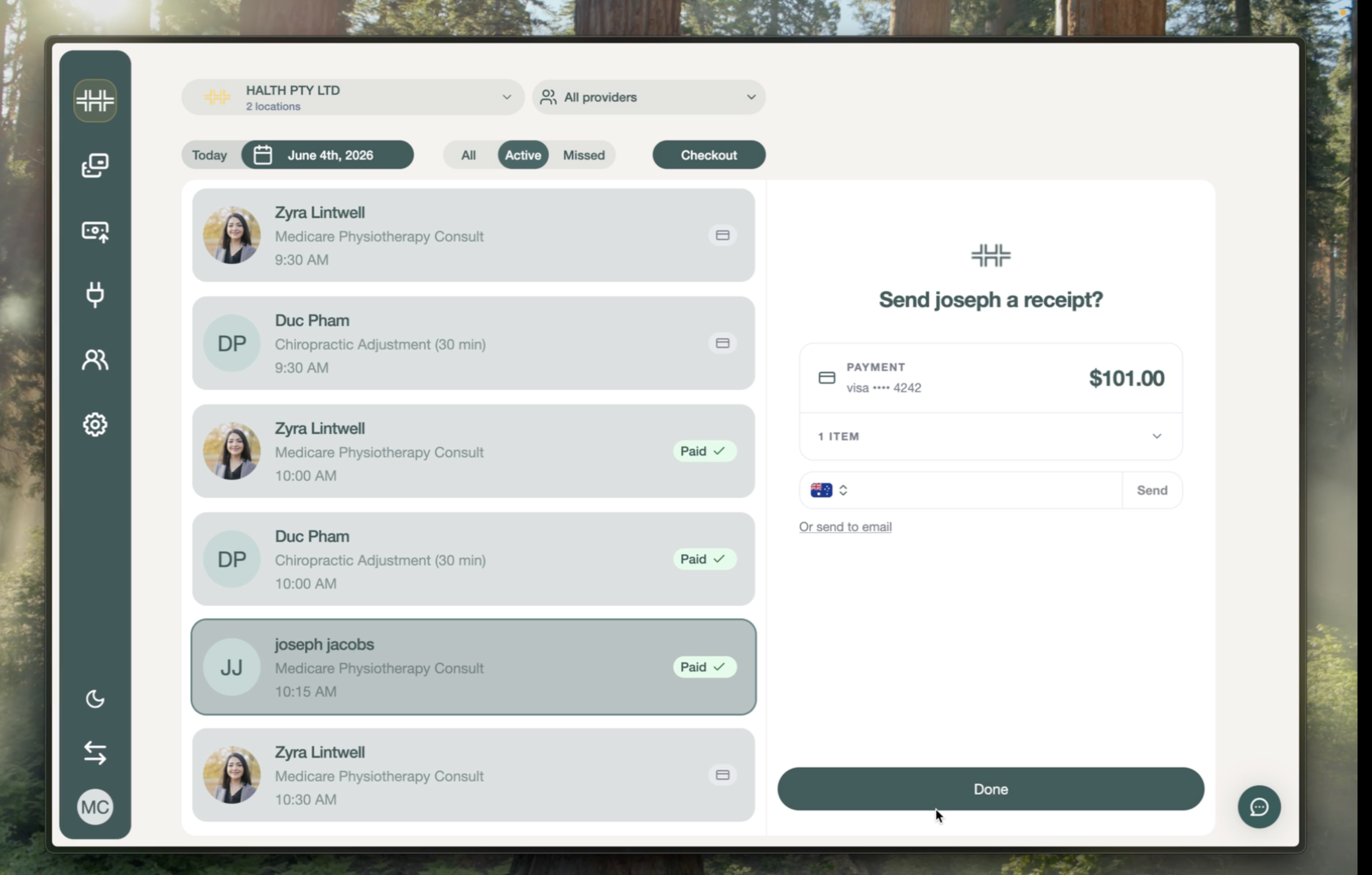
After submission, you can send a receipt.
You can send this by email address or phone number.
The Medicare claim will take up to five business days to process.