
HaltH doesn't add GST to your services. Your services, prices and GST settings sync from your practice management software (PMS). If GST shows on a service in HaltH, it's because the service or billable item is set to include GST in your PMS. Change it there and HaltH picks up the change.
The only GST HaltH charges is on its own fee, which appears in your payout details as Fee includes GST.
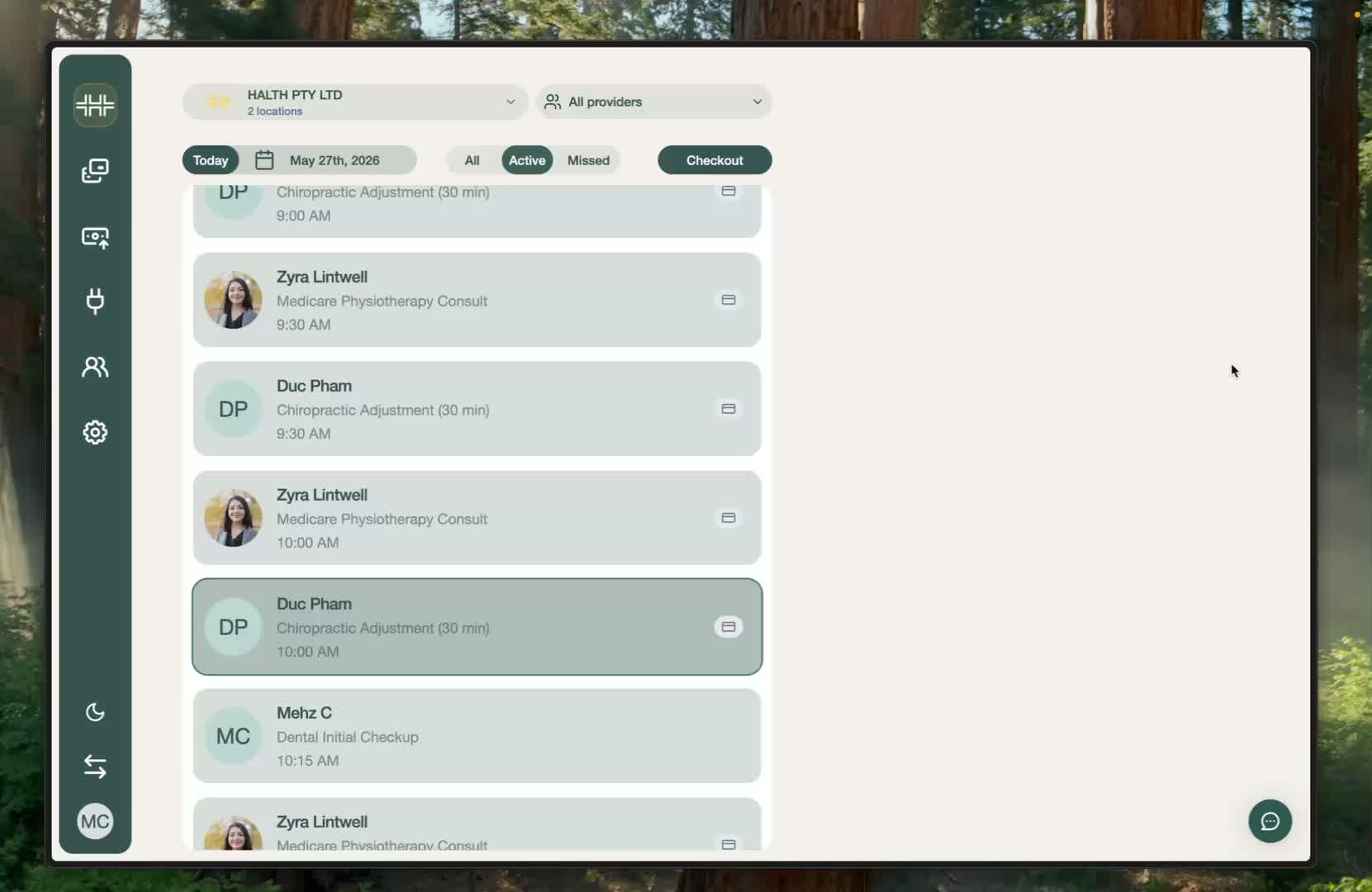
1. Find the service in your PMS
Open your PMS and find the service or billable item that's showing GST. Every PMS lets you set GST per item. The steps for Nookal and Cliniko are below.
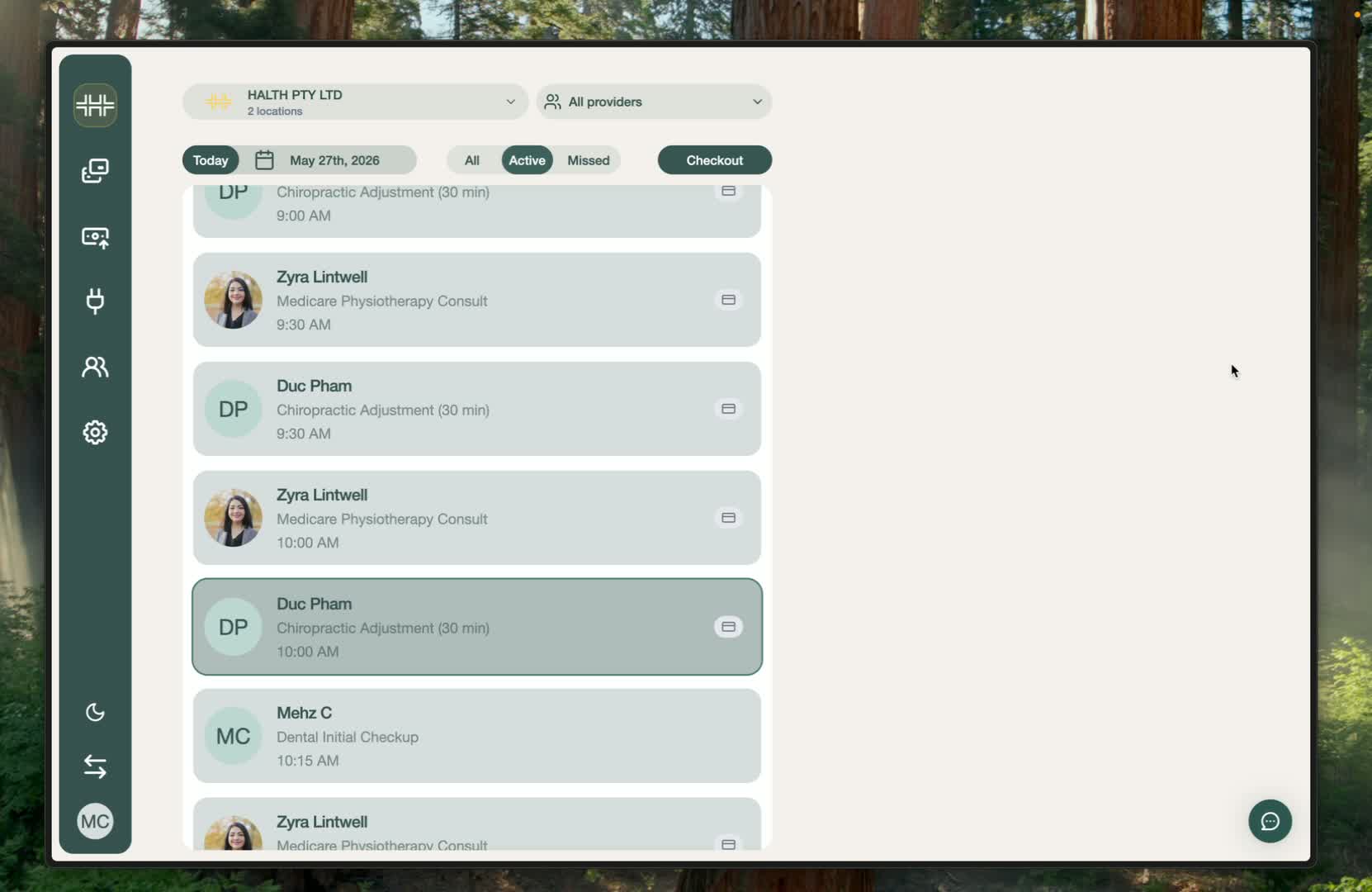
2. Remove GST in Nookal
Go to Setup → Services.
Open the service that includes GST.
Deselect GST and save.
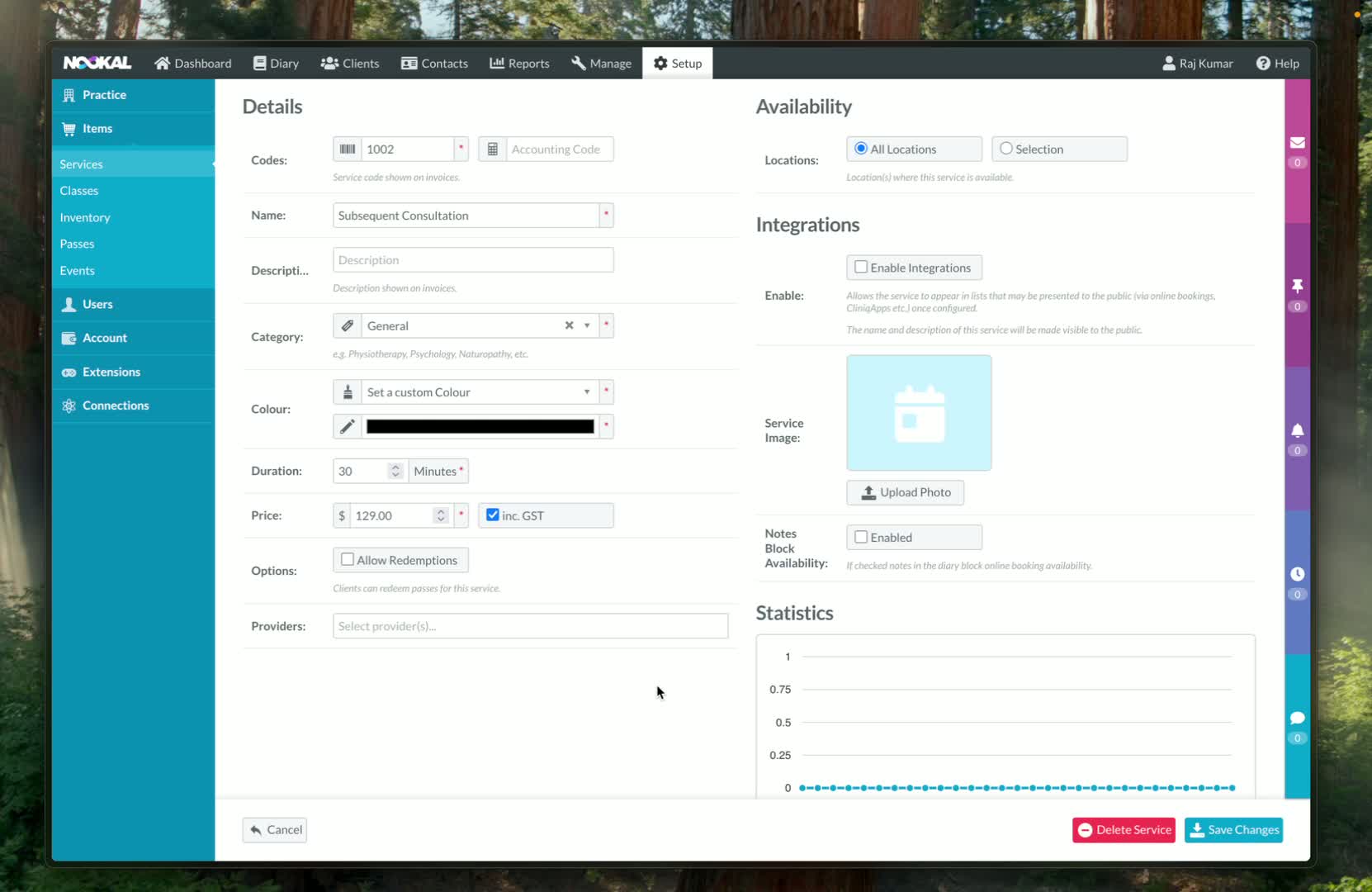
3. Remove GST in Cliniko
Go to Settings → Billable items.
Open the billable item you want to change.
Set the tax option to N/A (no tax) and save.
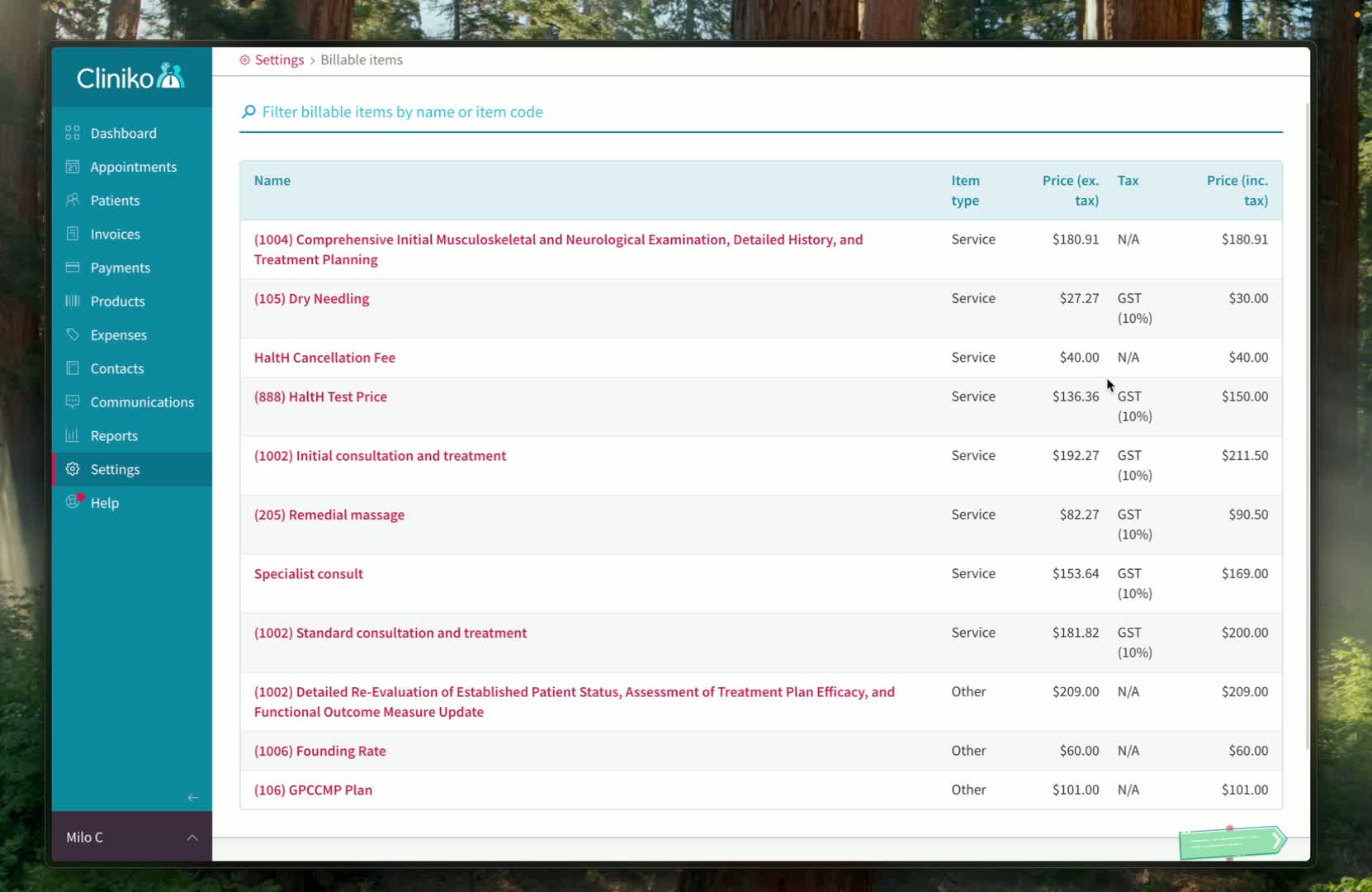
4. Check HaltH
Go back to HaltH and give the change a little time to sync. Then reopen the checkout for the booking. The price should no longer include GST.
Troubleshooting
GST still shows on an existing booking. The booking may have been created before you changed the item. Update the item on the booking in your PMS, or change the price in the checkout.
Not sure whether a service should include GST? Check with your accountant. Most health services are GST-free, but some products and services aren't.