Ready to get started with HaltH? Follow the steps below to create your account, complete your profile, and set up your organisation.
Start by heading to the HaltH website — https://www.halth.com/
Once you're there, select Sign up in the top-right corner to begin creating your account.

From here, click “Set up in minutes”.
Enter the email address you'd like to use for your HaltH account, then select Continue.
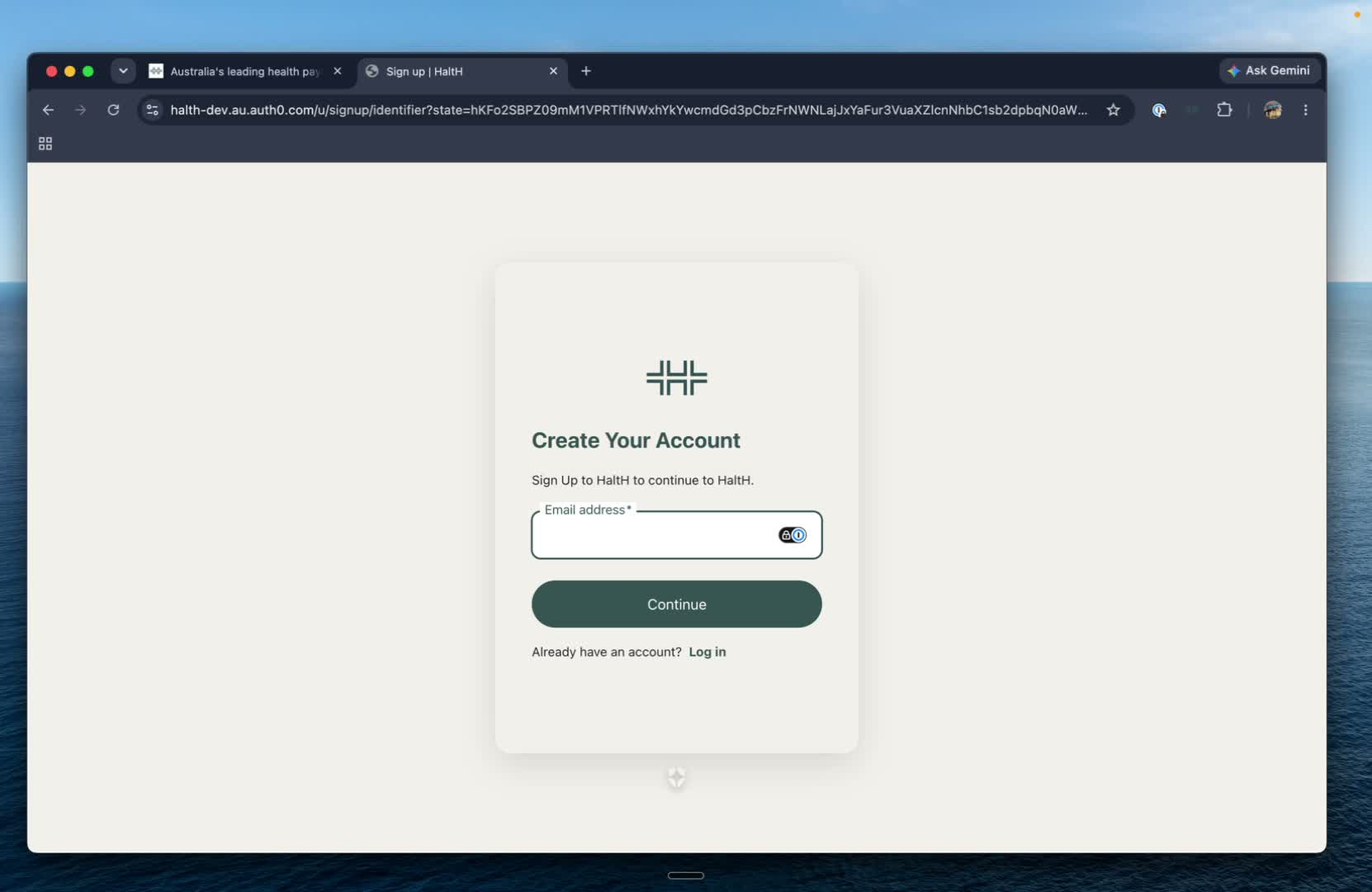
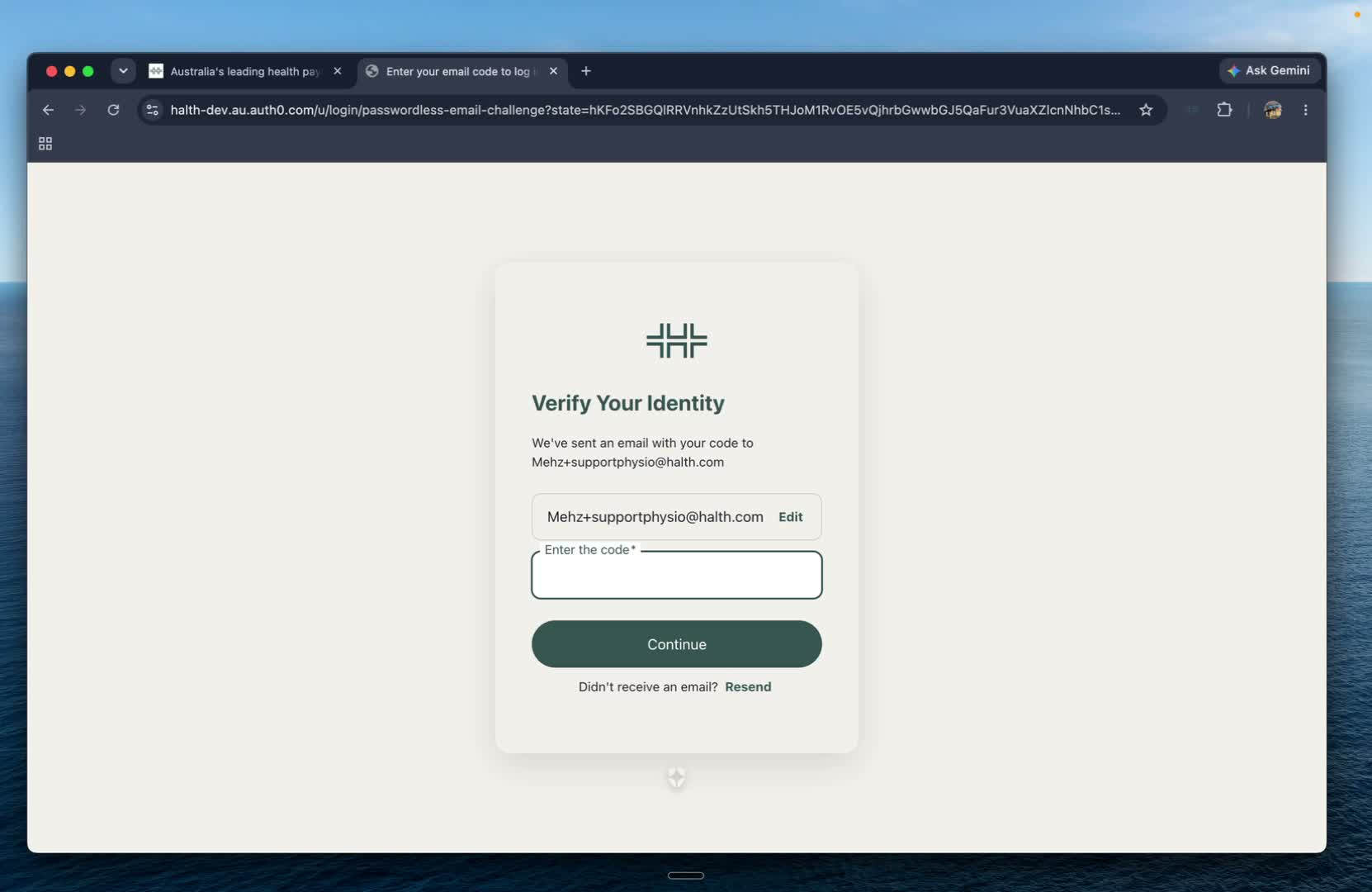
Check your inbox for a verification code from HaltH.
Enter the code into the sign-up screen to verify your email address and continue.
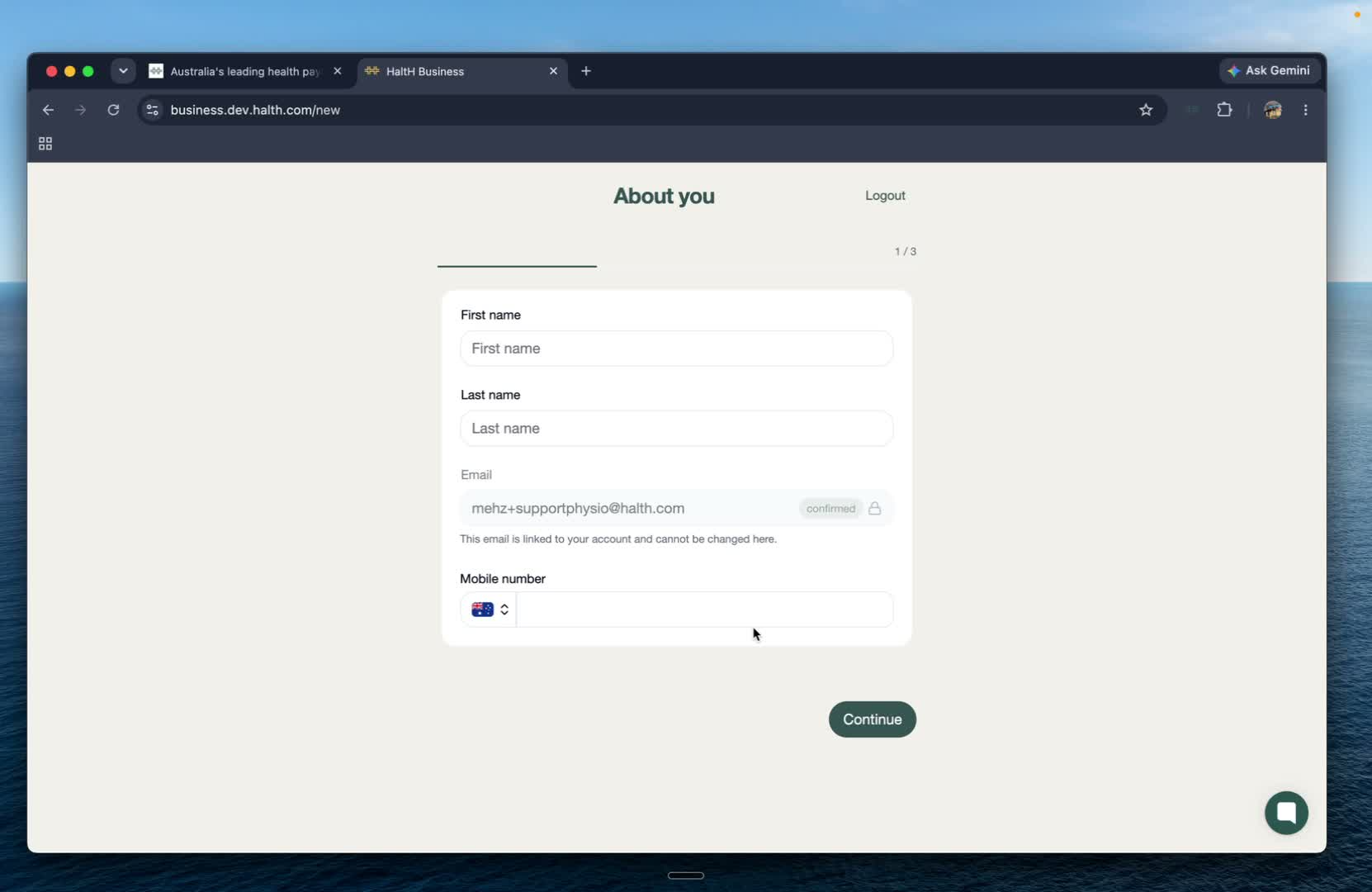
After verifying your email, you'll be taken to the About You section.
Enter your personal details and phone number, then select Continue.
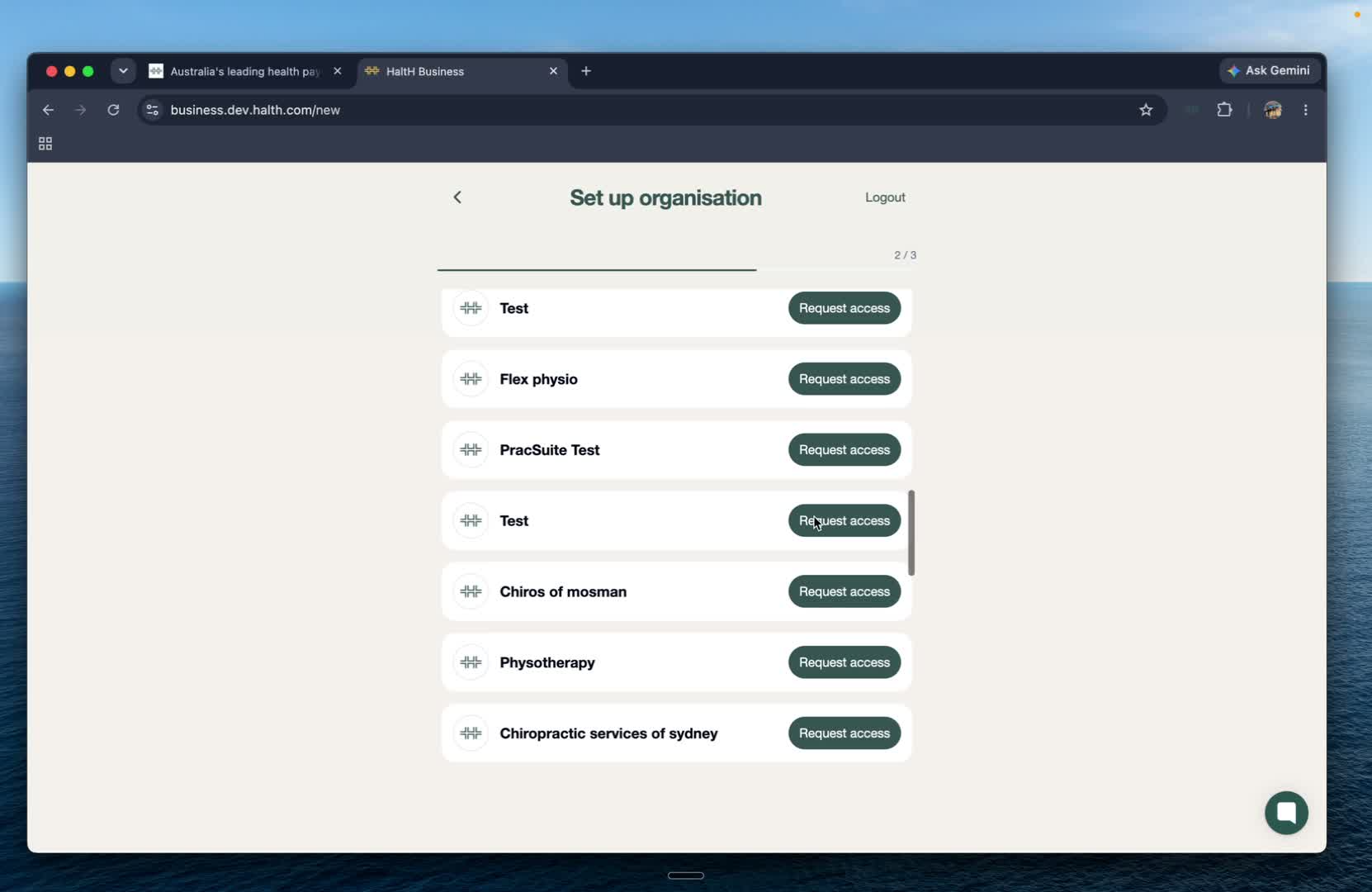
Once your profile is complete, you'll be asked how you'd like to set up your organisation.
If your email address is already associated with an existing organisation, you'll be able to request access to it.
If you're setting up a new organisation, select Create a new organisation instead.
Enter the name of your organisation and select Continue.
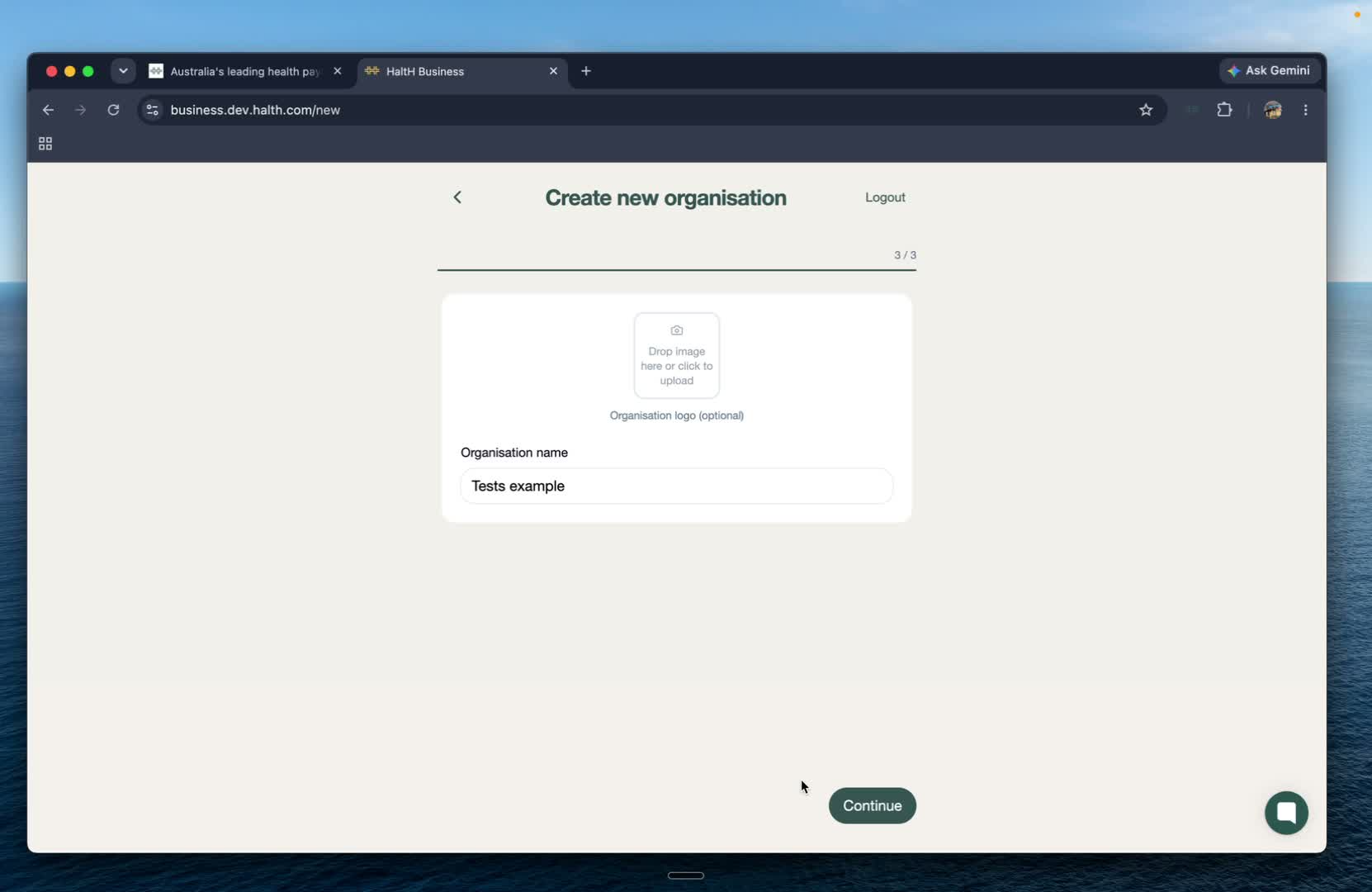
You can optionally upload an image for your organisation.
If you don't have one ready, you can skip this step and add one later.
Once you've finished setting up your organisation, you'll be taken to your organisation homepage.
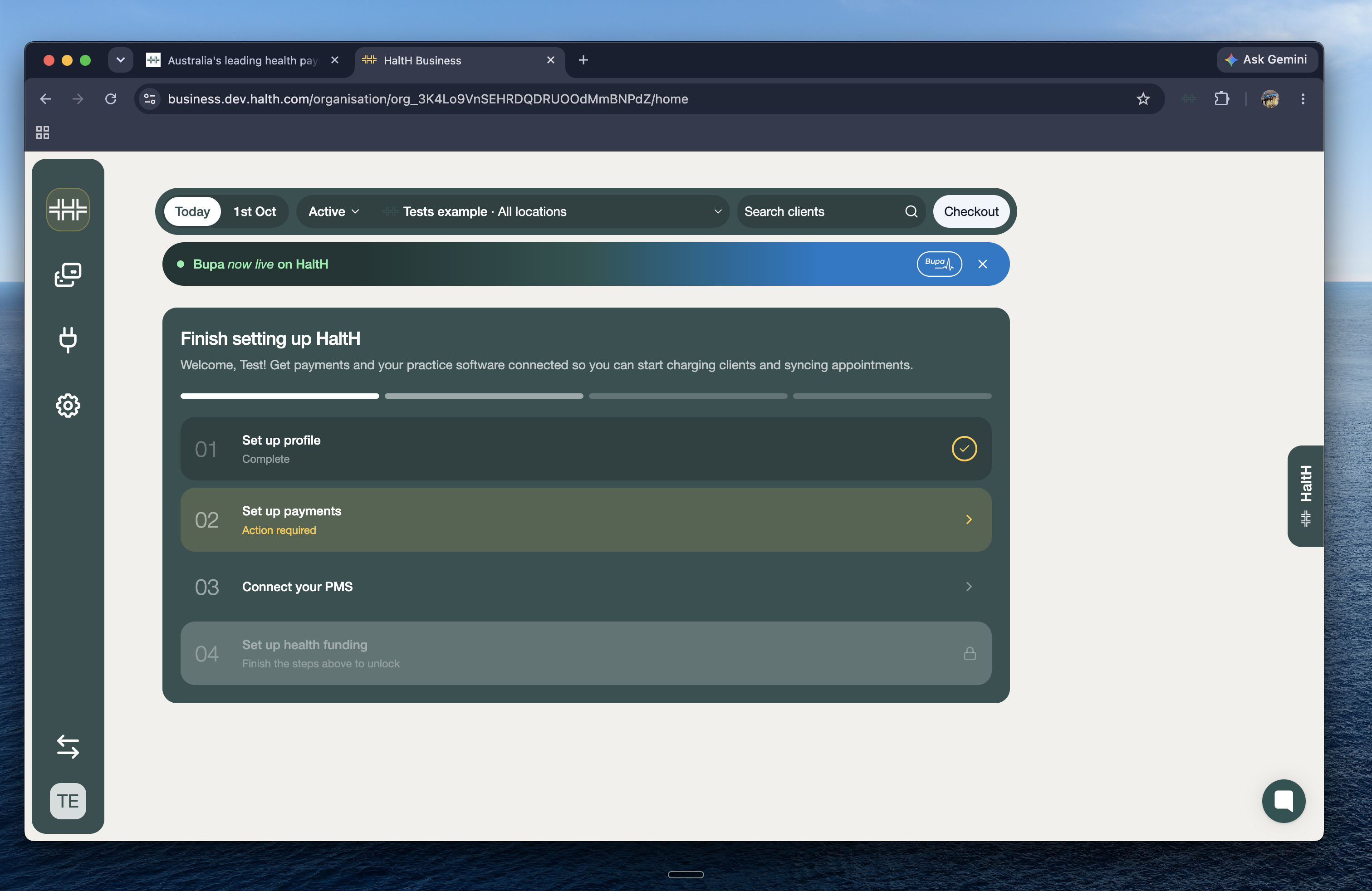
Your HaltH account and organisation are now set up!
From your organisation homepage, you can continue setting up your practice and start using HaltH.
