Your clinic has invited you to join HaltH — welcome aboard!
HaltH helps make payments, health fund claiming, Medicare claiming and funding easier, all in one place. Once you've completed your provider setup, you'll be ready to start using HaltH with your clinic.
This guide will walk you through everything you need to get set up. It only takes a few steps, and we'll guide you through each one along the way.
Ready? Let's get started!
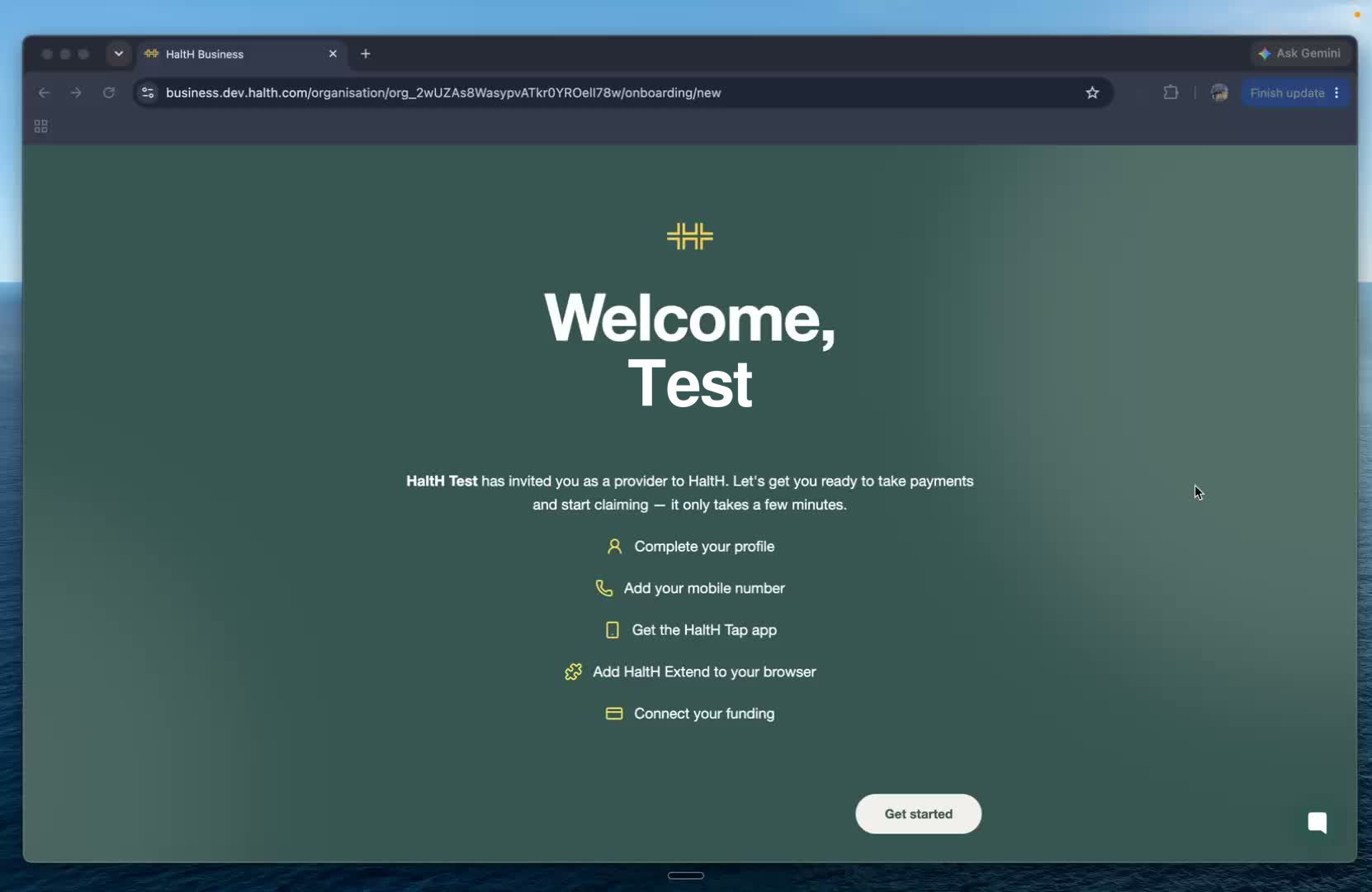
Once your clinic has invited you to HaltH, you'll be taken through the provider onboarding process.
This is where you'll set up your provider profile and get everything ready to start using HaltH.
When you're ready, click Get started.
Before you begin, you'll see an overview of the setup process.
You'll be guided through a few quick steps, including:
Completing your provider profile
Adding your mobile number
Downloading the HaltH app
Installing the HaltH browser extension
Connecting your funding
Once you've had a look through the steps, click Get started.
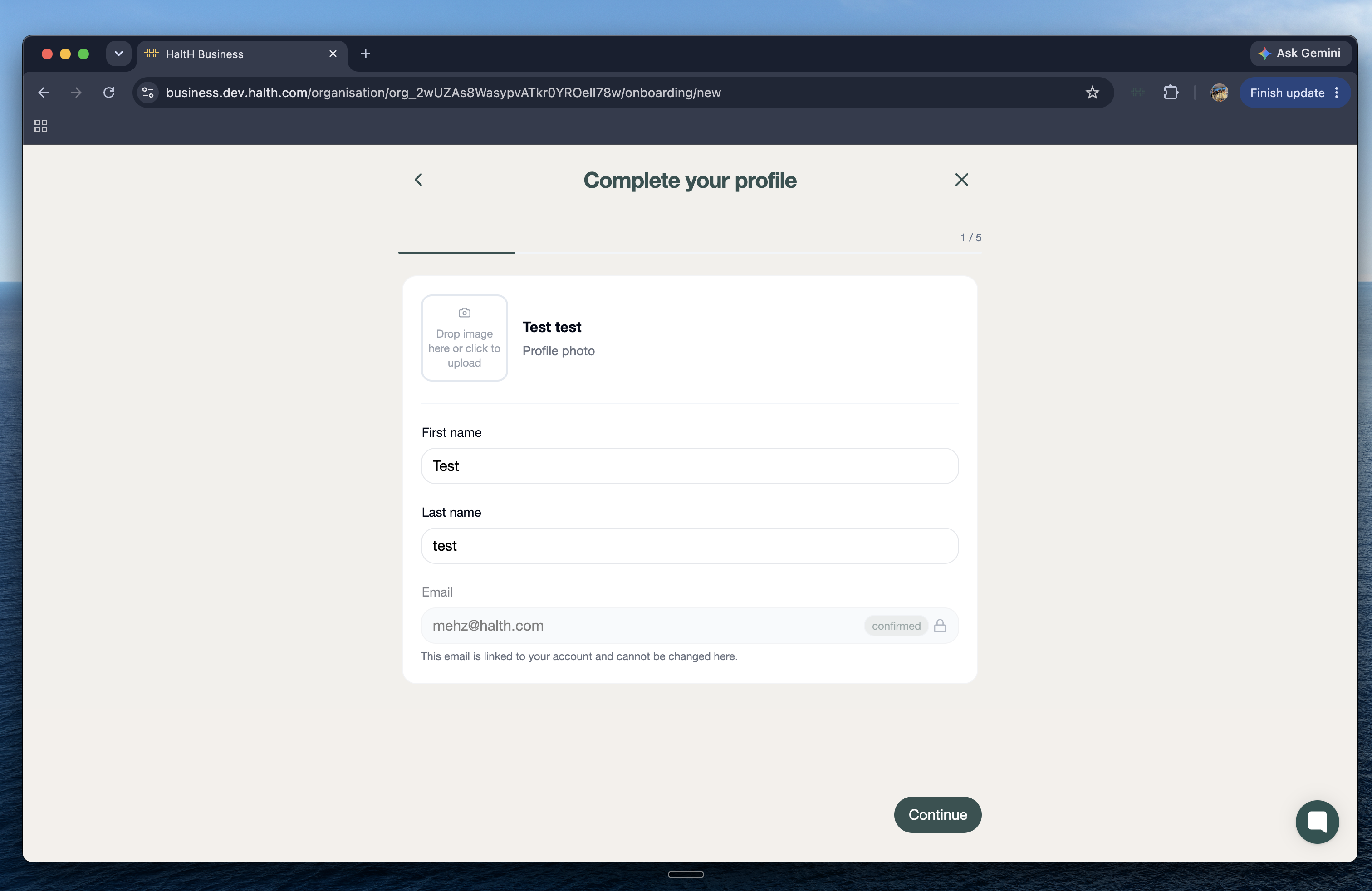
First, you'll be asked to complete your provider profile.
Add your:
First name
Last name
Profile picture
Your email address will already be linked to your invitation and can't be changed here.
Once you've entered your details, click Continue.
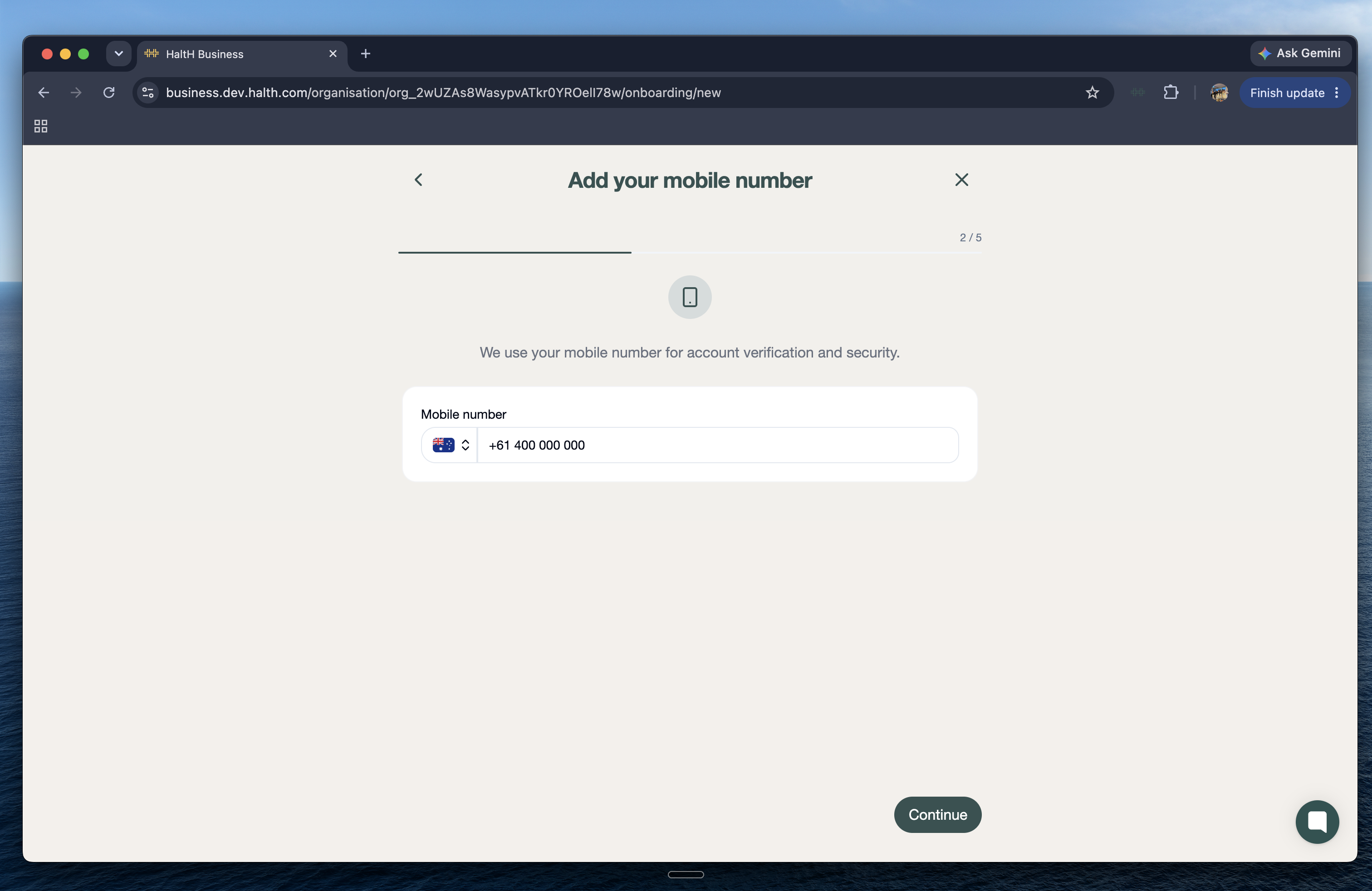
Enter your mobile phone number so we can keep your account connected and secure.
Click Continue once you've entered your number.
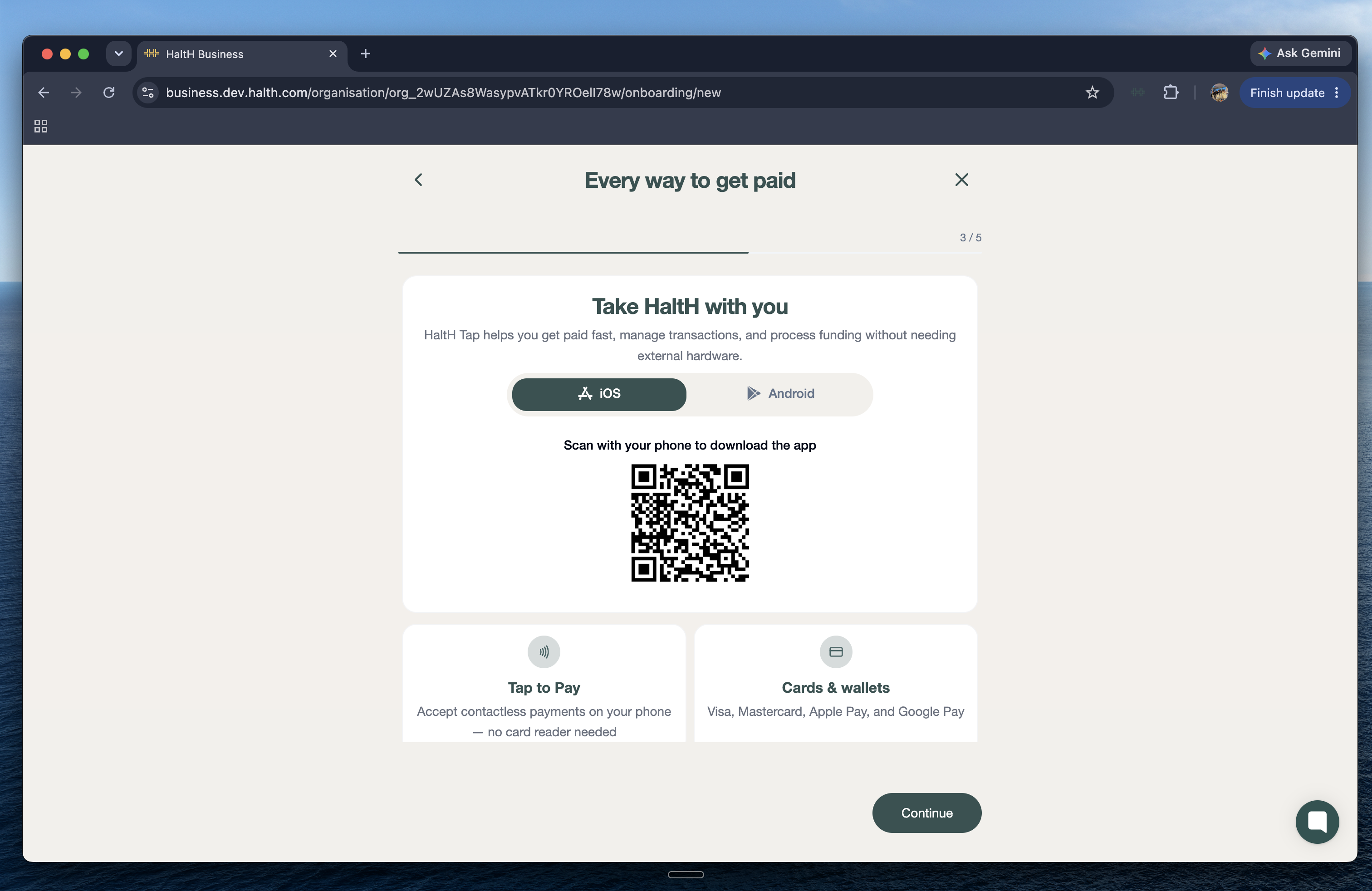
Next, you'll be prompted to download the HaltH app.
Scan the QR code to download the app on your iOS or Android device.
The HaltH app gives you access to many of the same tools available on the web, including:
Managing payments and transactions
Processing funding without external hardware
Tap to Pay
Cards and wallets
Payment links and QR codes
Private health insurance claiming
Medicare claiming
Once you've installed the app, click Continue.
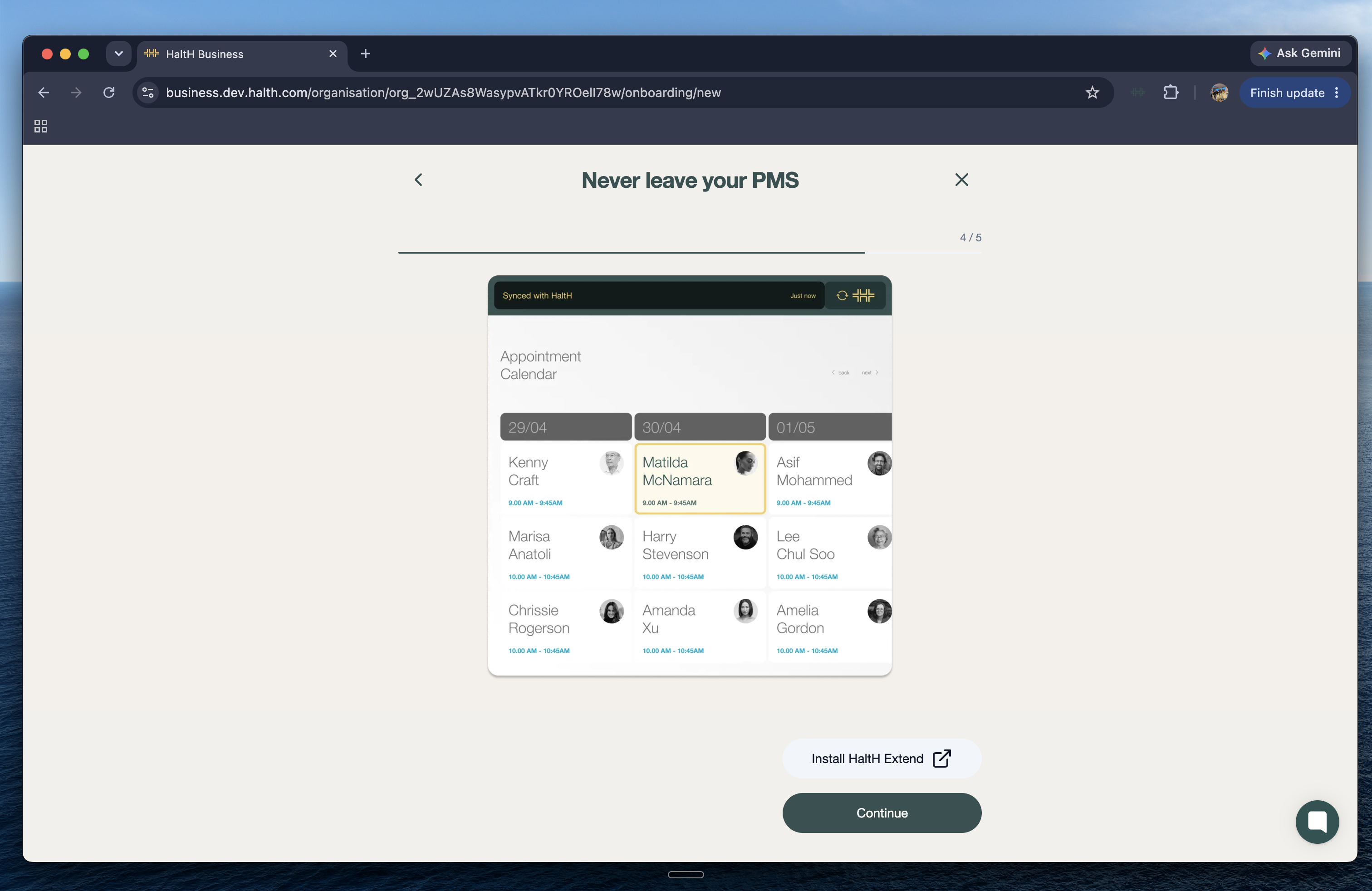
Next, you'll be prompted to install the HaltH browser extension.
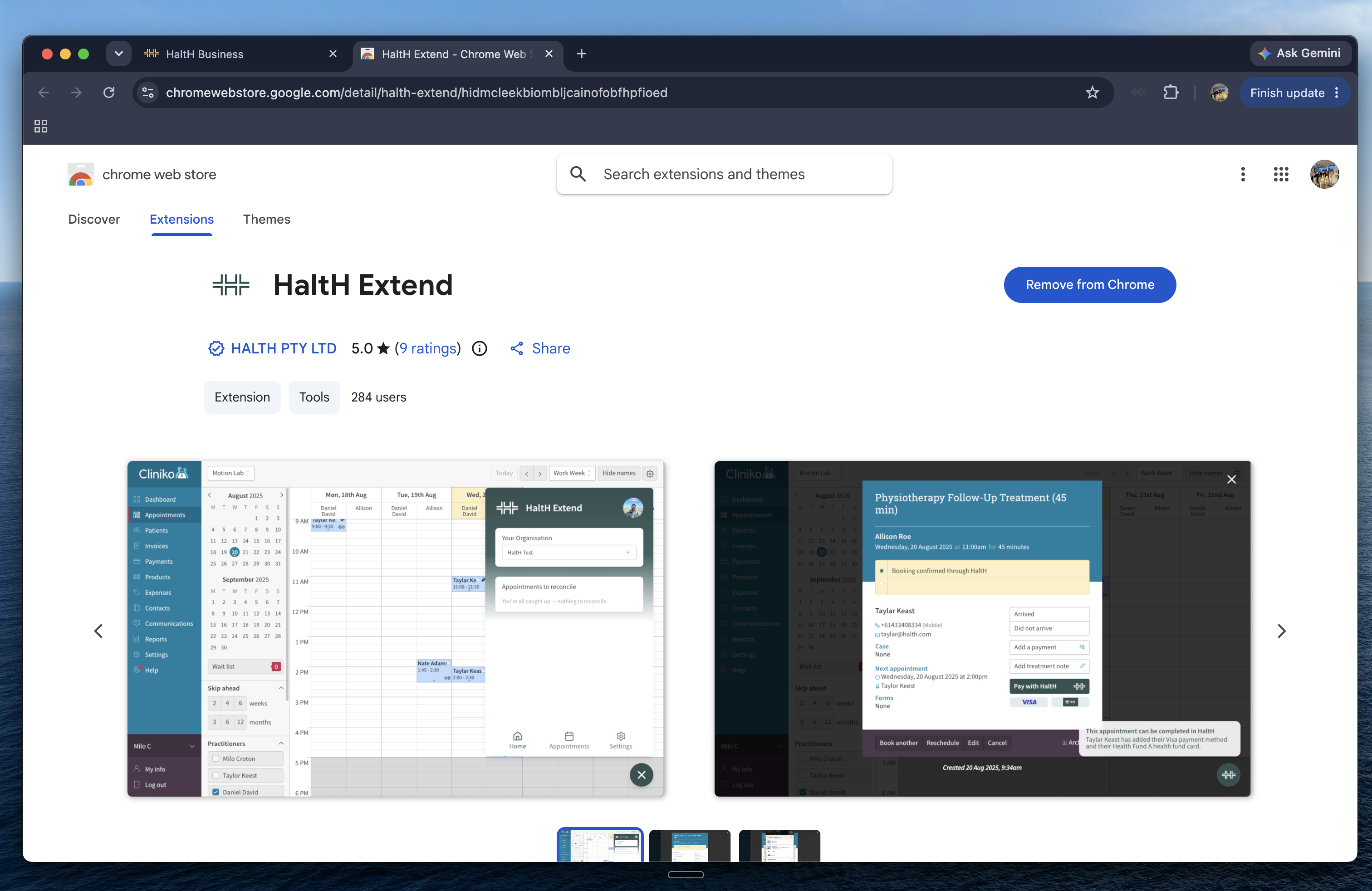
Click the install prompt to open the Chrome Web Store, then download and set up the extension in your browser.
Once it's installed, click Continue.
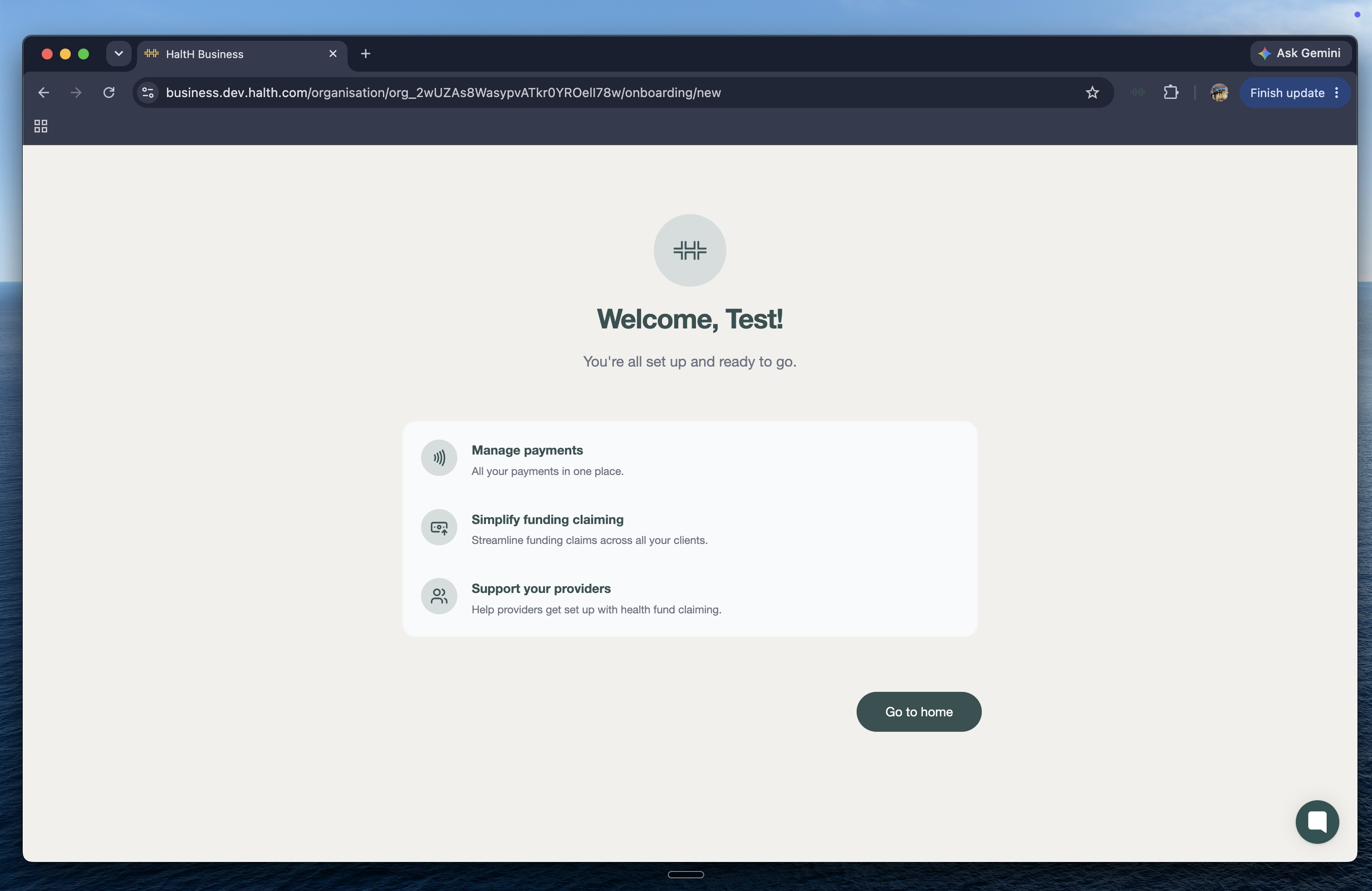
That's it! Your provider setup is complete.
Once you're set up, you'll be ready to use HaltH for things like:
Health fund and Medicare claiming
Funding lookups
Managing payments
Digital receipts
Real-time claiming
And more
Click Continue to finish your onboarding and head into HaltH.
You're now ready to start using HaltH with your clinic. Explore the platform, have a look around, and don't worry — our Support Centre is always here if you need a hand.