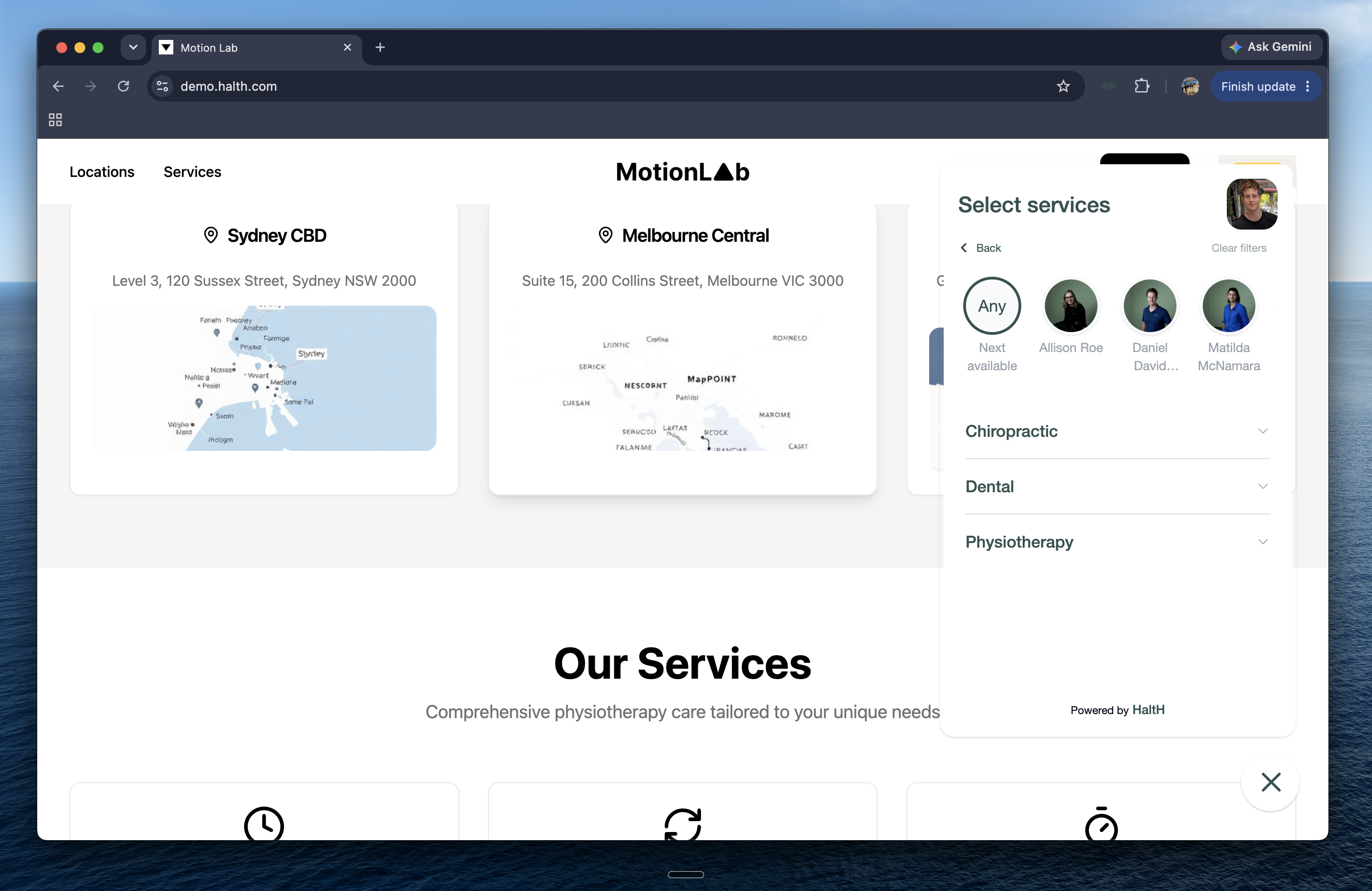
Let clients book with you straight from your website. There are two ways to do it, and both take just a few minutes.
Which option is right for you?
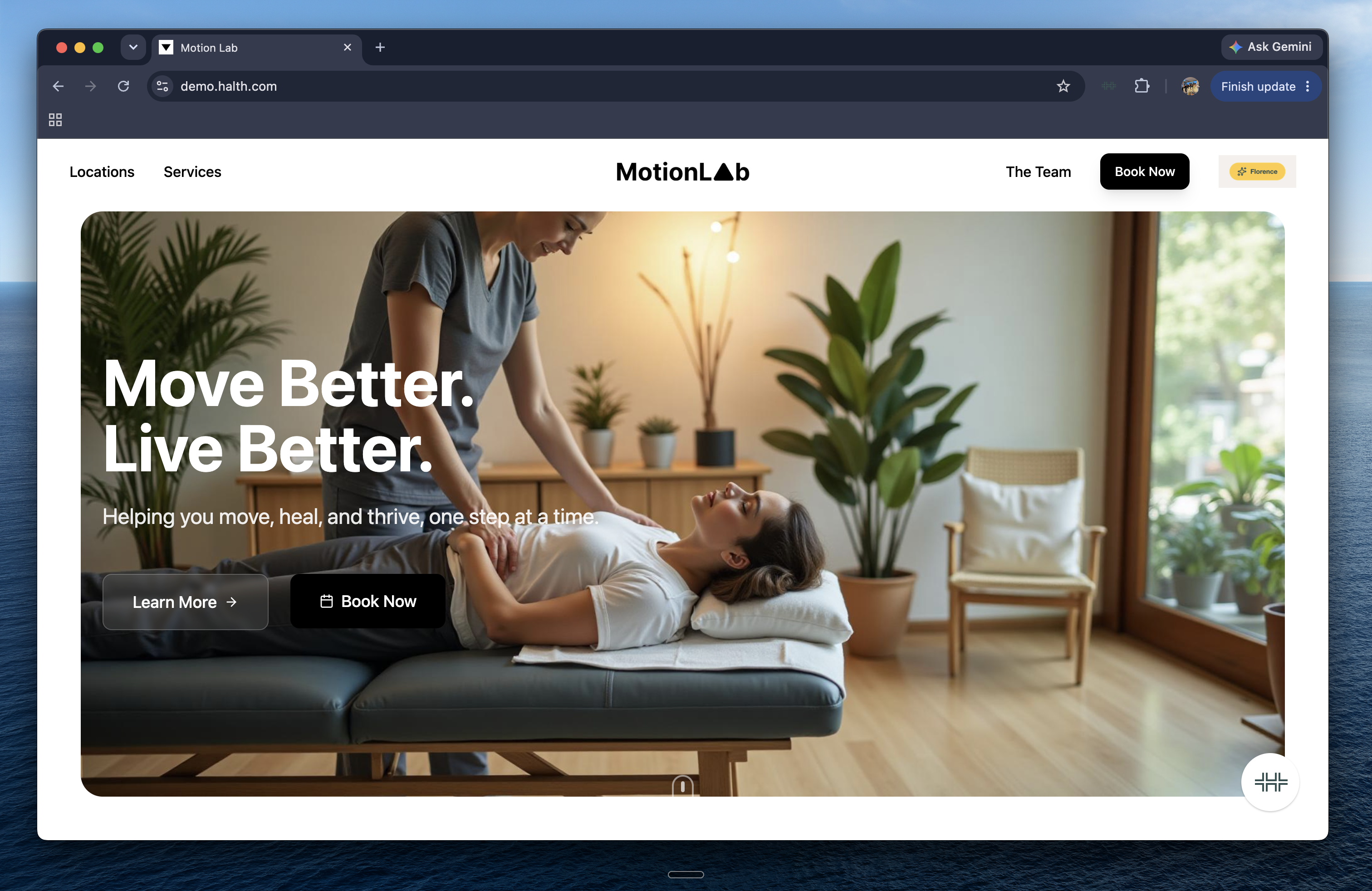
Option 1: Booking link. Add a “Book now” button to your website that takes clients to your HaltH booking form. This is the quickest option and works with any website, no code needed.
Option 2: Website embed. Add the HaltH booking form directly onto a page of your website, so clients can book without leaving your site. This requires adding a small piece of code to your website, which you or your developer can do.
Option 1: Add a booking link
Step 1: Copy your booking link
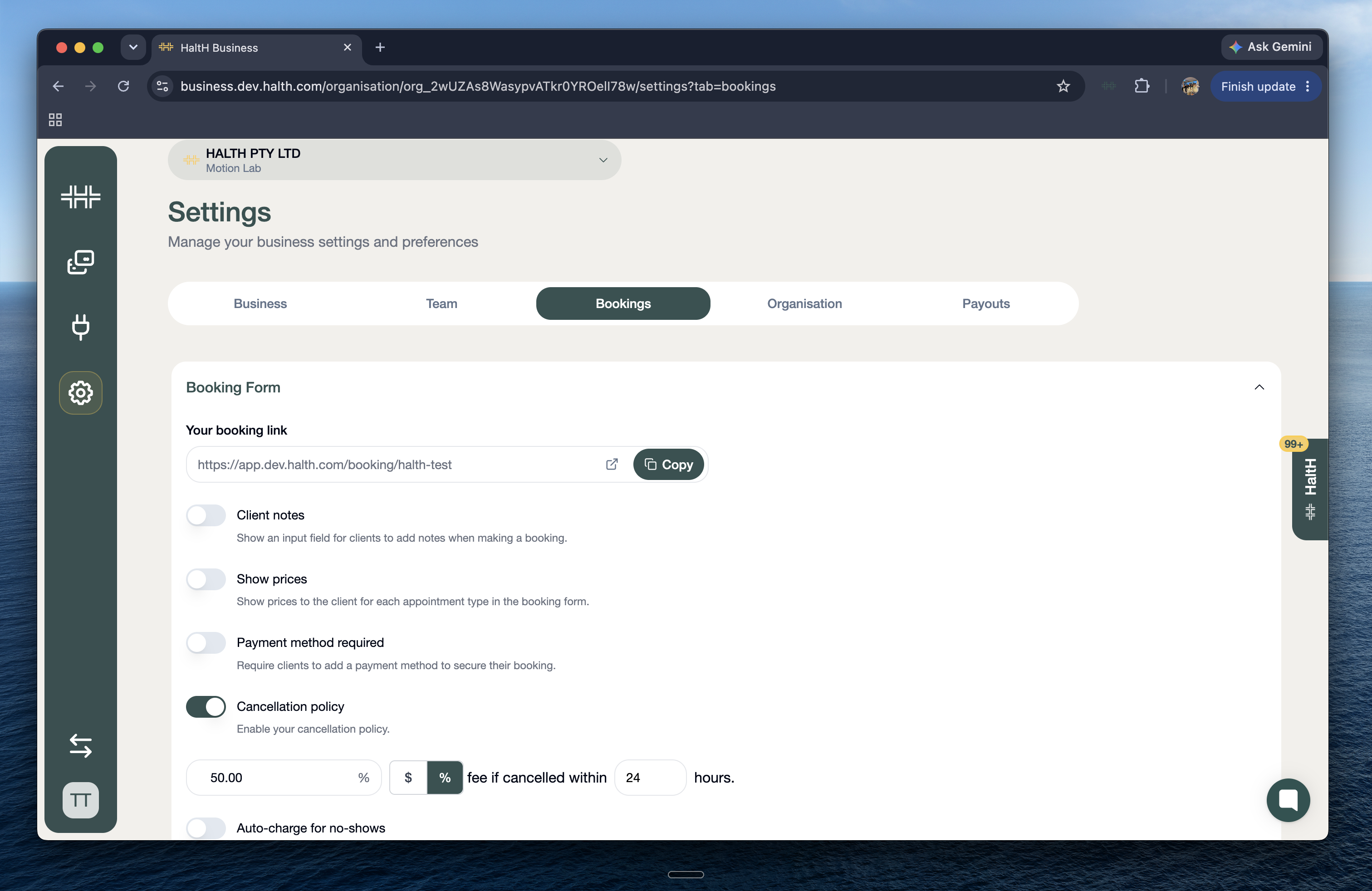
In HaltH, go to Settings.
Select Bookings, then Booking Form.
Find your booking form link and click to copy it.
Step 2: Add the link to your website
Open your website editor and go to the page where you want clients to book (your home page and contact page are great spots).
Add a button, or edit an existing one, and label it something clear like Book now.
Paste your HaltH booking link as the button’s link.
Save and publish your changes.
When a client clicks Book now, they’ll be taken straight to your HaltH booking form to choose a time and book.
Tip: You can use the same link anywhere, not just your website. Try adding it to your Google Business profile, Instagram bio, Facebook page or email signature.
Option 2: Embed HaltH on your website
Step 1: Get your embed code
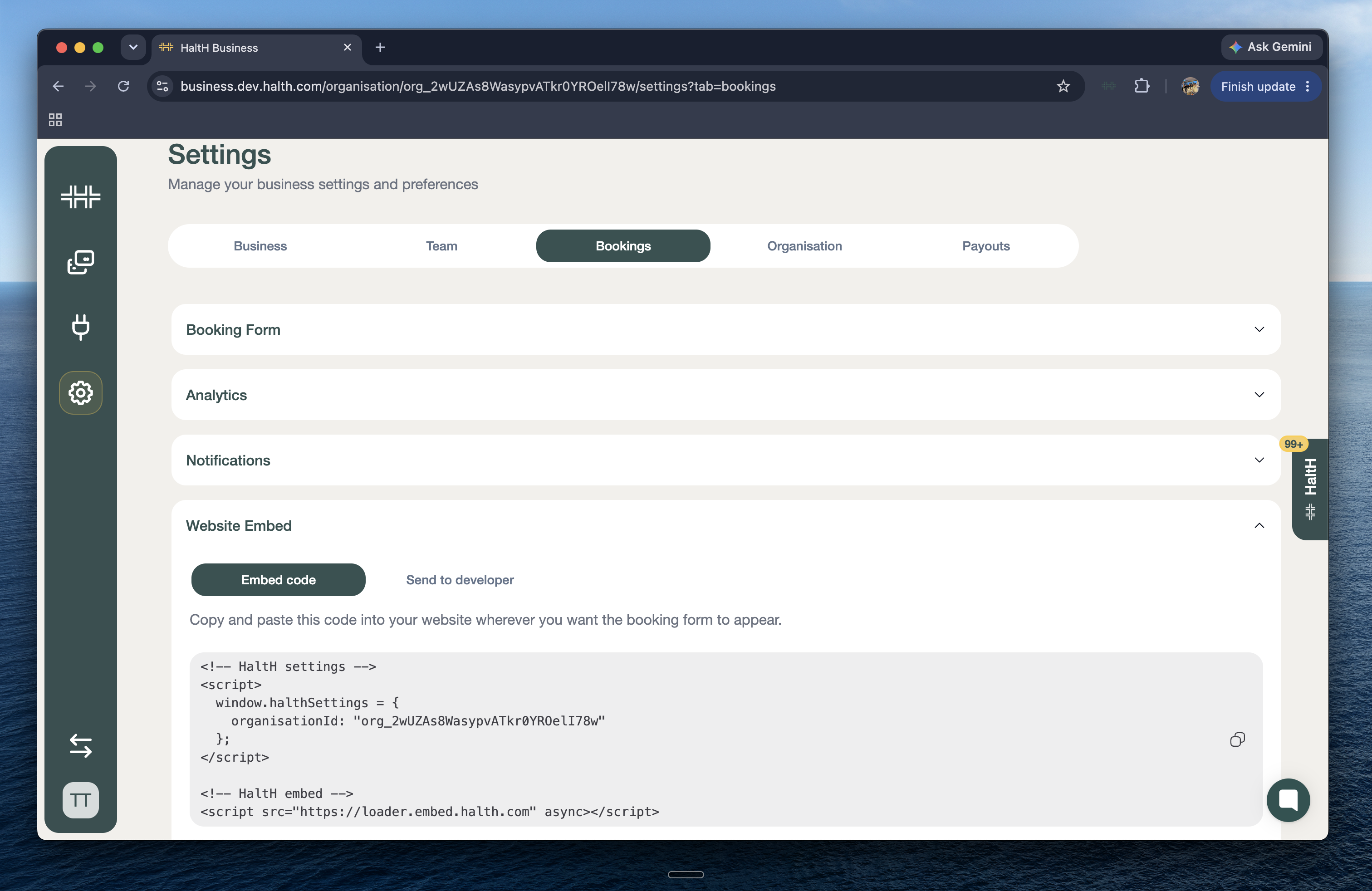
In HaltH, go to Settings.
Select Bookings, then Website Embed.
Choose how you’d like to get the code:
Copy code: Copy the line of code to add it to your website yourself.
Send to developer: Send the code straight to whoever manages your website.
Step 2: Add the code to your website
Open your website editor and go to the page where you want the booking form to appear.
Add an embed or custom HTML block. Most website builders have one, though the name varies slightly between platforms.
Paste your HaltH code into the block.
Save and publish your changes.
Your HaltH booking form will now appear on that page, so clients can book without leaving your website.
Tip: Not sure where to paste the code? Choose Send to developer and they’ll have everything they need.
Frequently asked questions
Can I use both options?
Yes. For example, you could embed the booking form on a dedicated “Book” page and add Book now buttons around the rest of your site linking to it.Do I need to update my website if I change my services or availability?
No. Your website always shows your latest booking form, so any changes you make in HaltH appear automatically.I’ve added the code, but the booking form isn’t showing.
Make sure you’ve published your website changes, then refresh the page. If it’s still not showing, check the code was pasted into an embed or HTML block rather than a regular text block. Still stuck? Chat with us, and we’ll help you get it sorted.