DVA claims are claim only. There's no gap, so the client doesn't pay anything and there's no card fee.
The provider is registered for Medicare and DVA. One Services Australia form covers both. See Register for Medicare and DVA claiming.
You have the client's DVA card. HaltH shows whether it's a Gold Card, White Card or Orange Card.
You have a referral. Checkout shows Referral needed until you add one.
Open checkout for the booking.
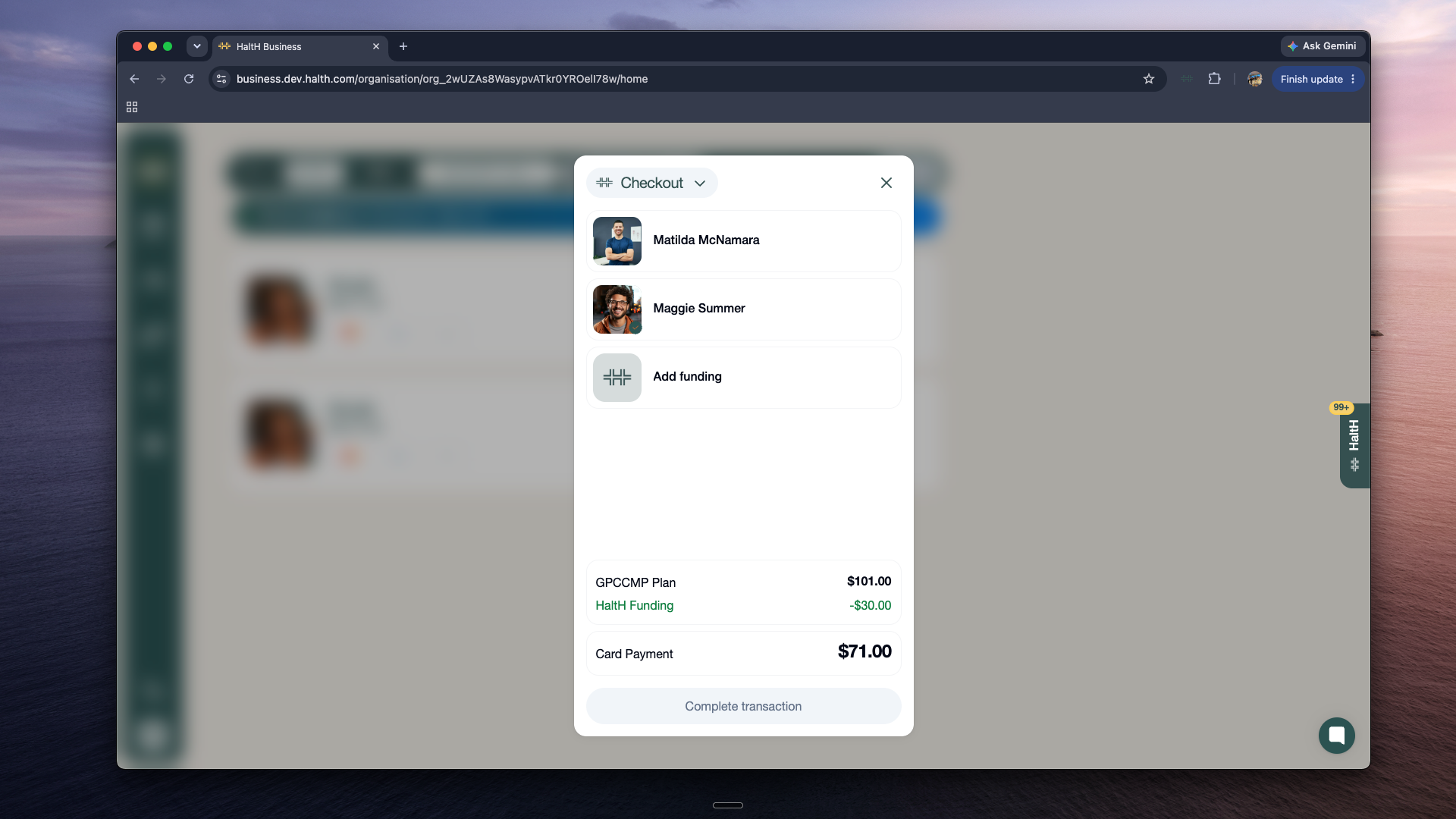
Select Add funding, or select the funding already on the booking.
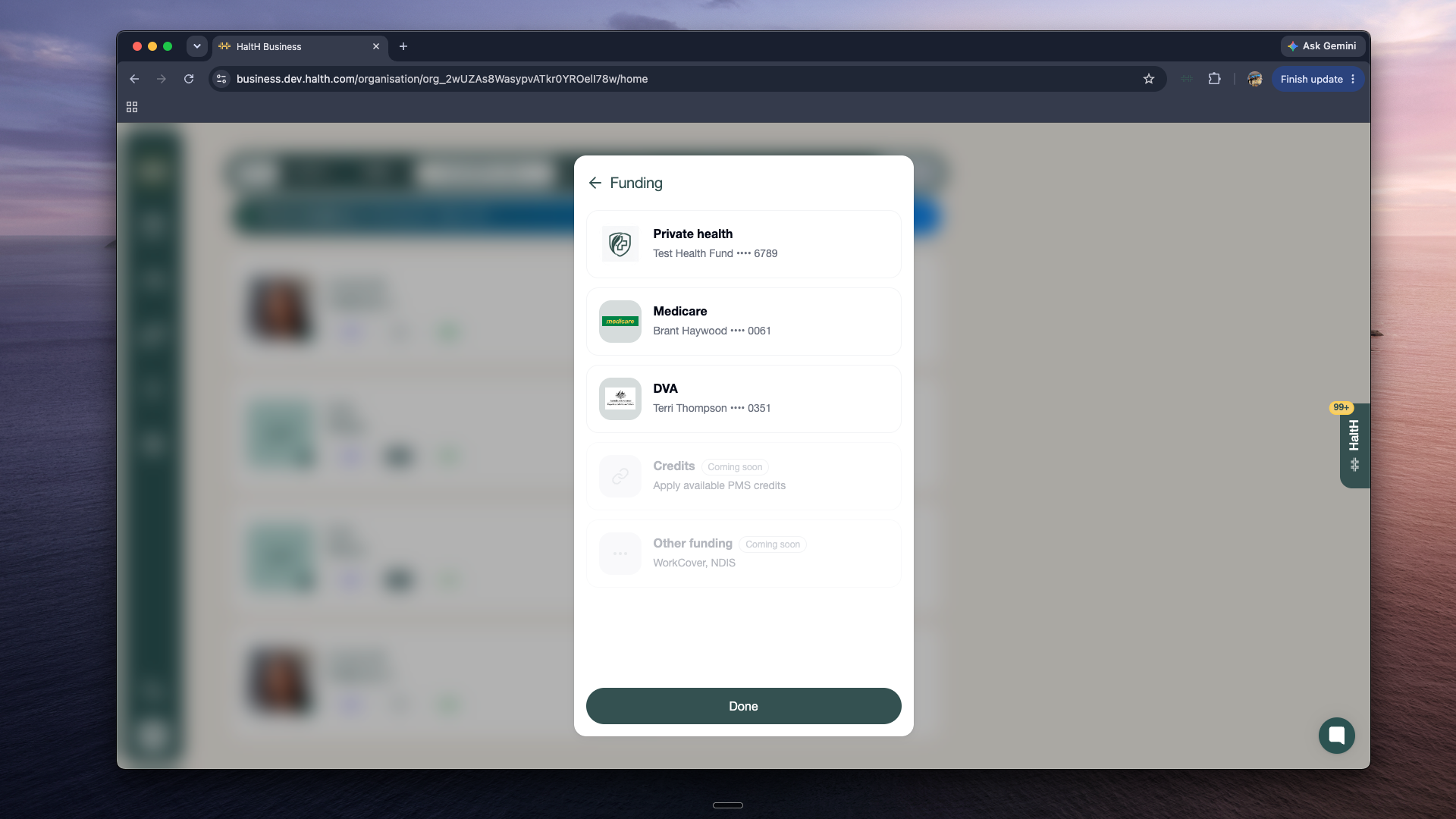
Select DVA.
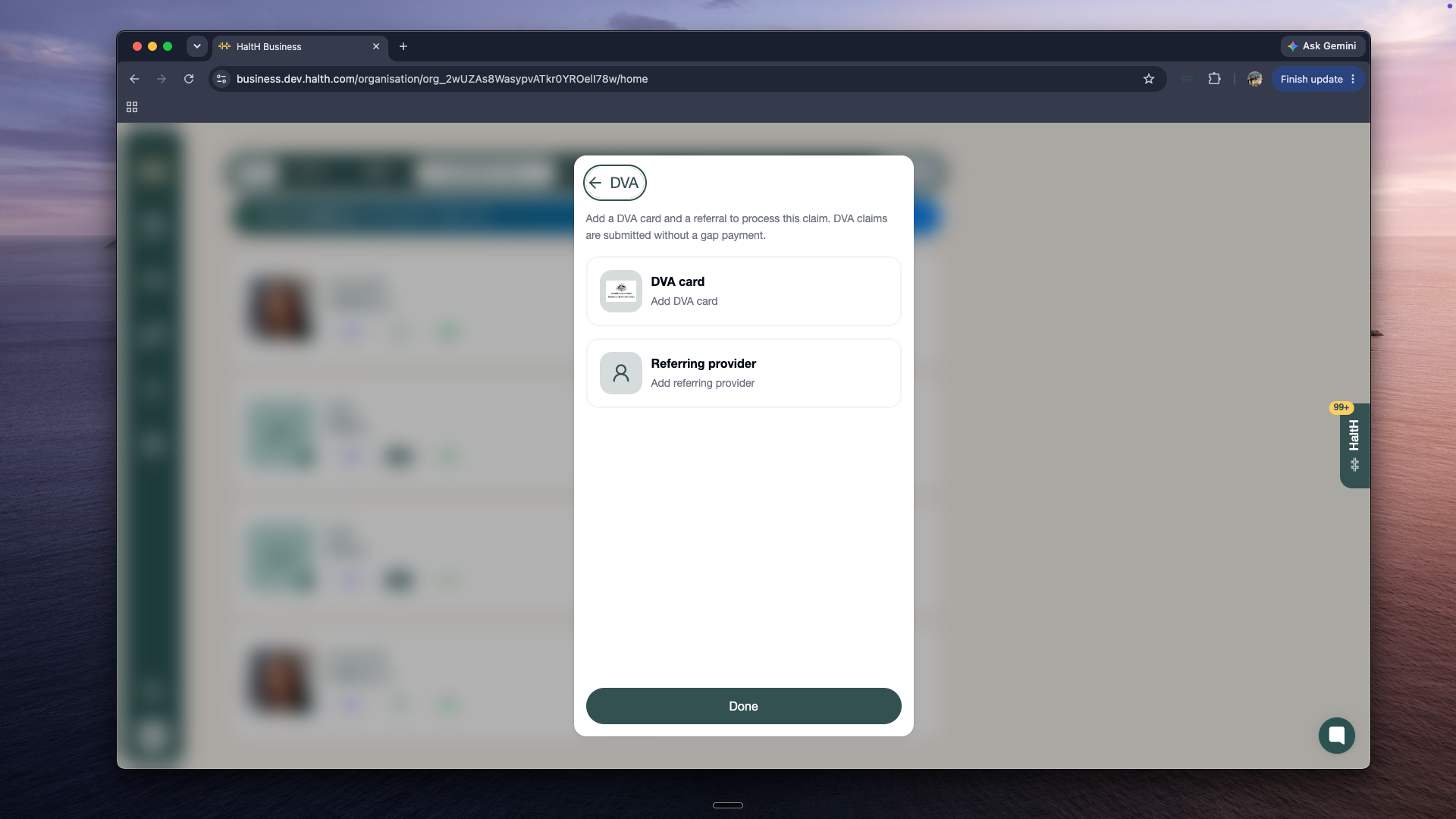
Select Add DVA card, choose a saved card or add a new one, then select Done.
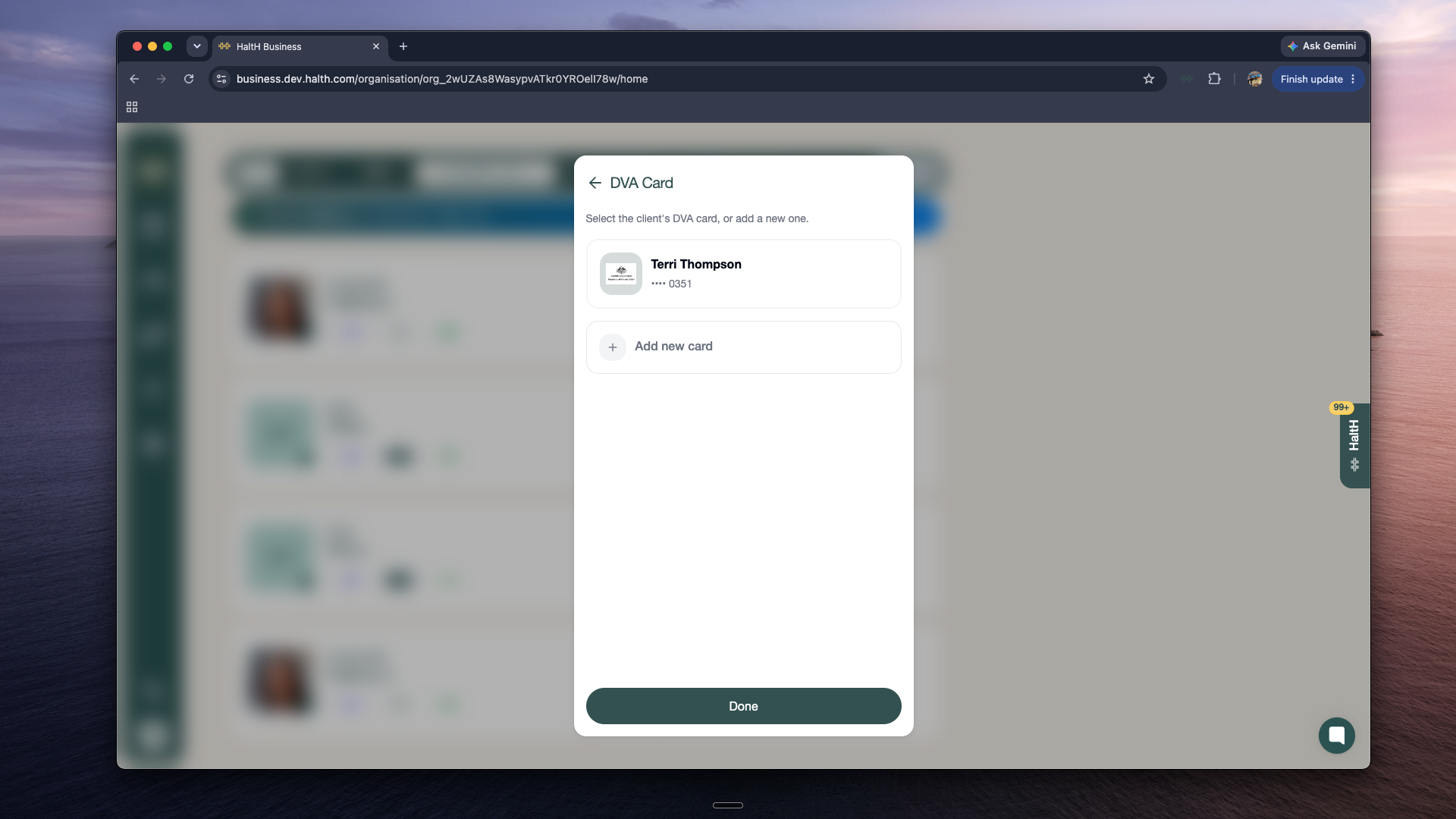
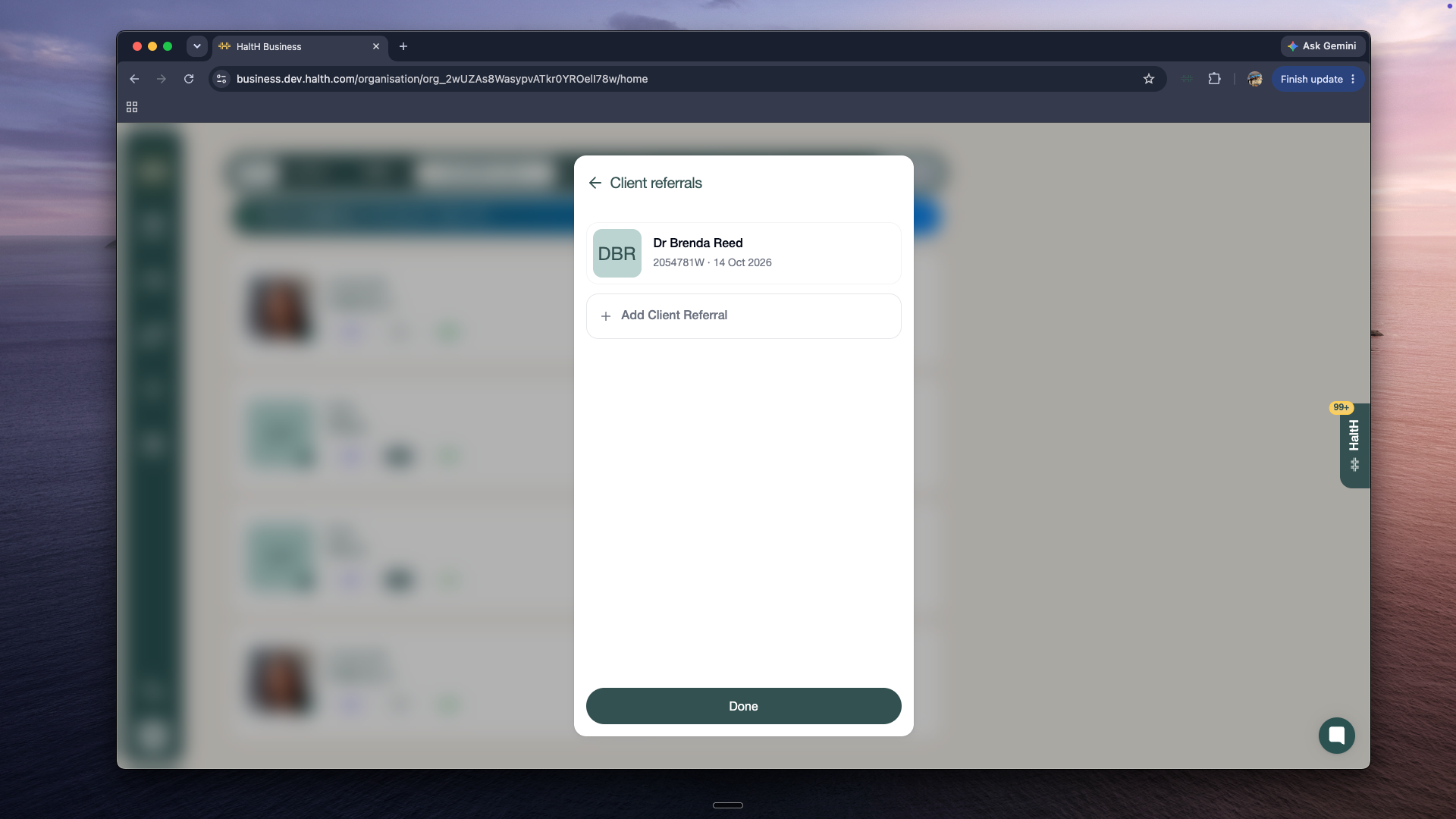
Select Add referring provider, choose a saved referral or select Add Client Referral, then select Done.
Back in checkout, Claim only is selected as the payment option, at $0.00 for the client.
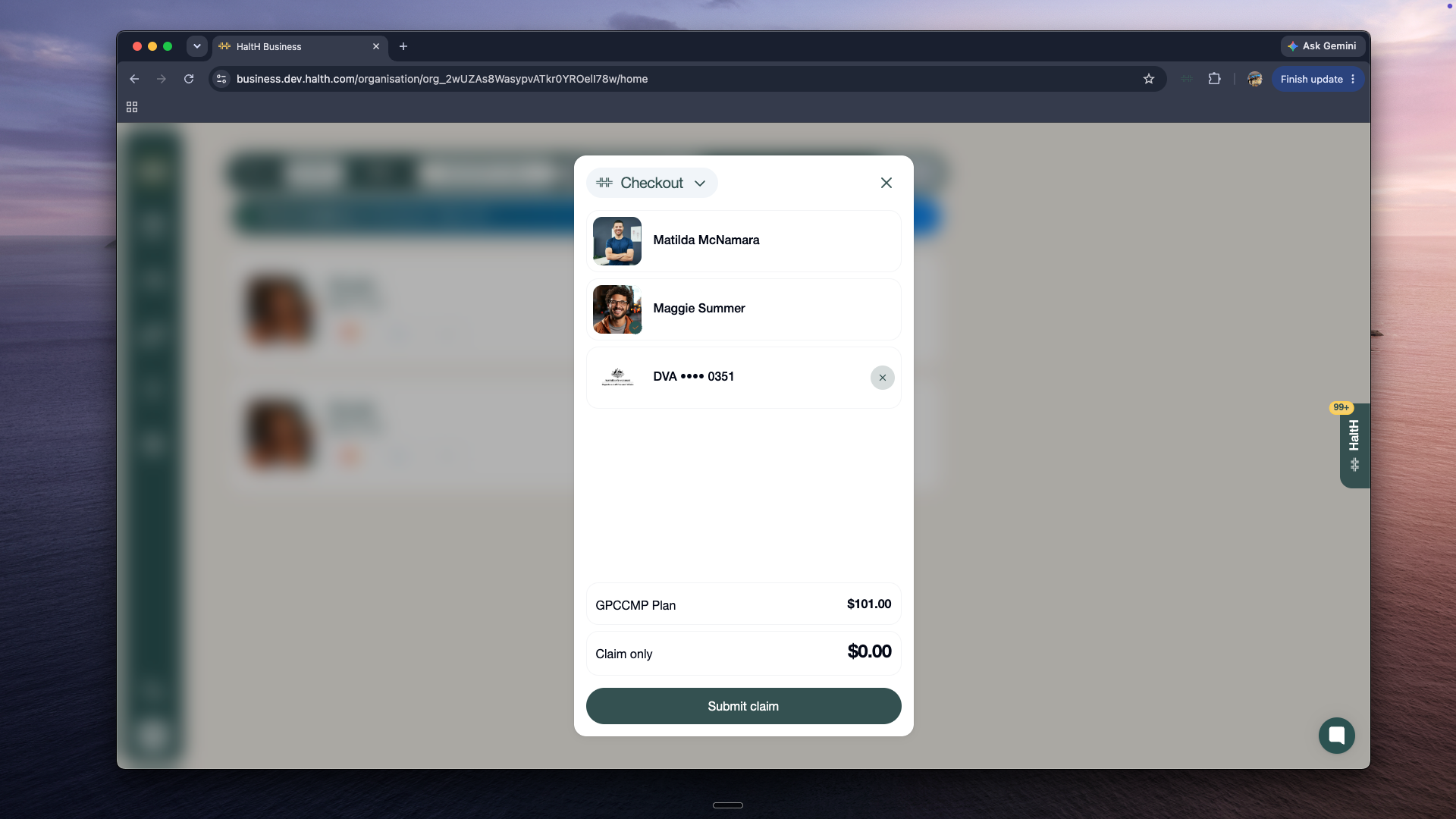
Check the details, then select Submit claim.
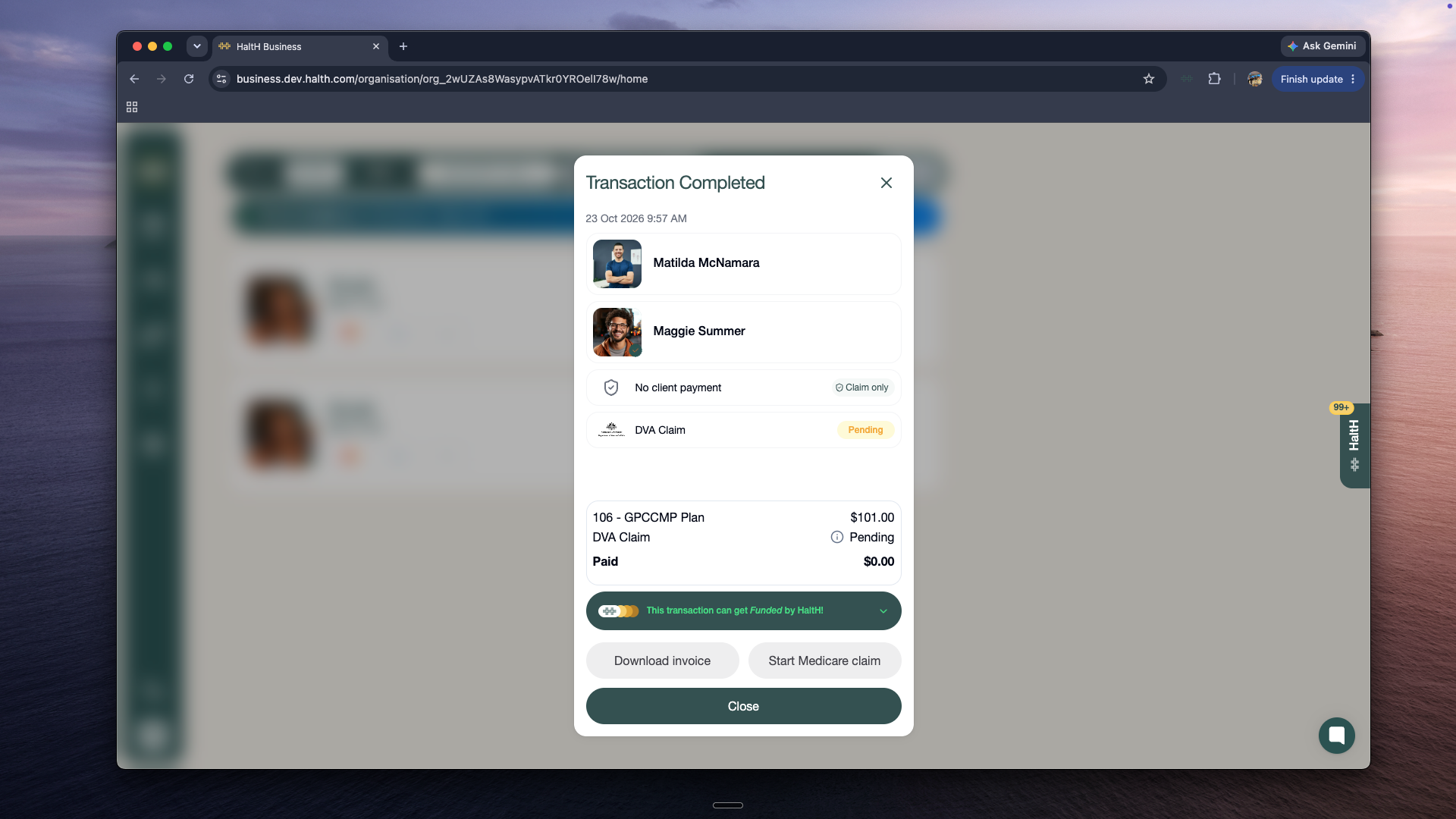
DVA pays the benefit to your practice, and the transaction shows No client payment.
Register for Medicare and DVA claiming
One Services Australia form (HW027) per provider and location registers you for both Medicare and DVA. Processed within 5 business days.
