Get your providers claiming Medicare directly from HaltH in just a few simple steps!
Make sure you have:
The provider’s Medicare provider number for the location they’ll be claiming from
The provider available to sign the agreement (on a trackpad, mobile device, or with a photo of their signature)
Know whether the provider currently claims Medicare through another software, such as HICAPS or Tyro Health
Each provider is enrolled separately. If you have several providers, you’ll repeat these steps for each one.
Step 1: Open Medicare onboarding
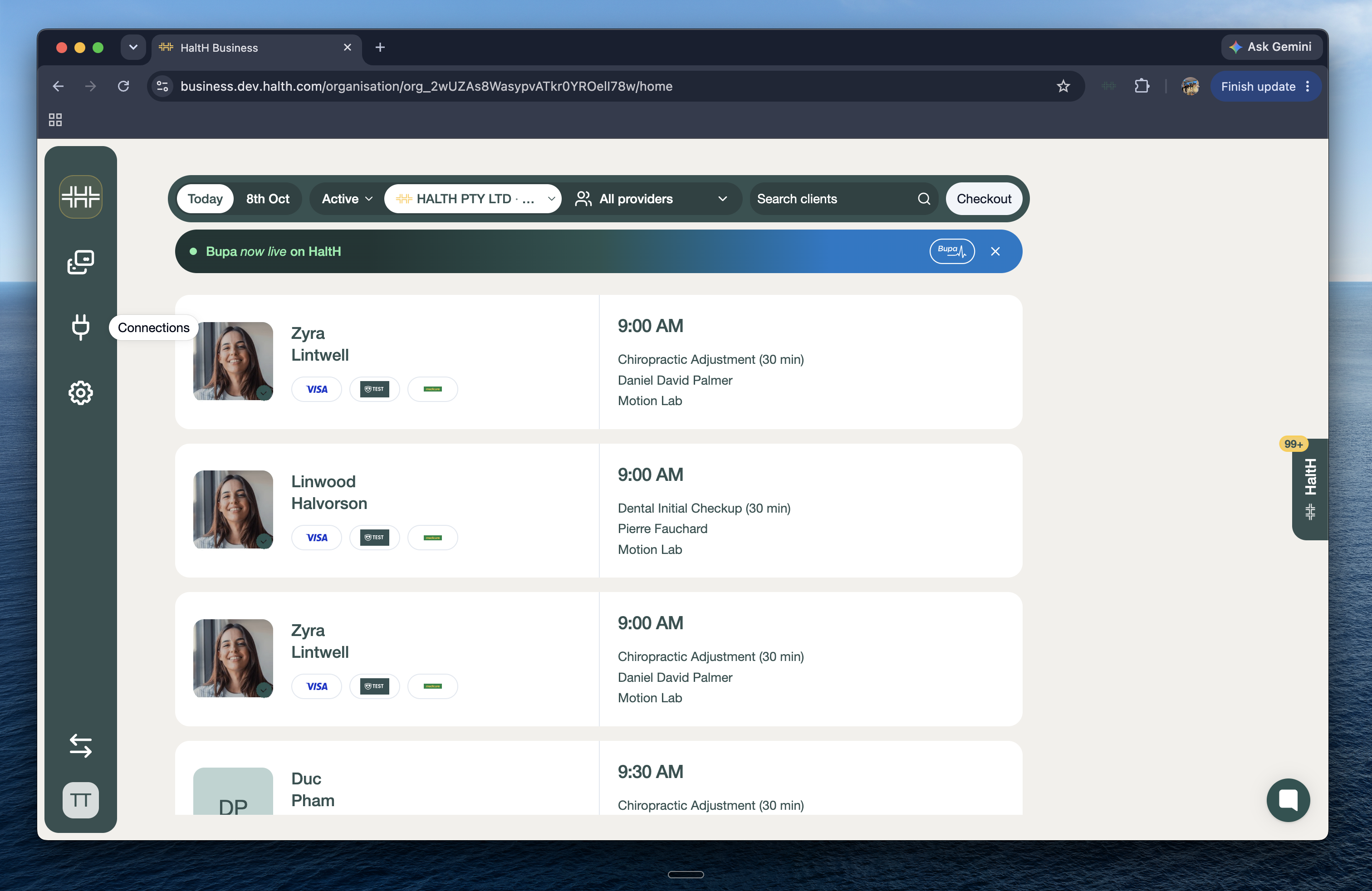
From the Home page, go to Connections in the left-hand menu.
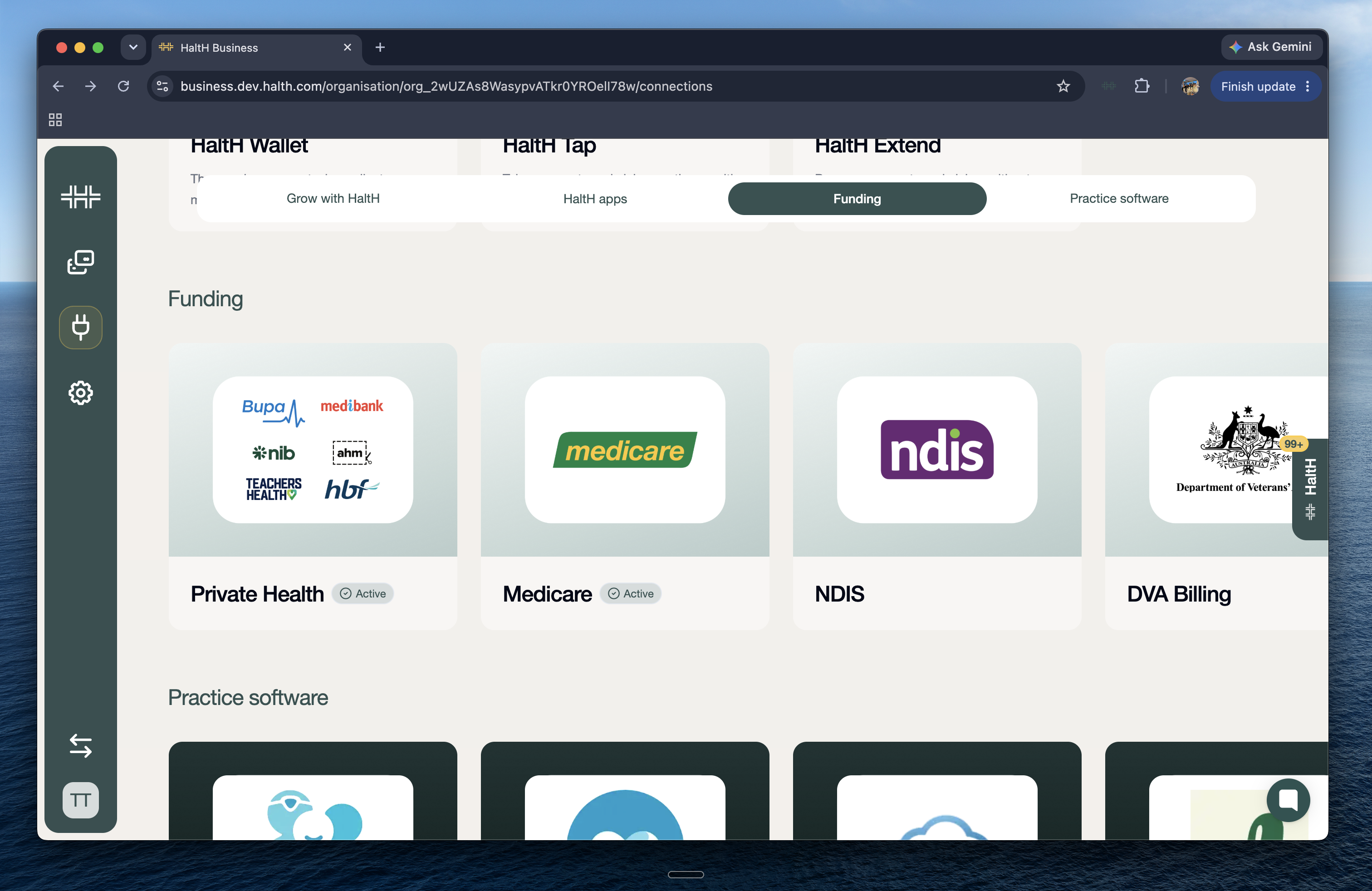
Scroll down to Medicare and click on it.
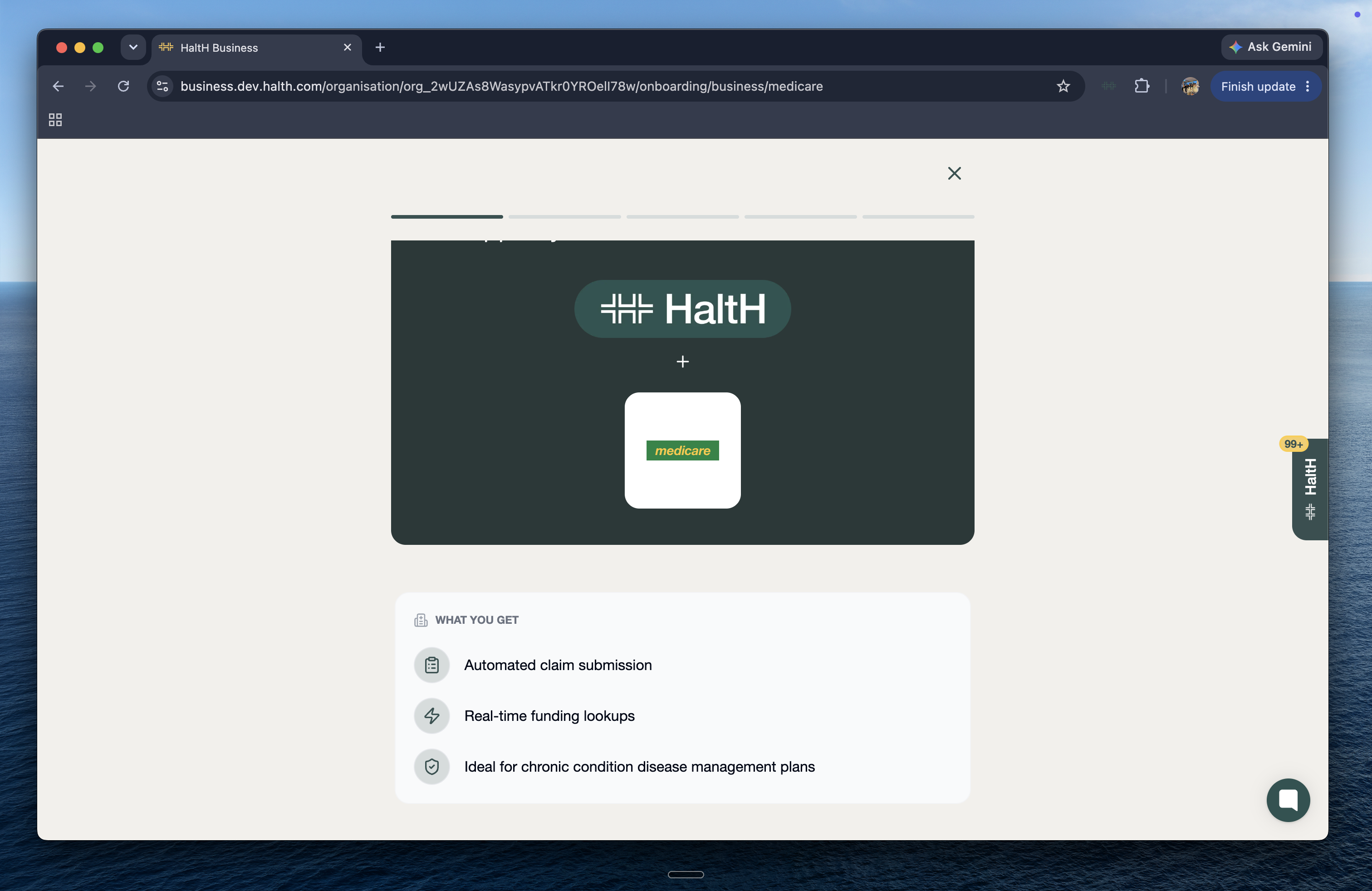
What am I going to get by registering for Medicare with HaltH?
1. Automated claim submission — Making claiming effortless and quick.
2. Real-time funding lookups — Know how much you are going to get before processing it.Click Continue Set Up below!
Step 2: Choose the location and claiming setup
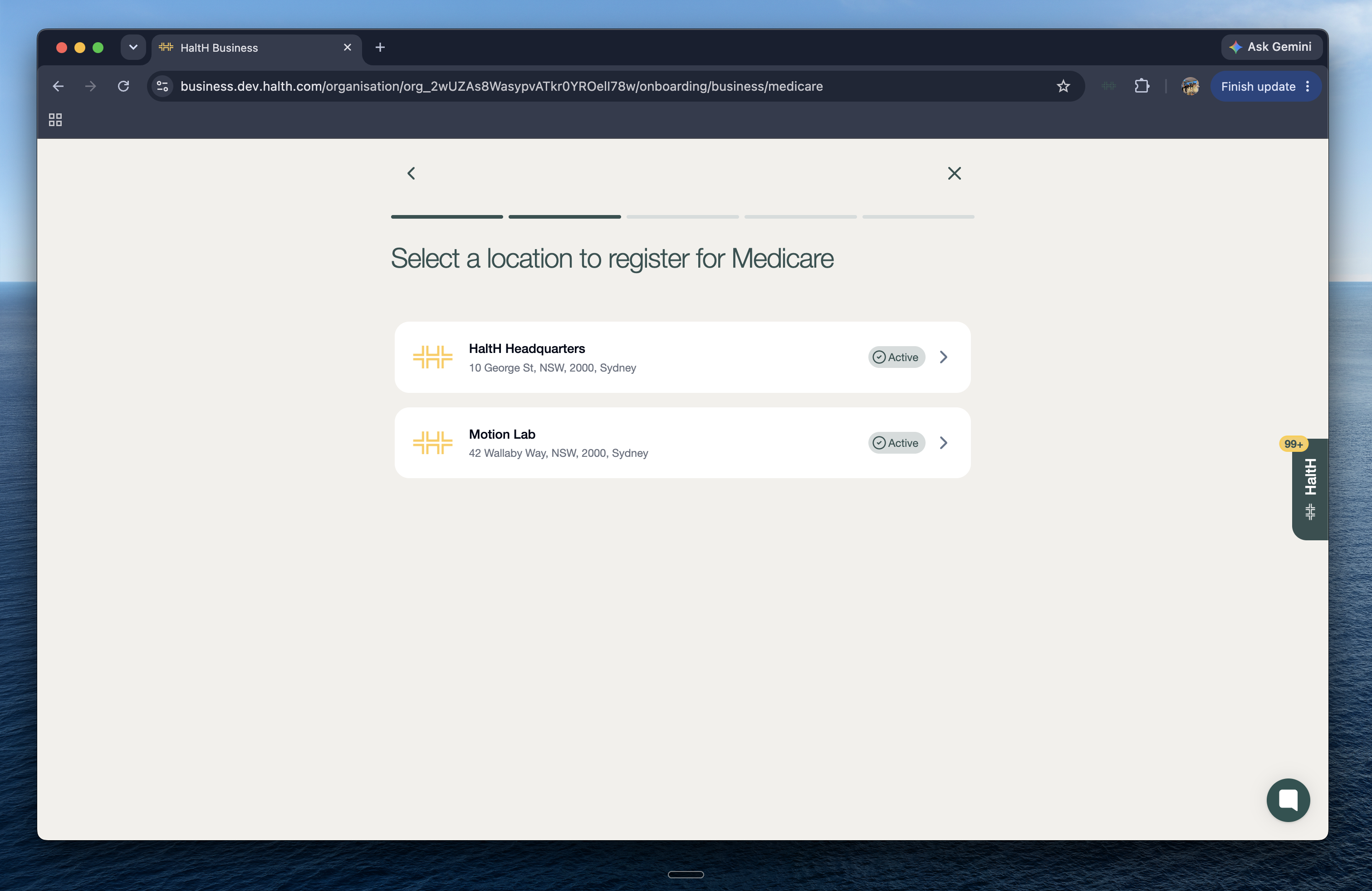
Select the location where the provider works.
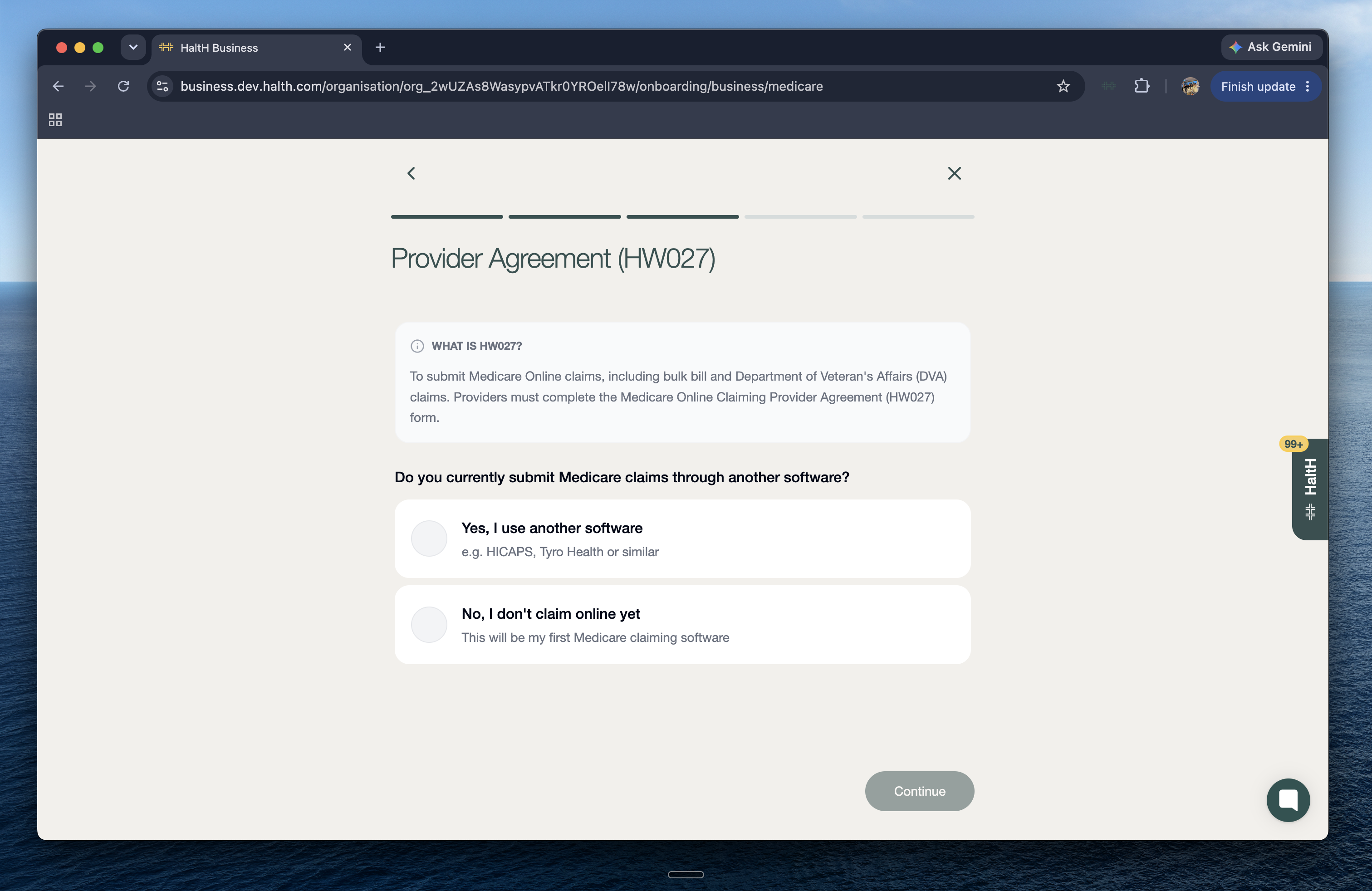
Answer whether you currently submit Medicare claims through another software (for example, HICAPS or Tyro Health).
If you answer Yes: Submitting this form registers the provider number with HaltH and disconnects Medicare claiming from your current software. HICAPS hasn’t been affected by this.
If you’d like to keep using your other software for Medicare claims, register an additional provider number for that location instead!
If you answer No: Continue to the next step.
Step 3: Select the provider
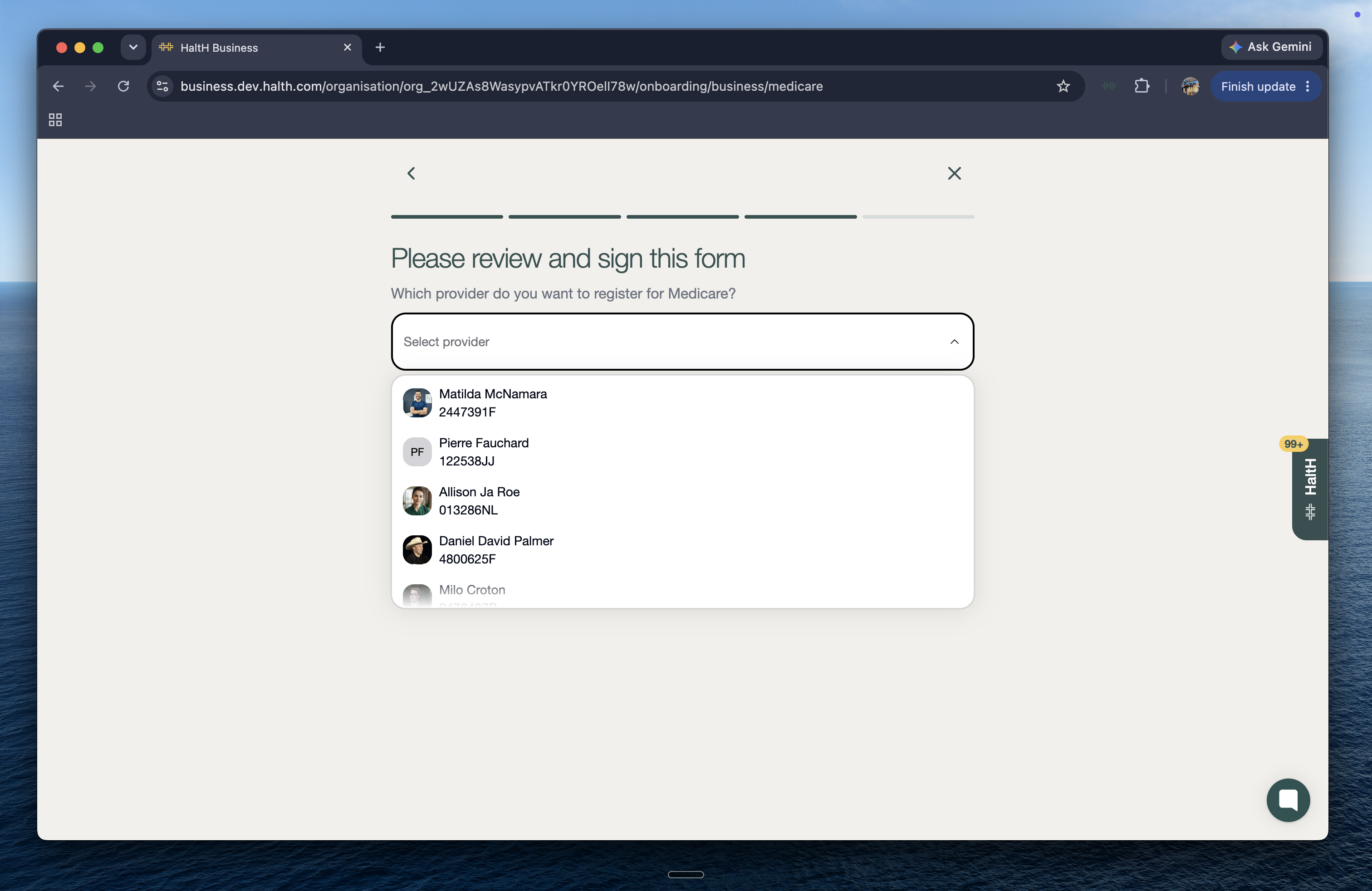
Choose the correct provider from the list. This opens the Online Claiming Provider Agreement.
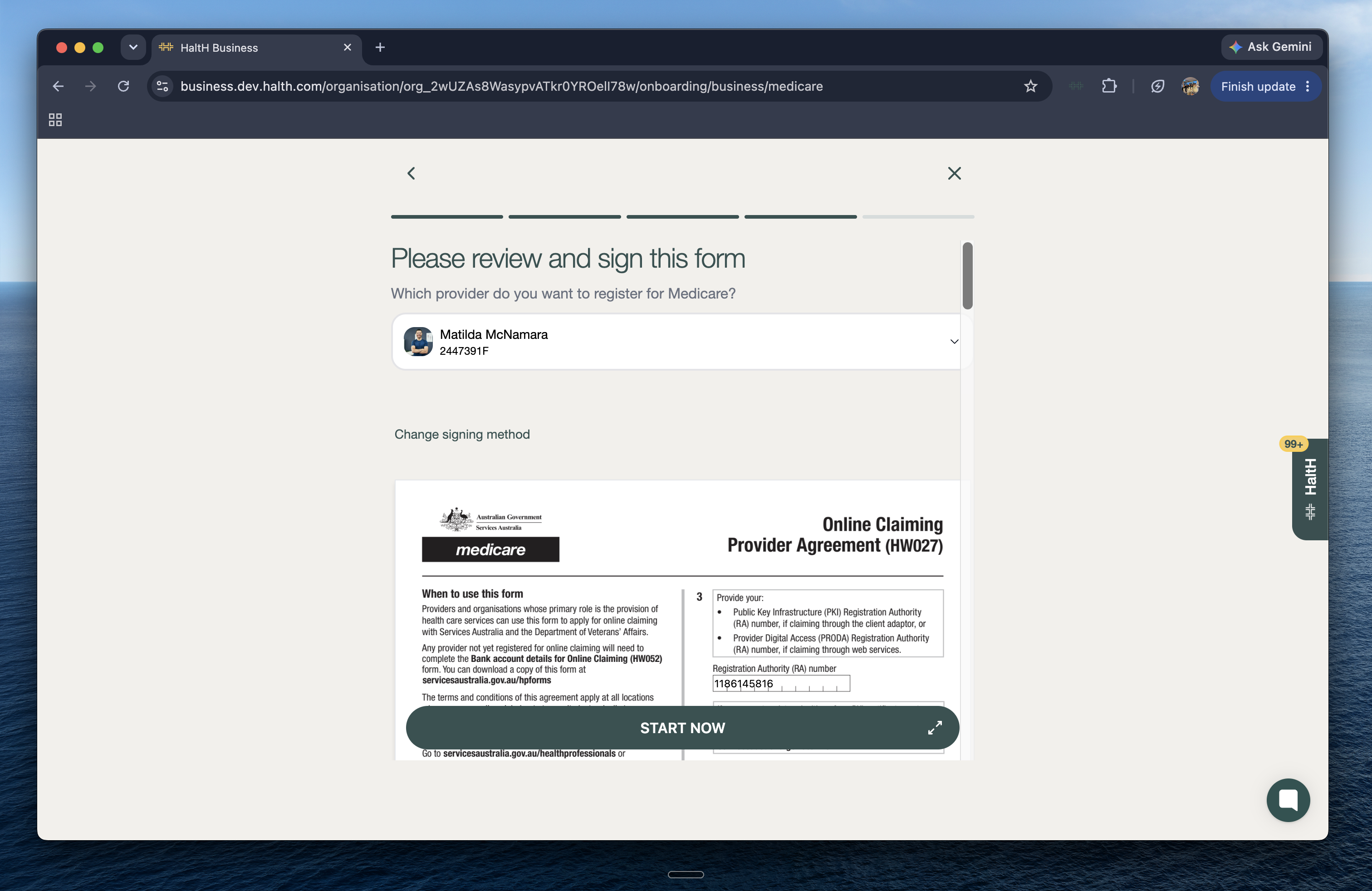
Step 4: Complete the provider agreement
Click Start now.
Fill in the required details, including title, first name, last name, Medicare provider number, and any other required fields.
Review everything carefully before continuing. Double-check the provider number, as errors can delay approval.
Step 5: Sign and submit
Sign using a trackpad or mobile device. If you need to start again, click Clear and redraw.
Alternatively, take or upload a photo of a signature.
Click Sign and complete to submit the registration.
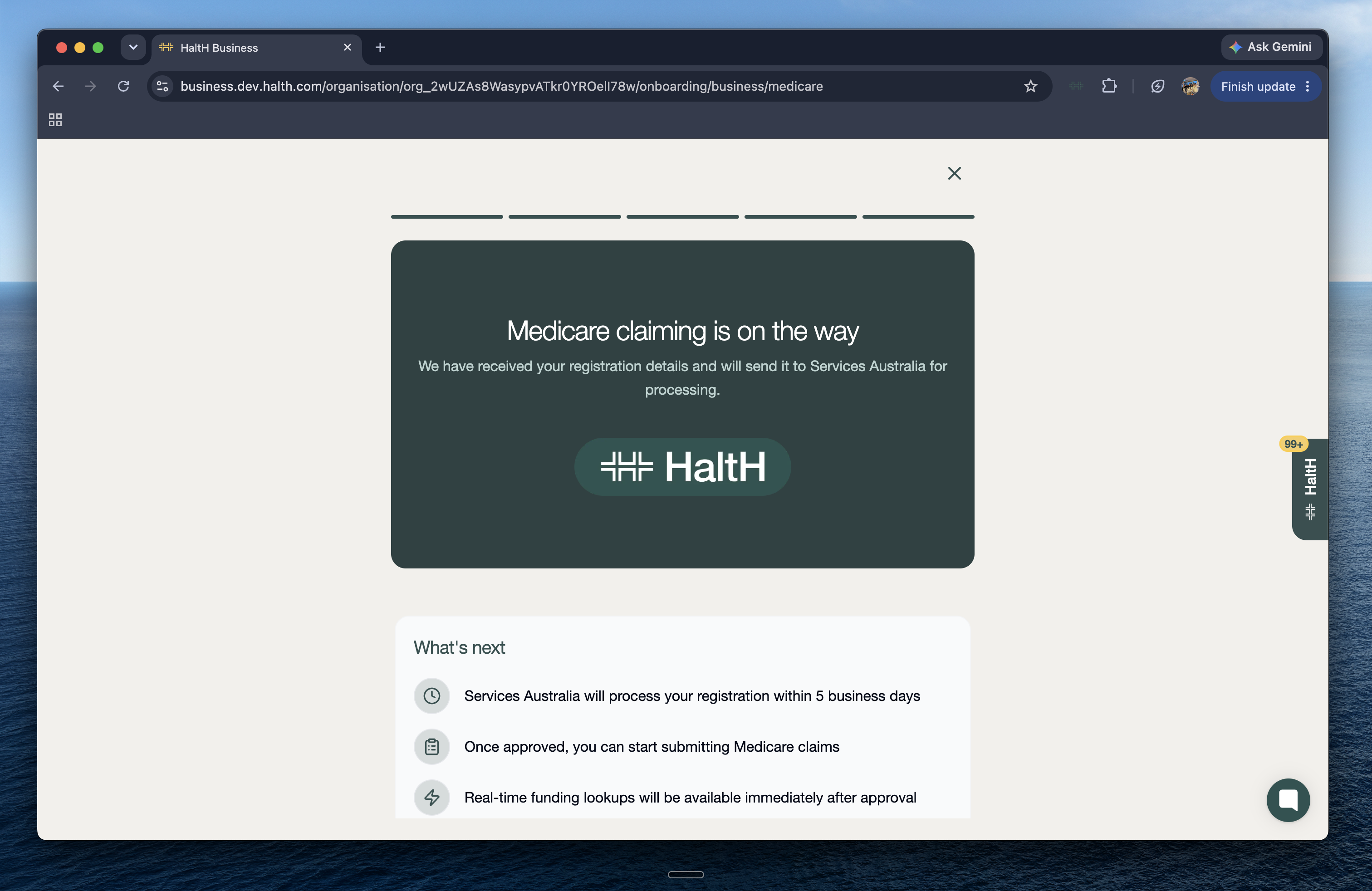
Step 6: Wait for approval
Services Australia processes registrations within 5 business days. Once approved:
You can start submitting Medicare claims through HaltH
Real-time funding lookup is available straight away
What’s next?
How do I complete a Medicare claim using Halth? Click here →
How to claim Medicare
The full experience and guide to getting your Medicare rebate