Once you've completed your HaltH profile, you can set up payments for your organisation.
The setup process will ask for some business and personal information.
From your HaltH organisation homepage, find the onboarding section and select Set up payments to begin.
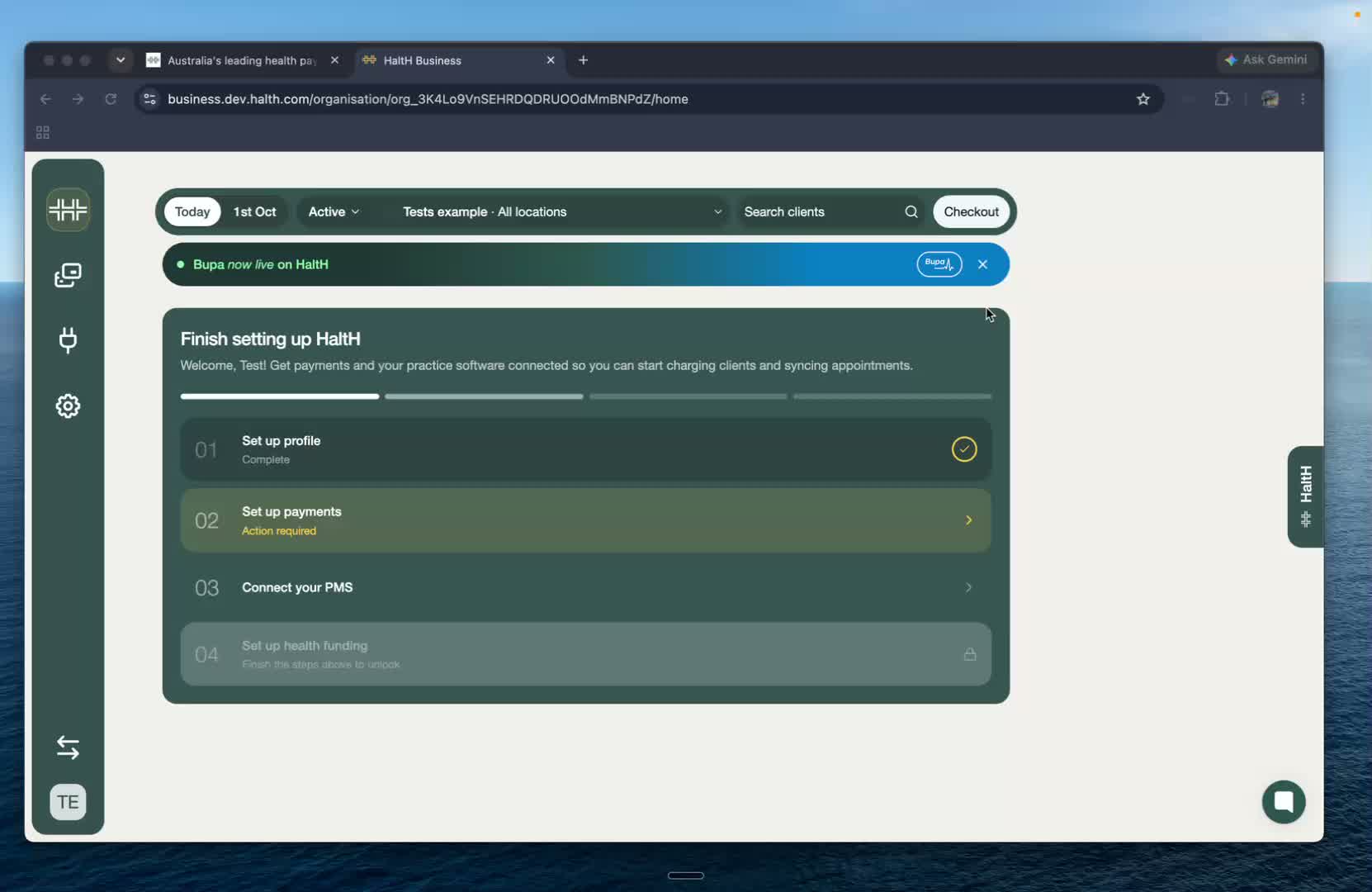
You'll be taken to the payments onboarding screen.
Select Continue setup to begin entering your business information.
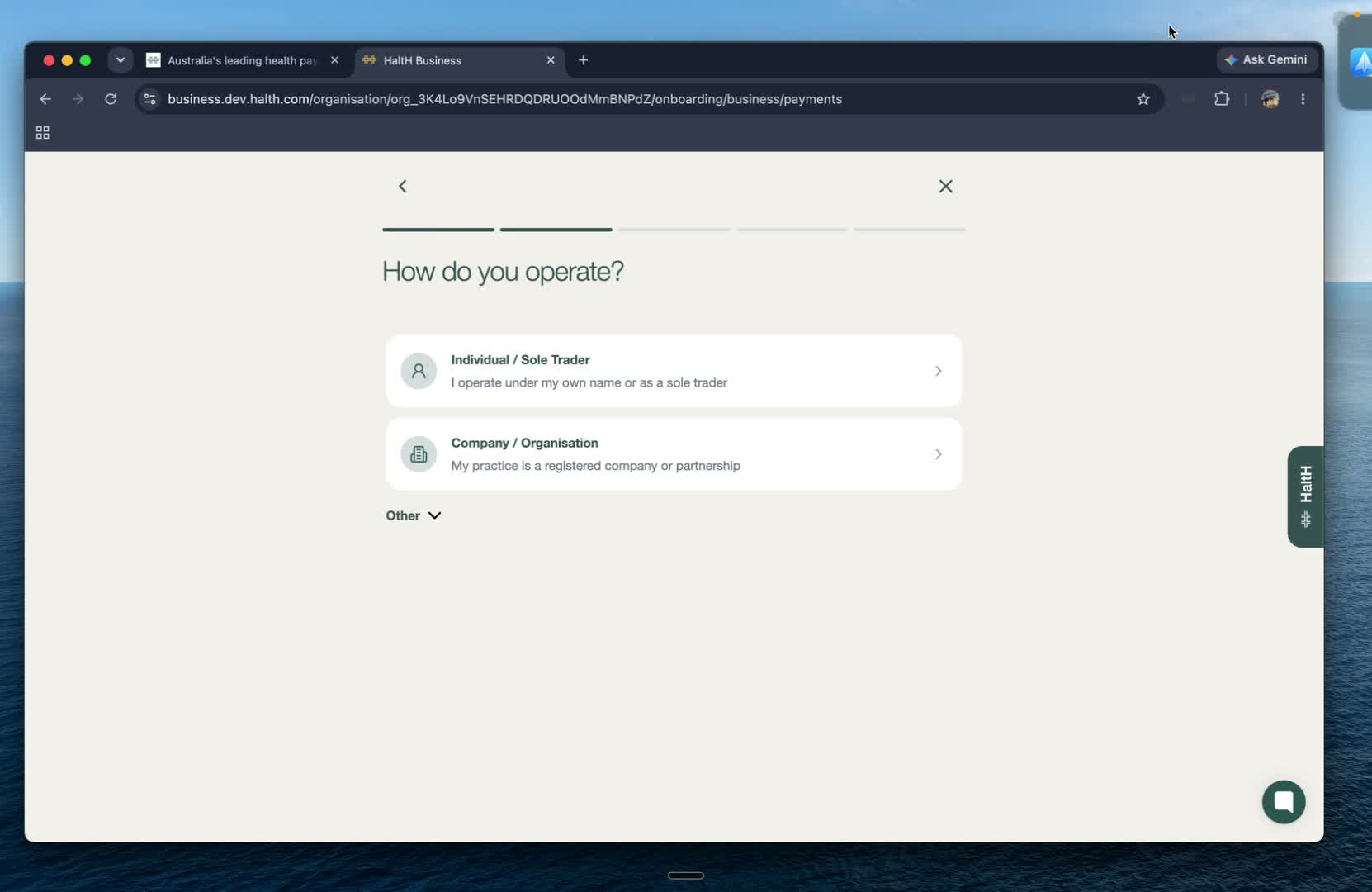
You'll first be asked how you operate your business.
Choose the option that best matches your organisation:
Individual/sole trader
Company/organisation
Select Continue to move to the next step.
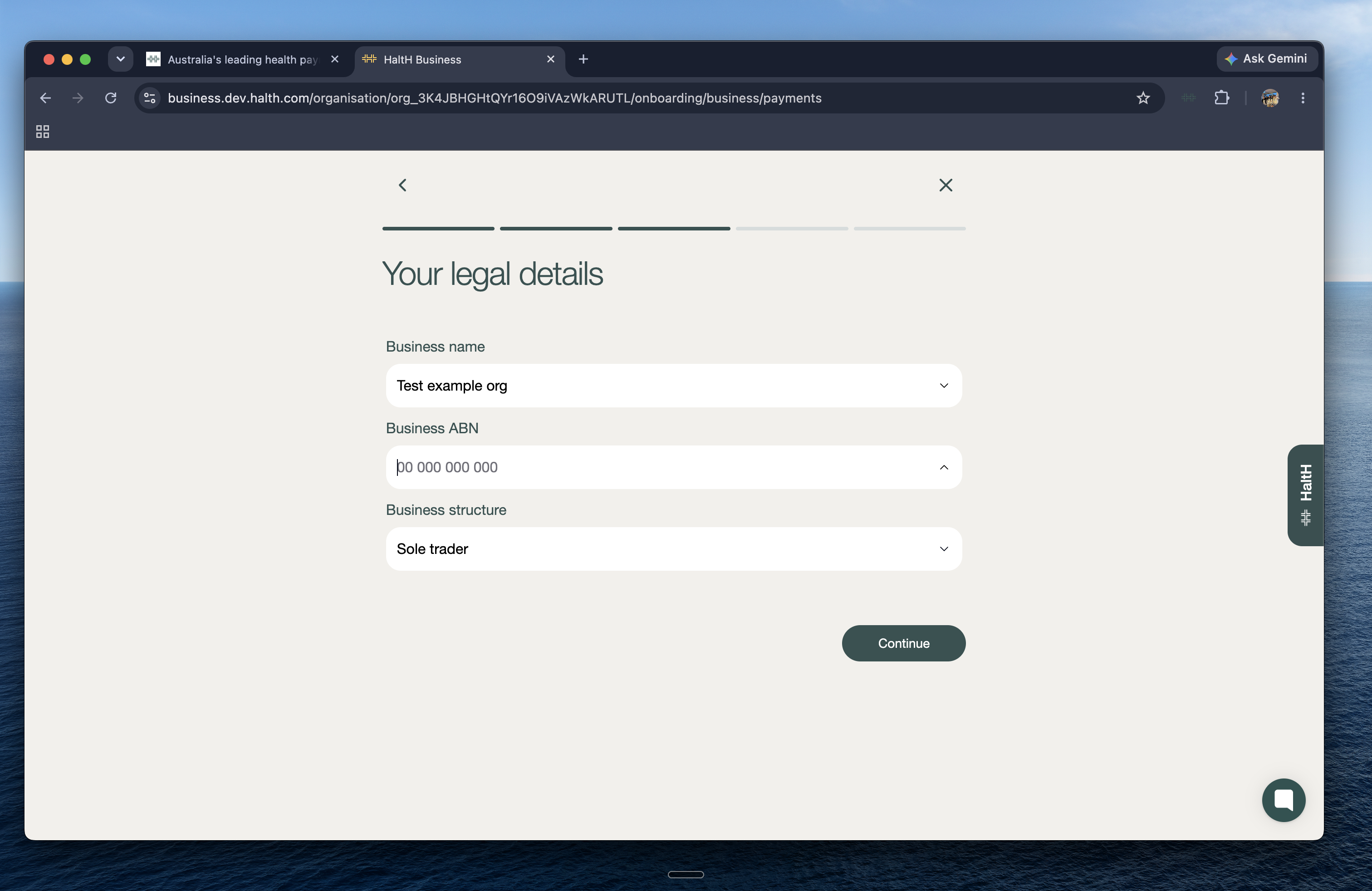
Enter your business name and ABN, then confirm your business structure.
Once you've entered your details, select Continue.
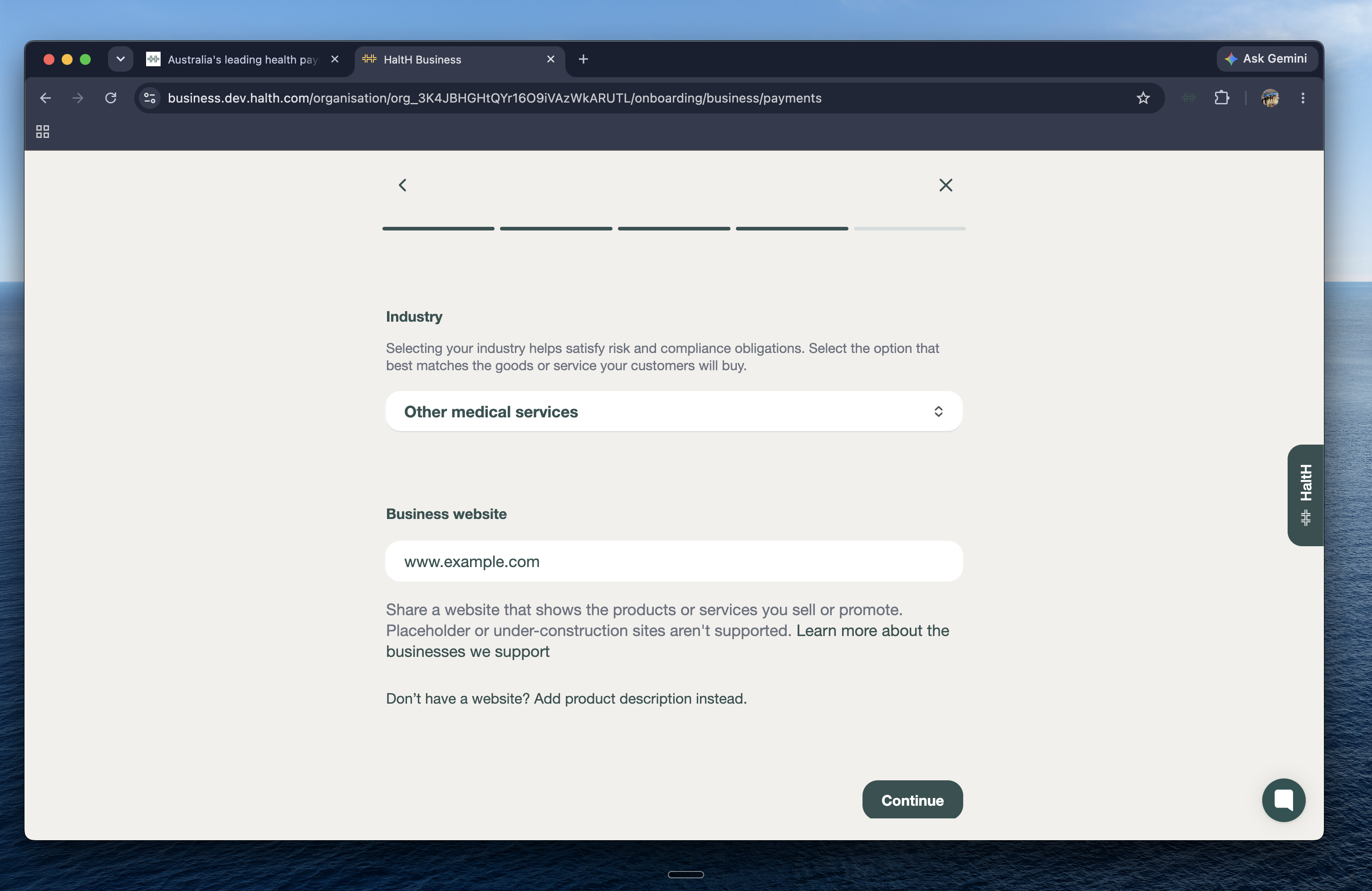
Next, you'll be asked to confirm some additional information about your business.
Complete the required fields, including:
Legal business name
Business name
ABN
Business address
Industry
Website
Once you've entered all the required information, select Continue.
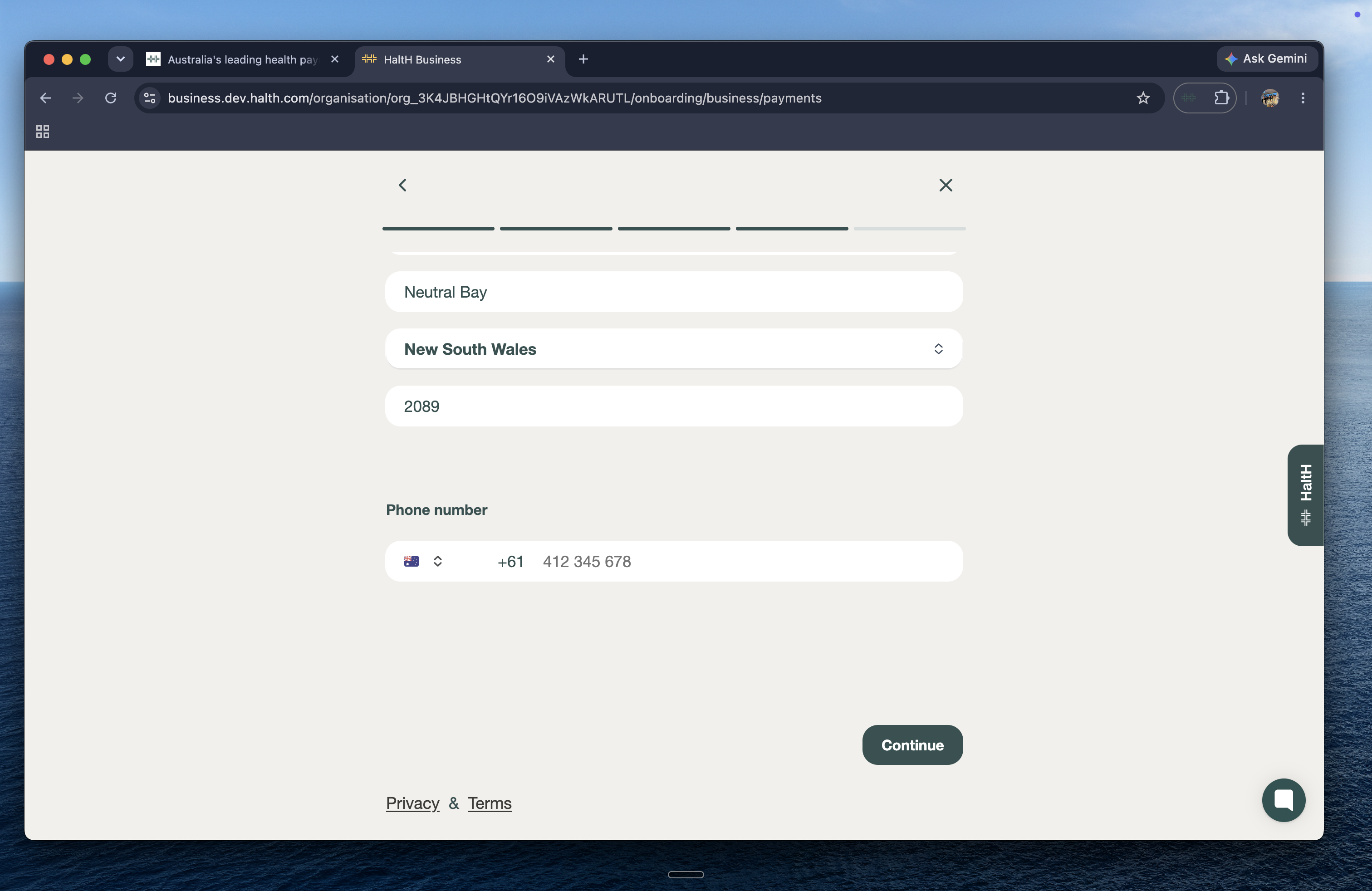
To complete the payments setup, you'll need to provide some personal information.
Enter your:
Date of birth
Home address
Phone number
Once you've completed the required fields, select Continue.
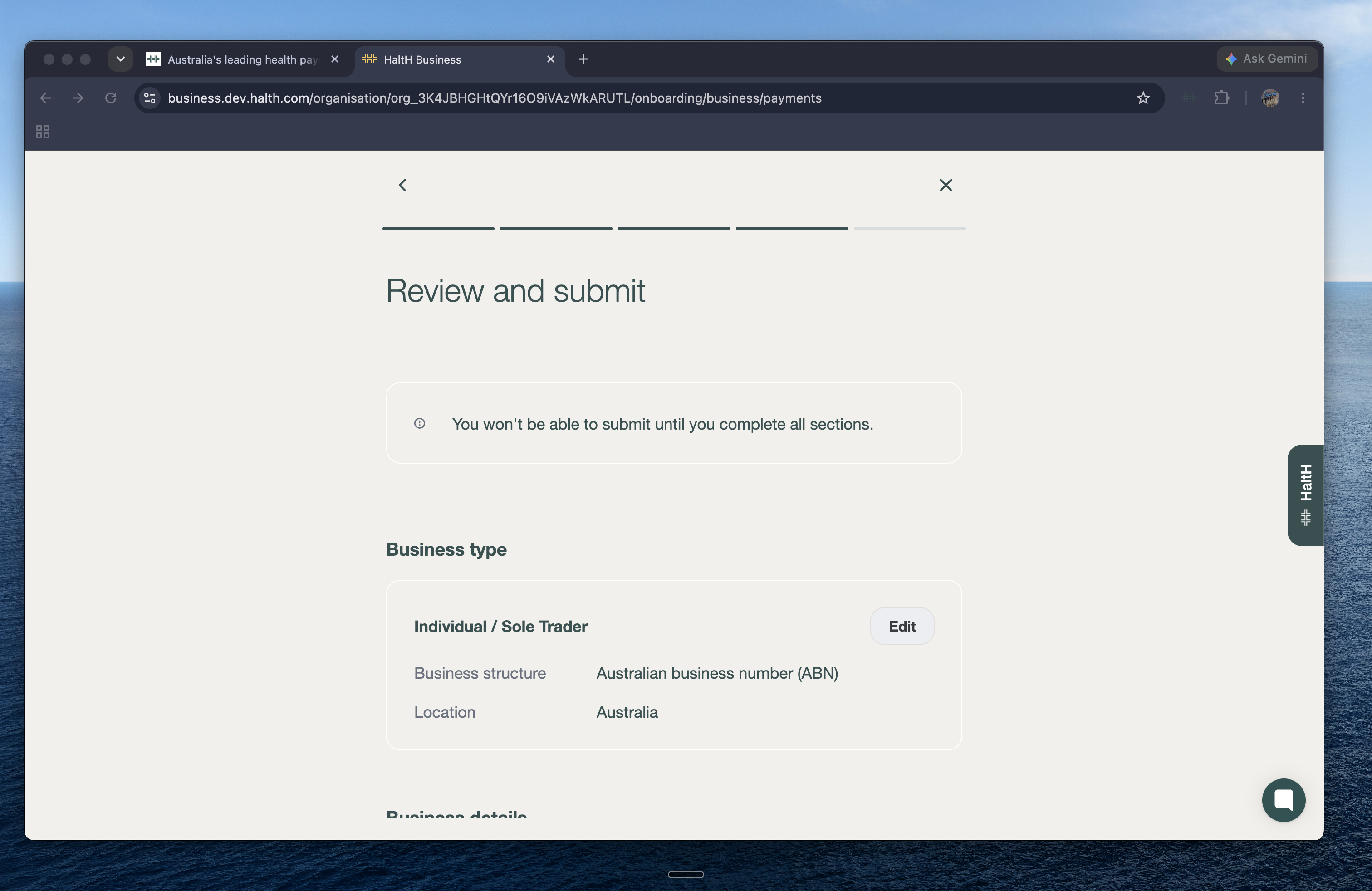
You'll now see a Review and submit page.
Take a moment to check that your business and personal information are correct.
If anything needs to be changed, you can do so easily by pressing Edit.
You may also be asked to provide a form of identification as part of the verification process.
If you are asked for identification, follow the prompts to start the identity verification process.
You'll be asked to take a photo of a valid form of identification.
Make sure your identification is clear and that all required details are visible.
Once your identity has been successfully verified, you'll be able to continue with the final submission.
Once you've reviewed your information and completed verification, select Agree and submit.
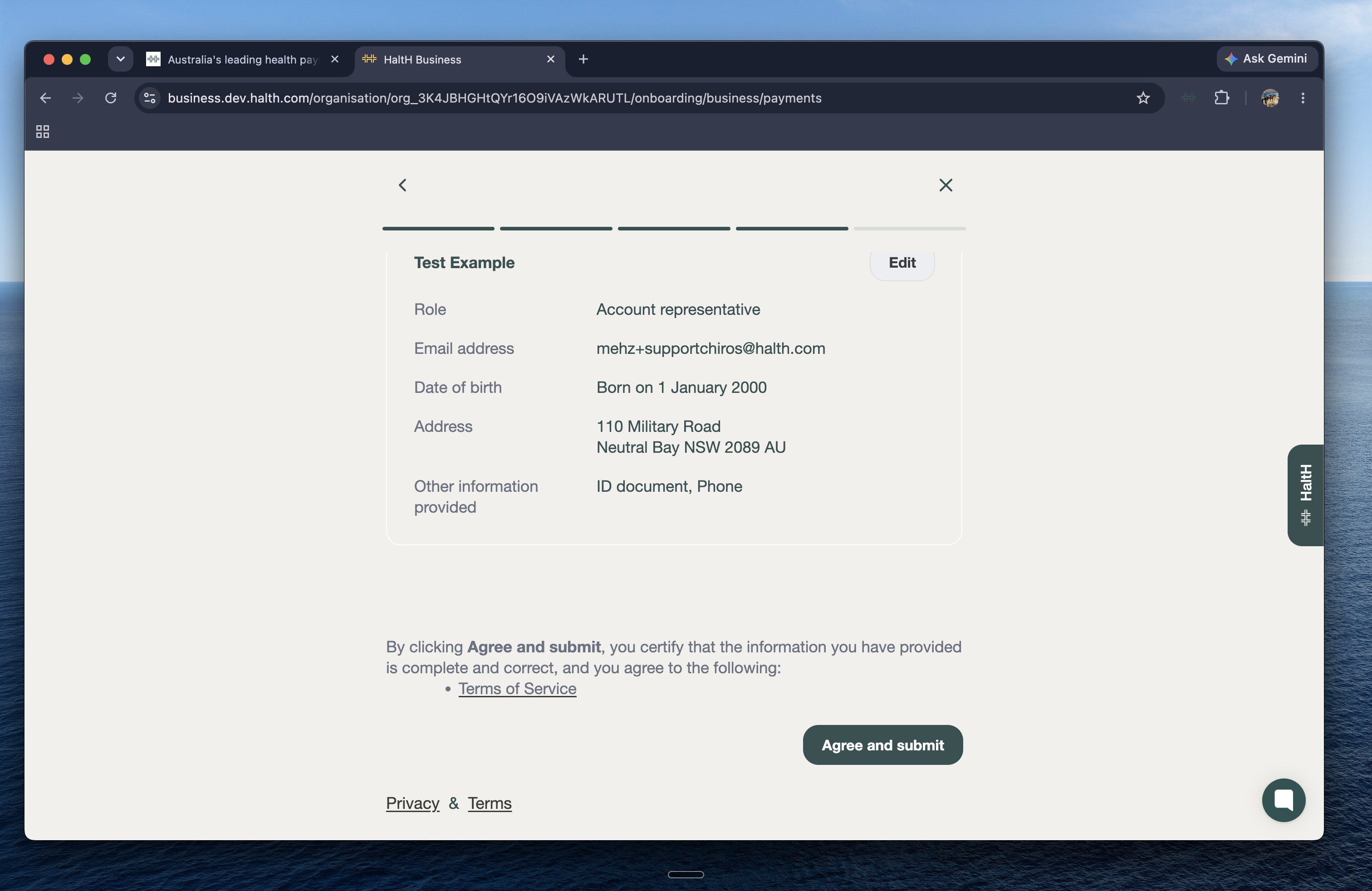
Your payments setup will then be submitted for completion.
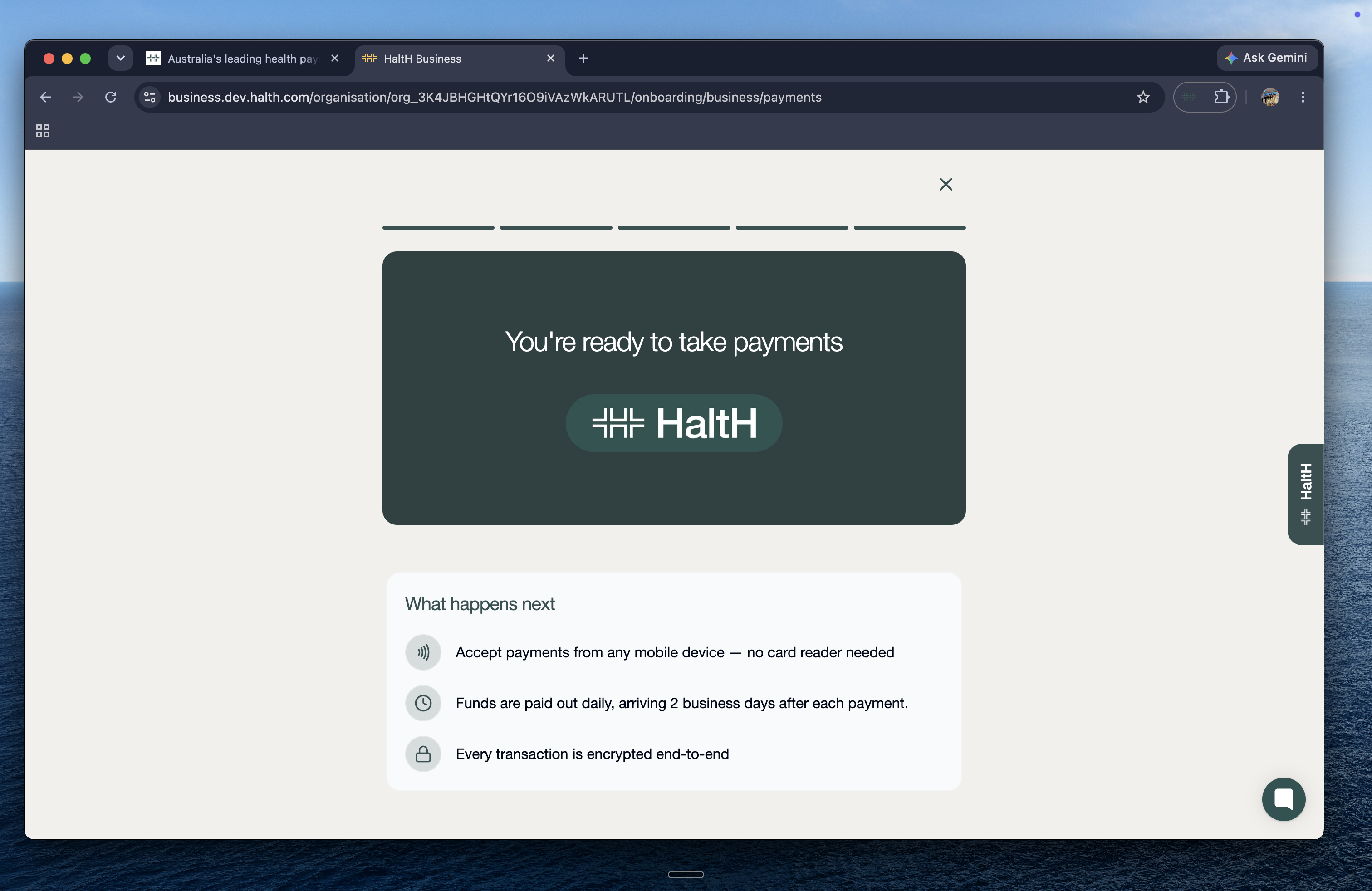
Once your payments setup is complete, you can start accepting payments through HaltH.
With HaltH:
You can accept payments from any mobile device.
You don't need a card reader.
Funds are paid out daily arriving 2 days are a payment.
Transactions are encrypted end-to-end.
Your payment setup is now complete!!