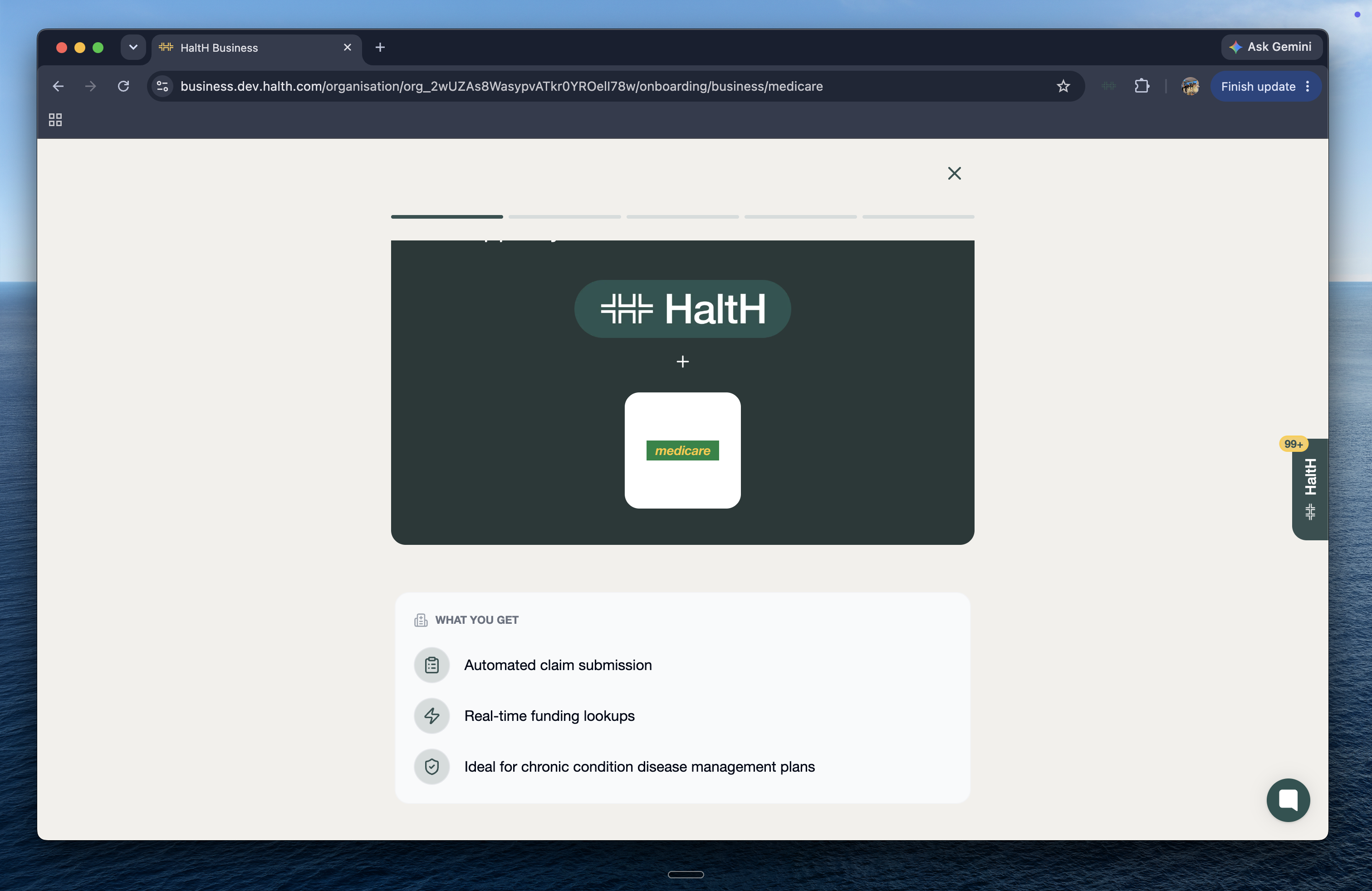
Medicare and DVA use the same registration. You fill in one Services Australia form (HW027) for each provider at each location, and that provider can then claim both Medicare rebates and DVA benefits through HaltH.
The provider's Medicare provider number for the location.
The provider available to sign, on screen or on paper.
Whether the provider already claims Medicare or DVA through other software, such as HICAPS or Tyro Health. See step 3.
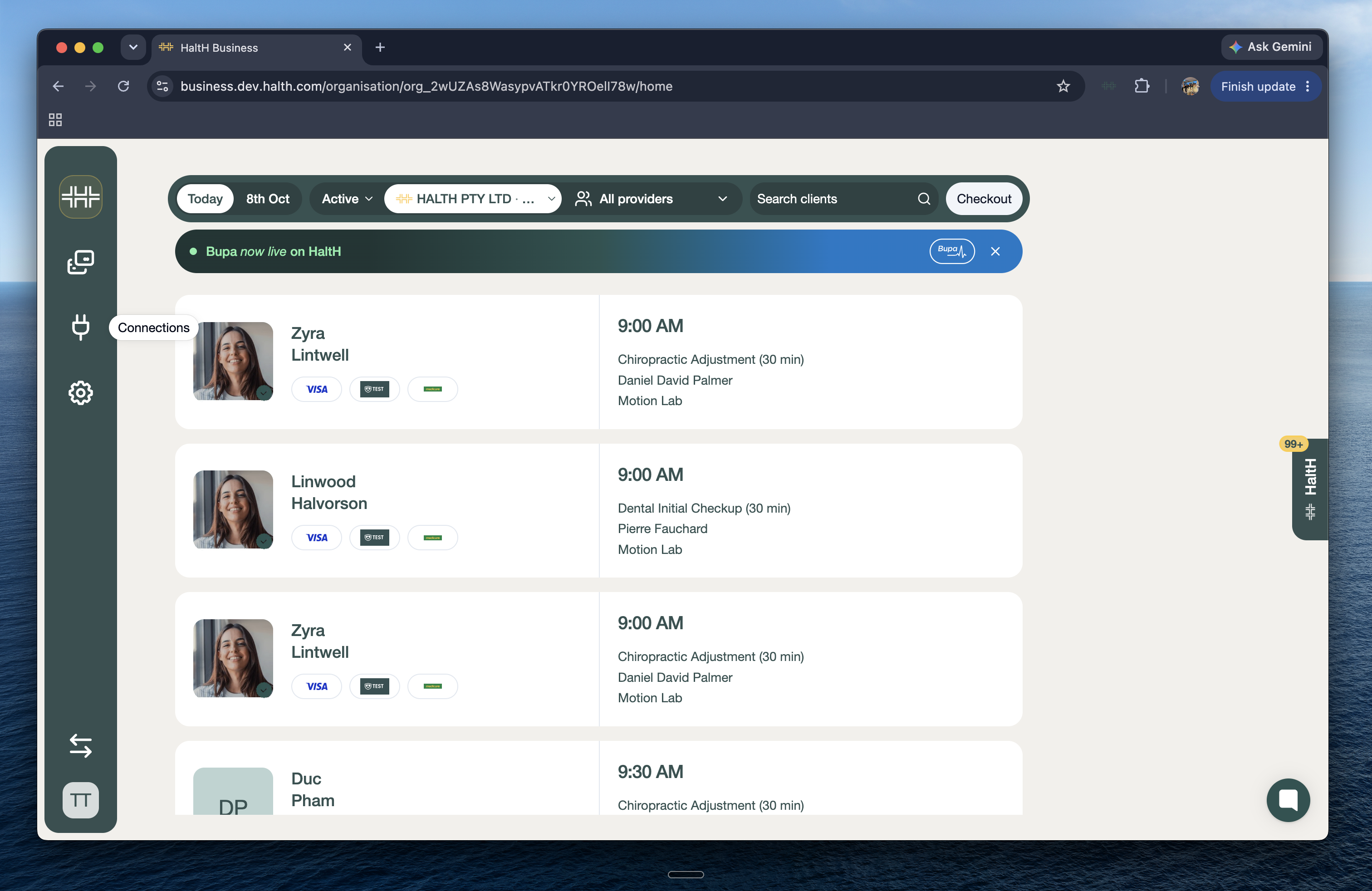
Go to Connections and select Medicare & DVA. Providers can also start from Set up Medicare claiming on their Home checklist.
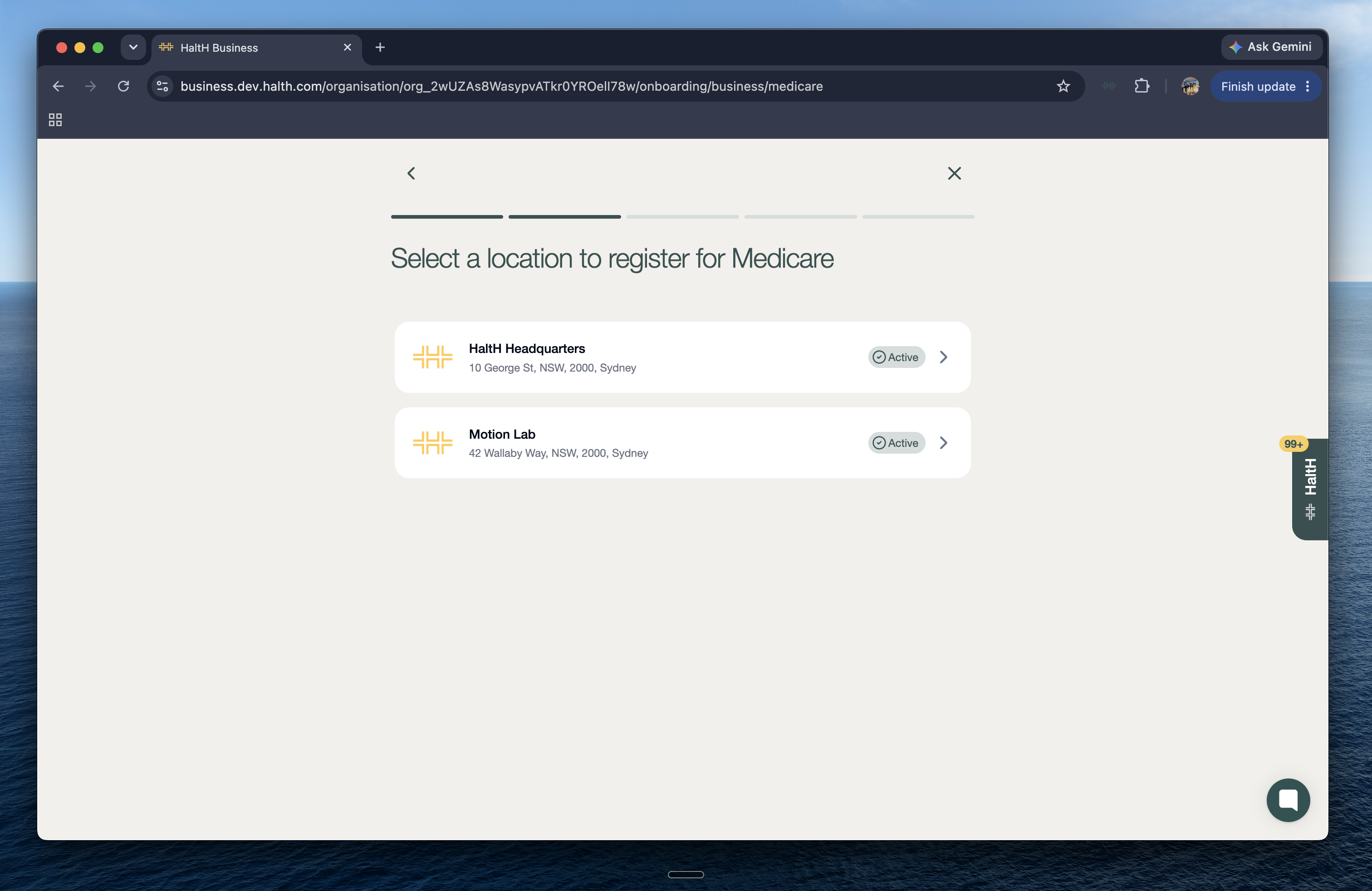
Choose the location to register for Medicare and DVA.
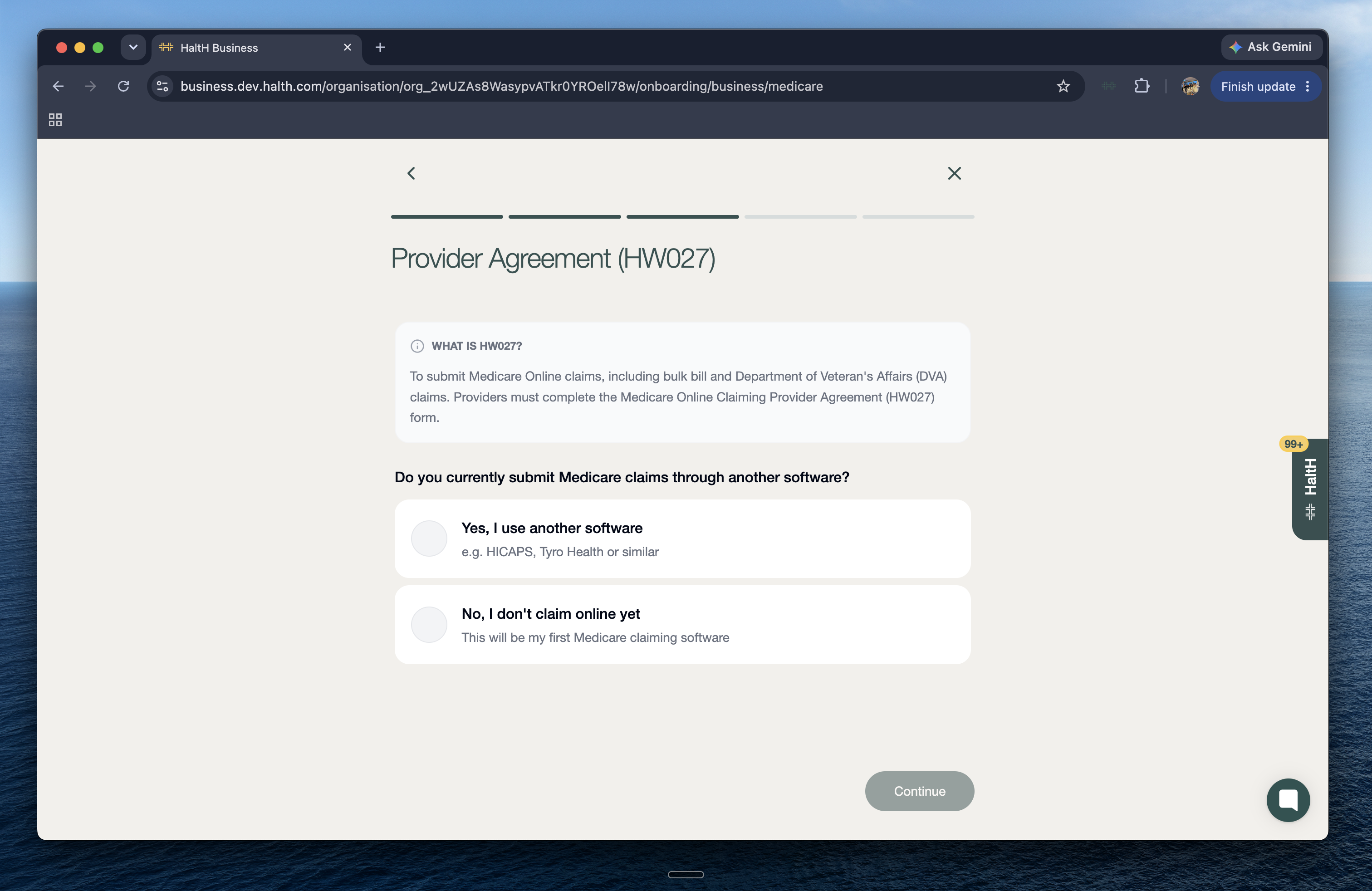
You'll be asked whether you currently submit Medicare or DVA claims through another software.
If you answer yes: this form moves that provider number's Medicare and DVA claiming to HaltH, and your other software stops claiming with it. To keep using your other software as well, register an additional provider number for the same location and use that one with HaltH.
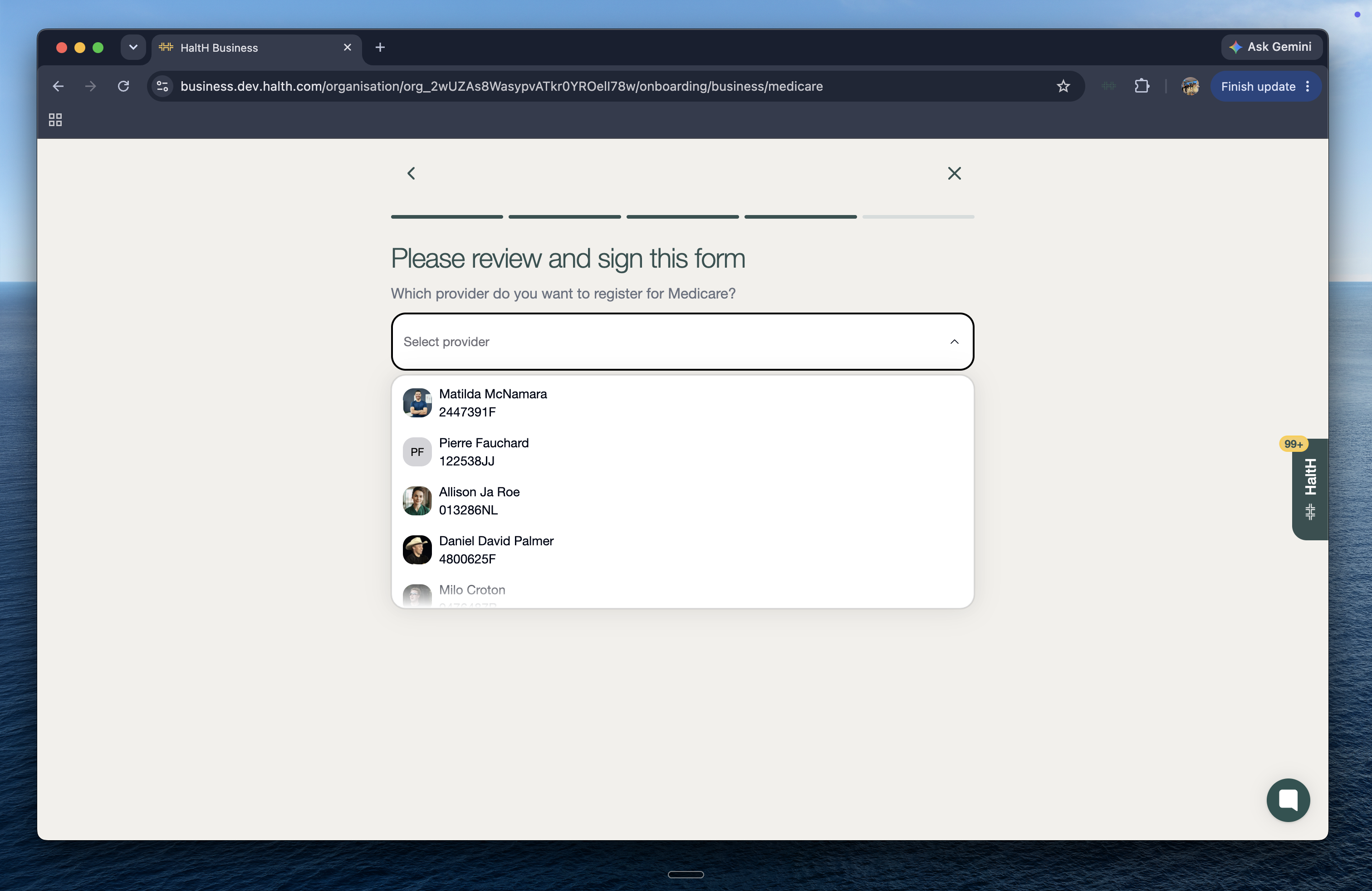
Choose the provider. HaltH pre-fills the Medicare Online Claiming Provider Agreement (HW027). Check every detail, especially the provider number, because a mistake delays approval.
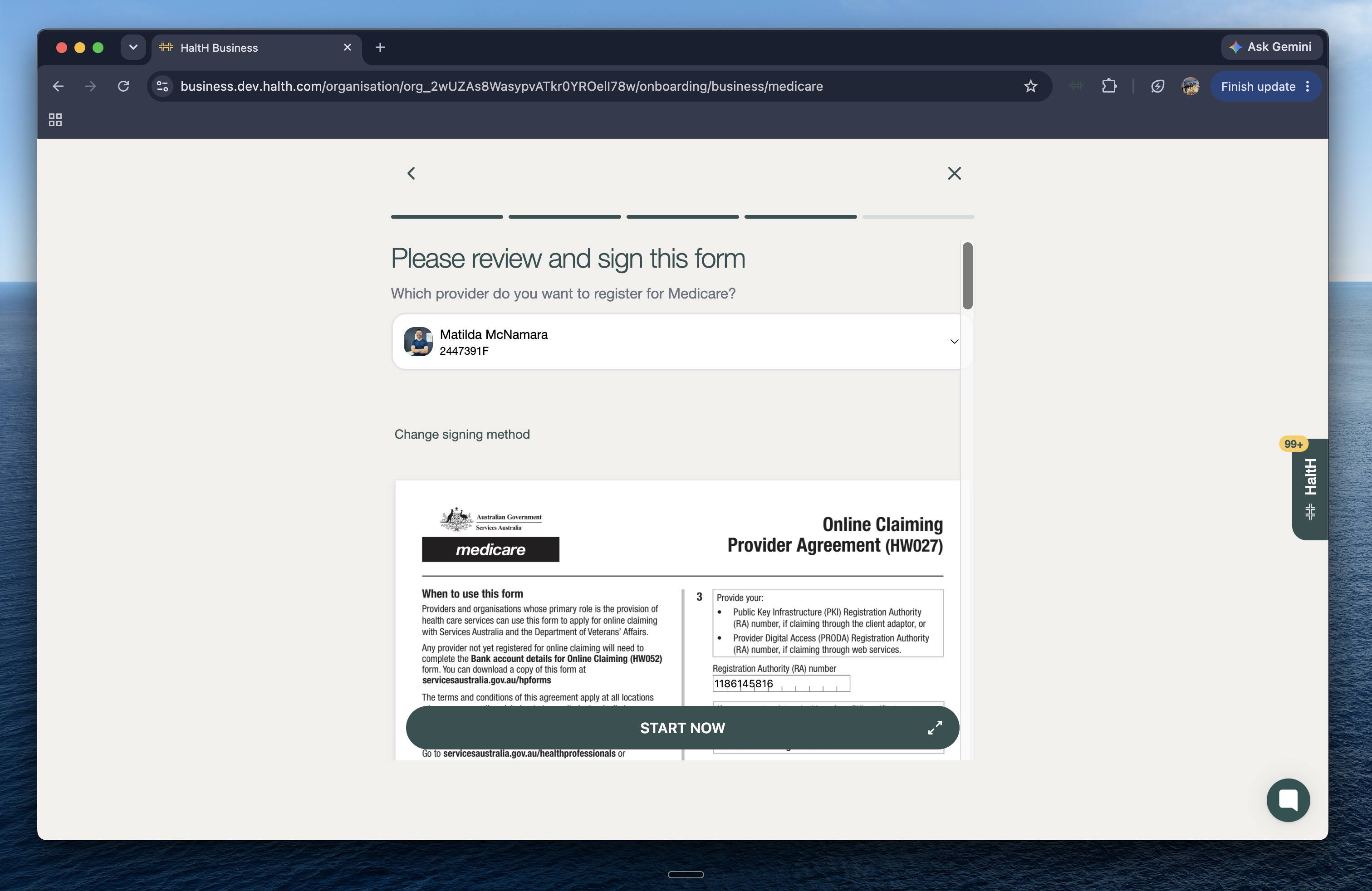
Sign digitally: the provider signs on screen with a trackpad, mouse or phone.
Download & sign by hand: download the pre-filled form, sign it, upload a scan or photo, and select Submit registration.
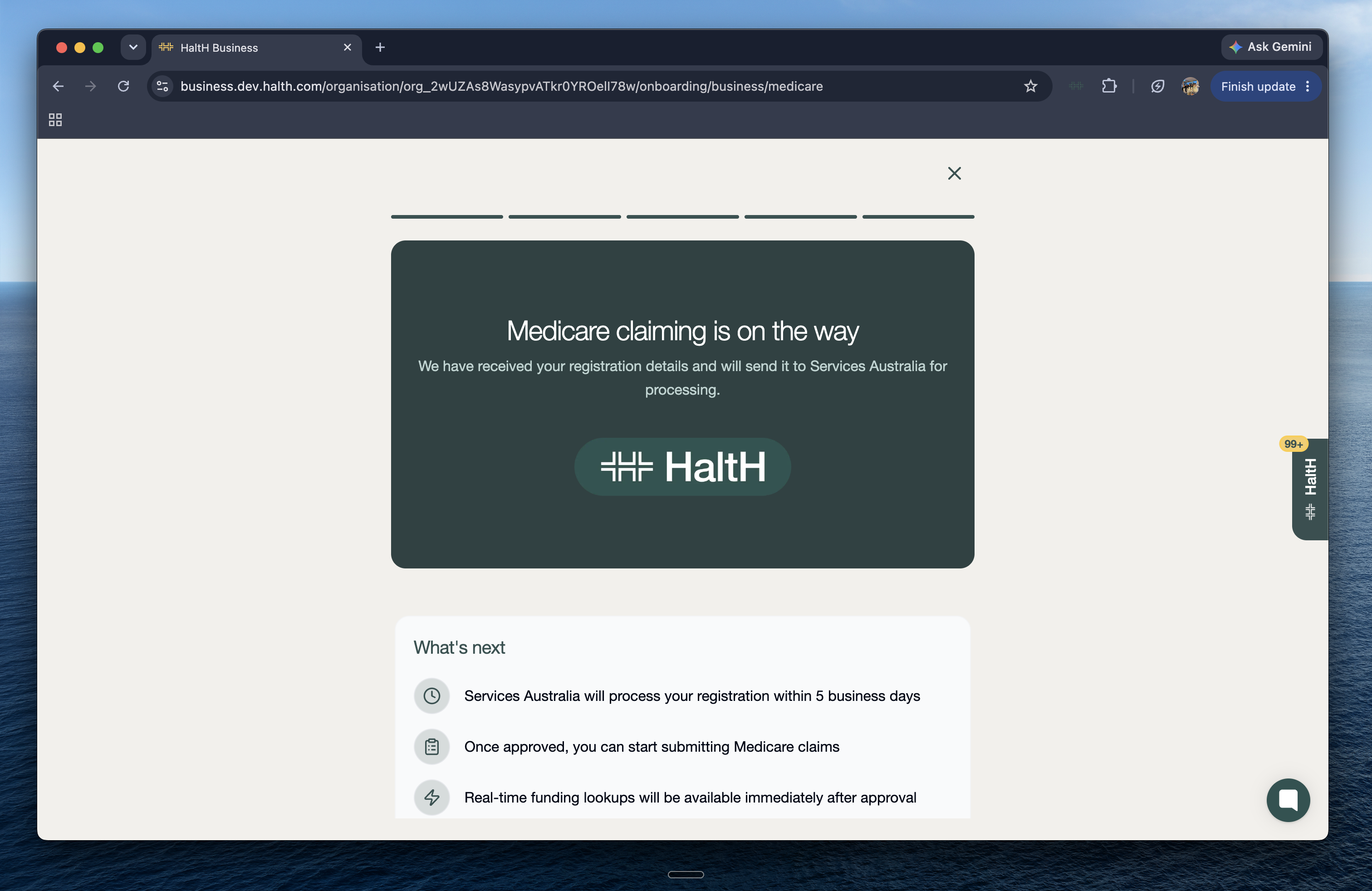
Services Australia processes registrations within 5 business days. Once approved, the provider can claim Medicare and DVA at that location. Have more providers or locations? Repeat these steps for each one.
How to Process a Medicare Claim at Checkout
Learn how to add Medicare details, attach a referral, and submit a claim in just a few steps.
DVA claiming with HaltH
How to submit a DVA claim from a HaltH booking
