Before you can claim a client's private health rebate through HaltH, HaltH needs your provider number and registration letter for each location you work at. Medicare is a separate, one-off registration, covered at the end of this guide.
Your practice has finished setting up health funding, and you're linked to a location in its practice software. If not, the checklist item shows as locked.
Your provider number for the location, your category code and service type.
Your Medicare registration letter as a PDF or photo. How to get your Medicare registration letter
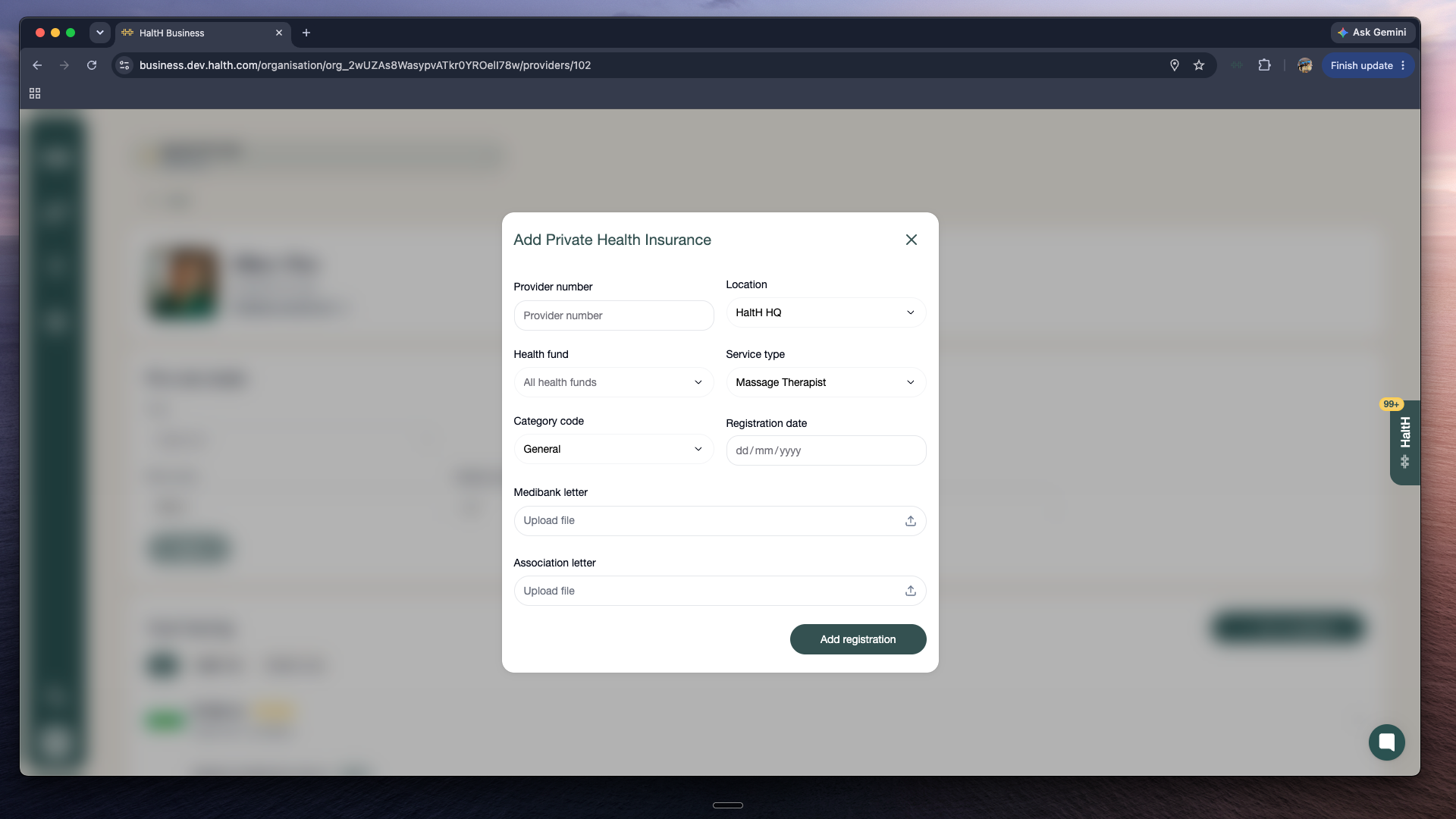
Massage therapists and some other professions are asked for their Medibank registration letter instead, plus a current letter from their professional association. The screen tells you which to upload.
On Home, select Set up private health claiming, then Get started.
Select a location you want to claim at.
On Provider details, enter your Provider number, Category code and Service type.
On Registration documents, upload your registration letter and enter the registration date shown on it.
Select Submit registration.
You'll see Application submitted. HaltH's team checks your details, usually within 1–2 business days, and you'll be notified when you're approved. Until then the checklist shows Pending approval. Work at more than one location? Repeat this for each one.
Go to Settings → Team and select the provider.
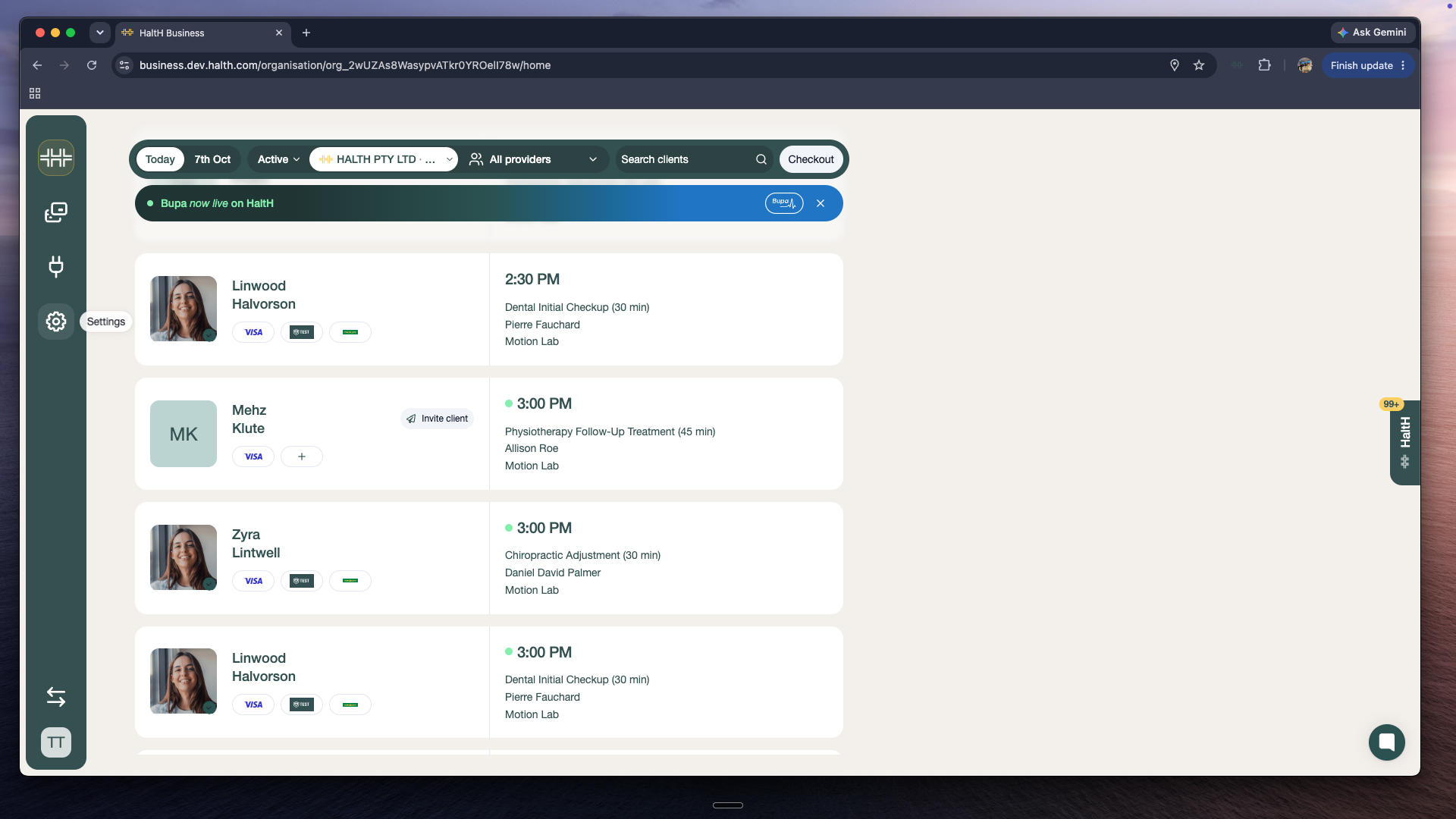
Under Your Funding, select Add registration, then Private Health Insurance.
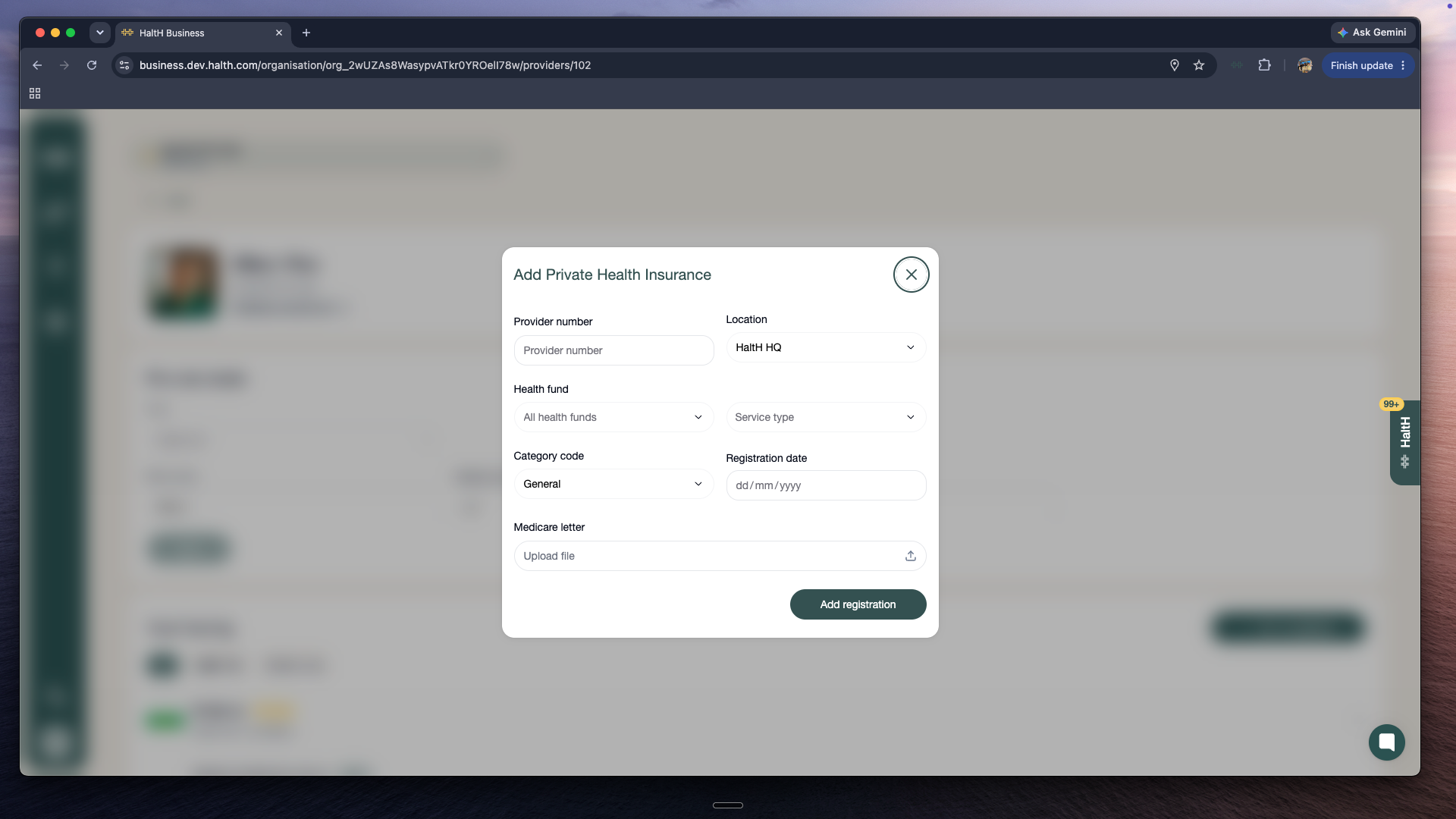
Fill in the location, service type, category code, registration date and provider number, upload the letter, and select Add registration.
If you bill Medicare or DVA, select Set up Medicare claiming on your Home checklist. If it says "Set up by org owner", your practice owner registers it for you. One Services Australia form (HW027) covers both Medicare and DVA, and is processed within 5 business days.
Medicare onboarding with HaltH
Set up Medicare so your providers can submit Medicare claims and check patient funding in real time, all from HaltH.
Step 3: Process your first transaction
Open a booking, confirm funding with your client and get paid.
