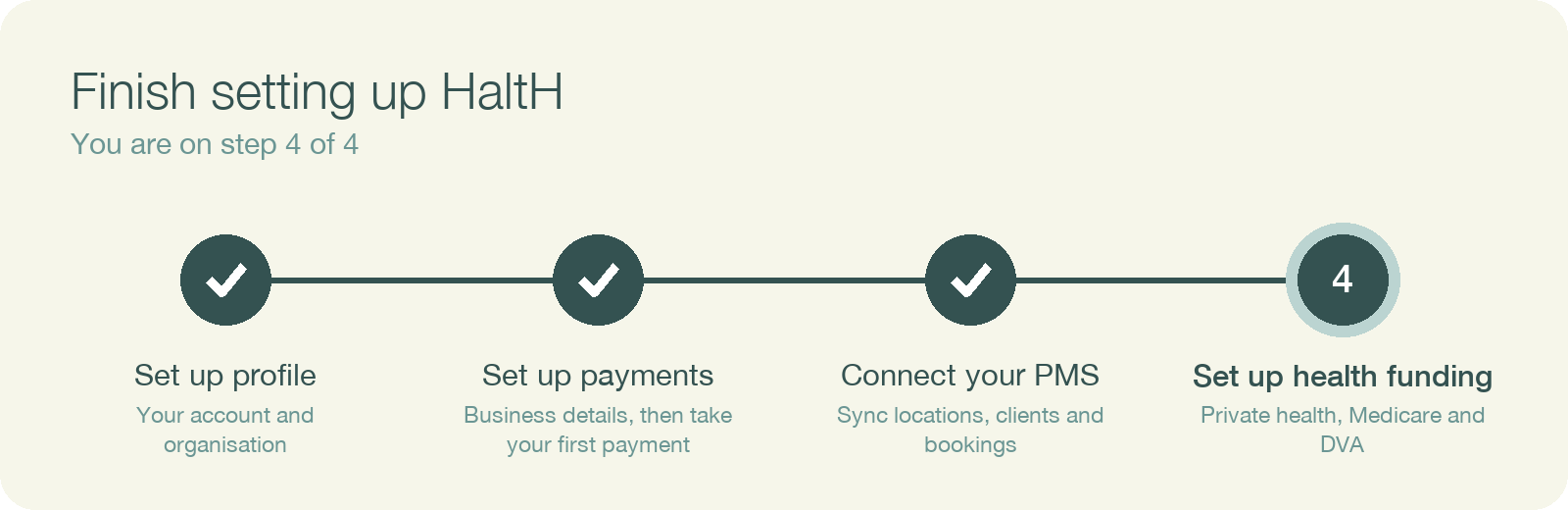
This is the last step on your setup checklist. It lets your practice see a client's private health rebate at checkout and claim it on the spot, so the client only pays the gap.
If Set up health funding shows a lock and "Finish the steps above to unlock", you need to finish two steps first:
Funding needs your PMS because claims are matched to your providers, locations and item codes from it.
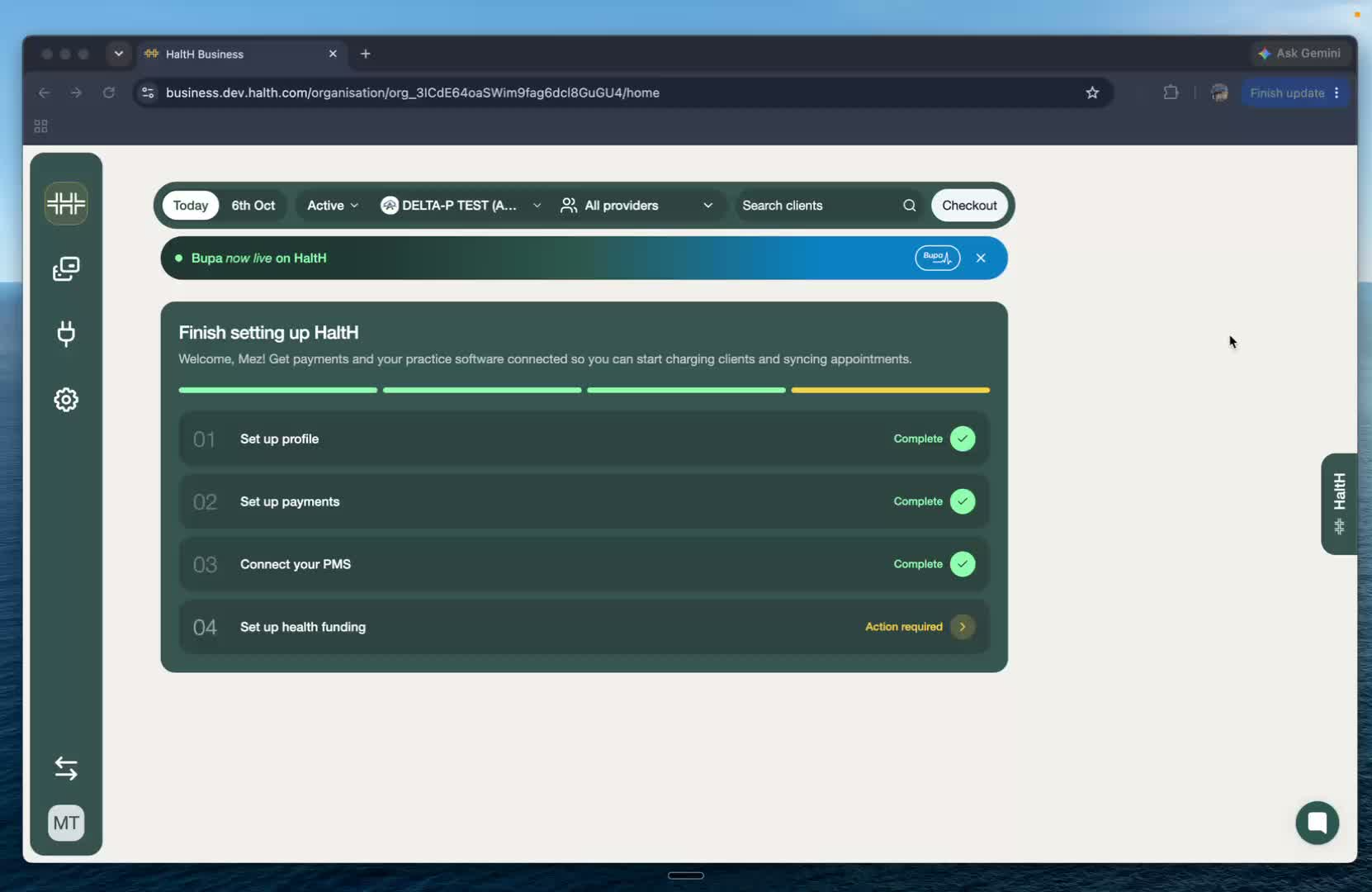
On Home, select Set up health funding.
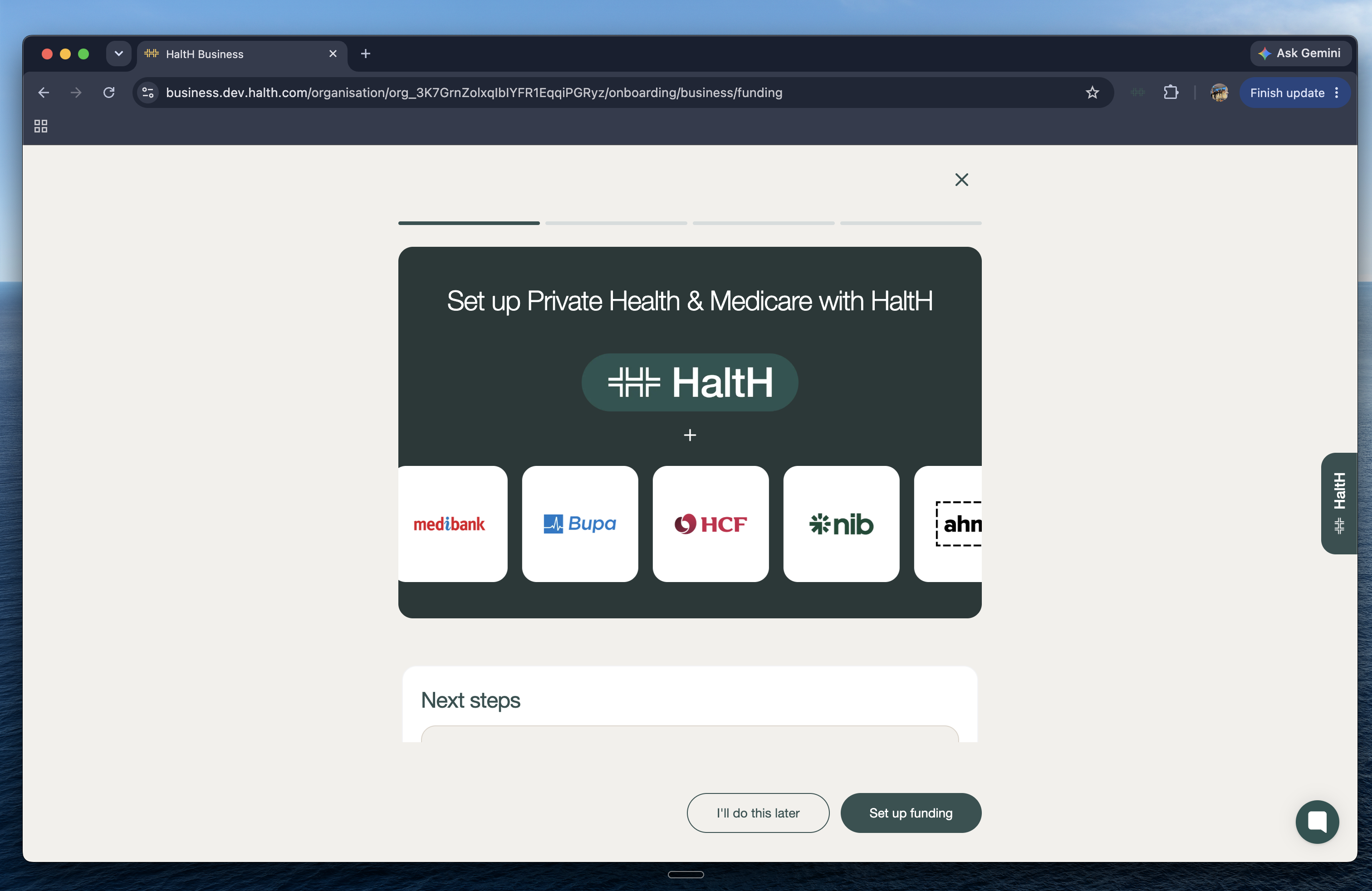
On Set up Private Health & Medicare with HaltH, select Set up funding. The other cards are optional:
DVA Billing registers you for DVA claims alongside Medicare (see What's next, below).
NDIS Billing lets you add your NDIS provider number so it prints on receipts. NDIS claiming isn't available yet.
Workers Compensation is coming soon.
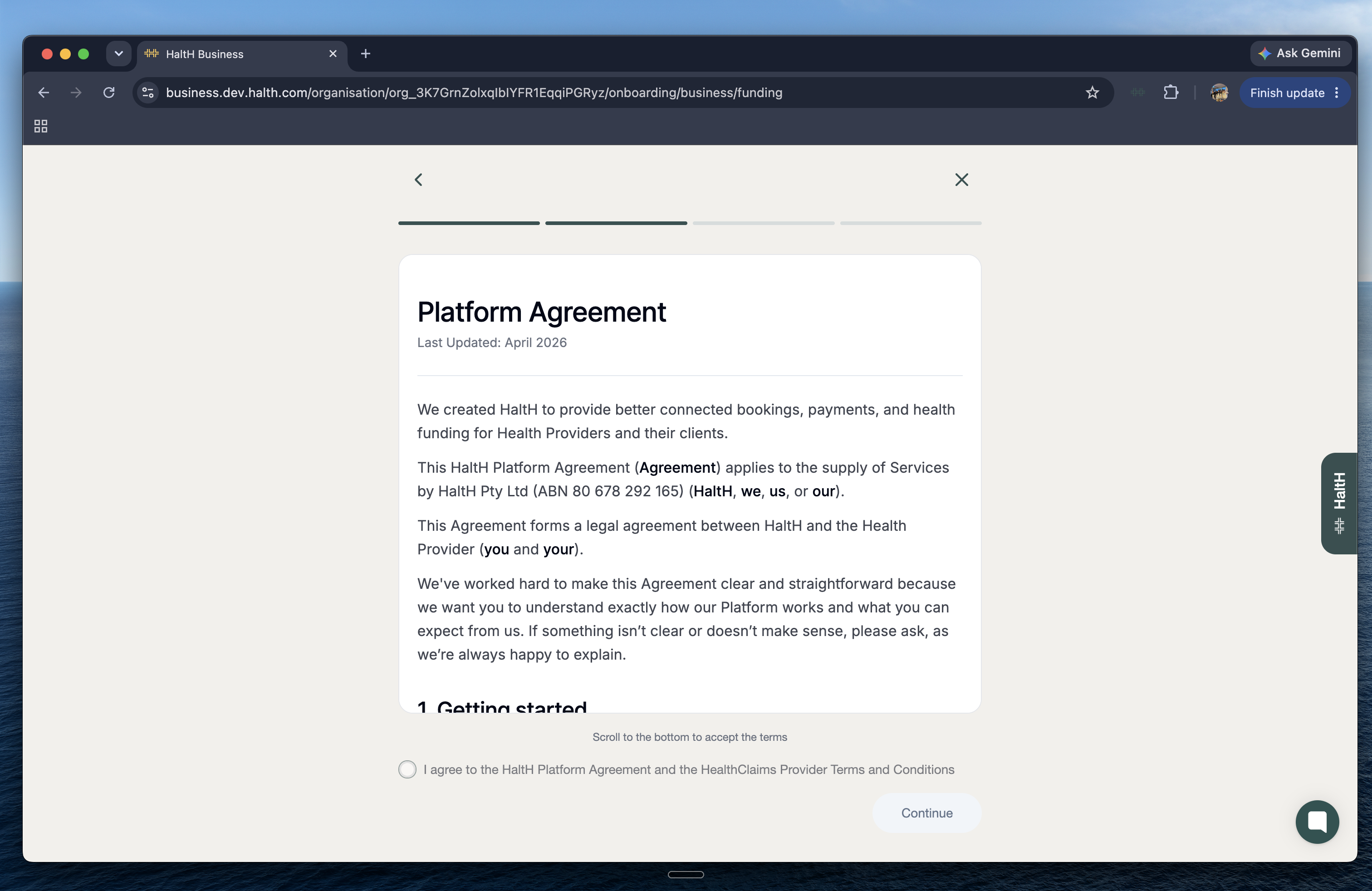
Scroll to the bottom, tick I agree to the HaltH Platform Agreement and the HealthClaims Provider Terms and Conditions, and select Continue.
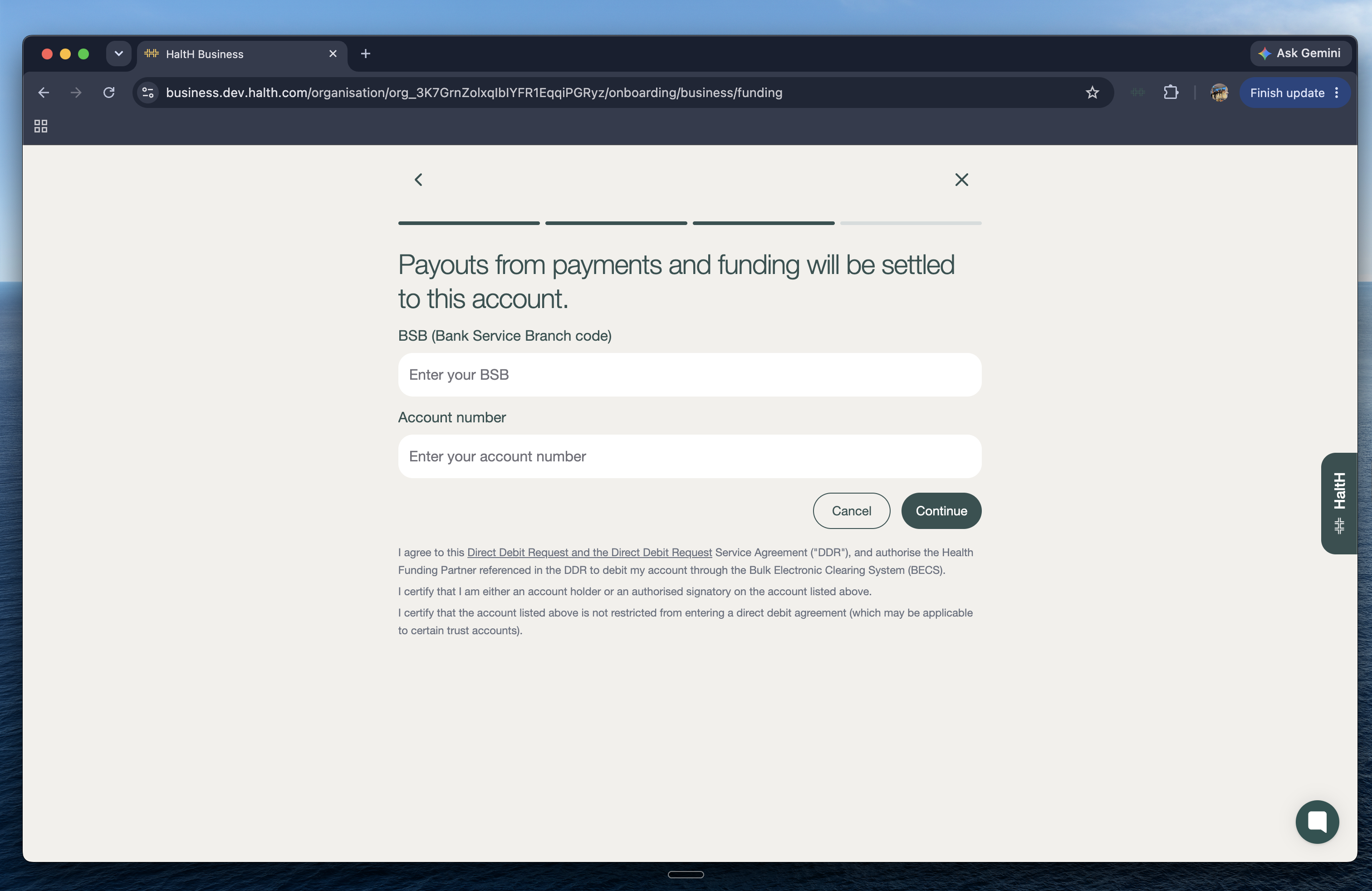
Enter (or check) the BSB and Account number your practice is paid into, then select Continue.
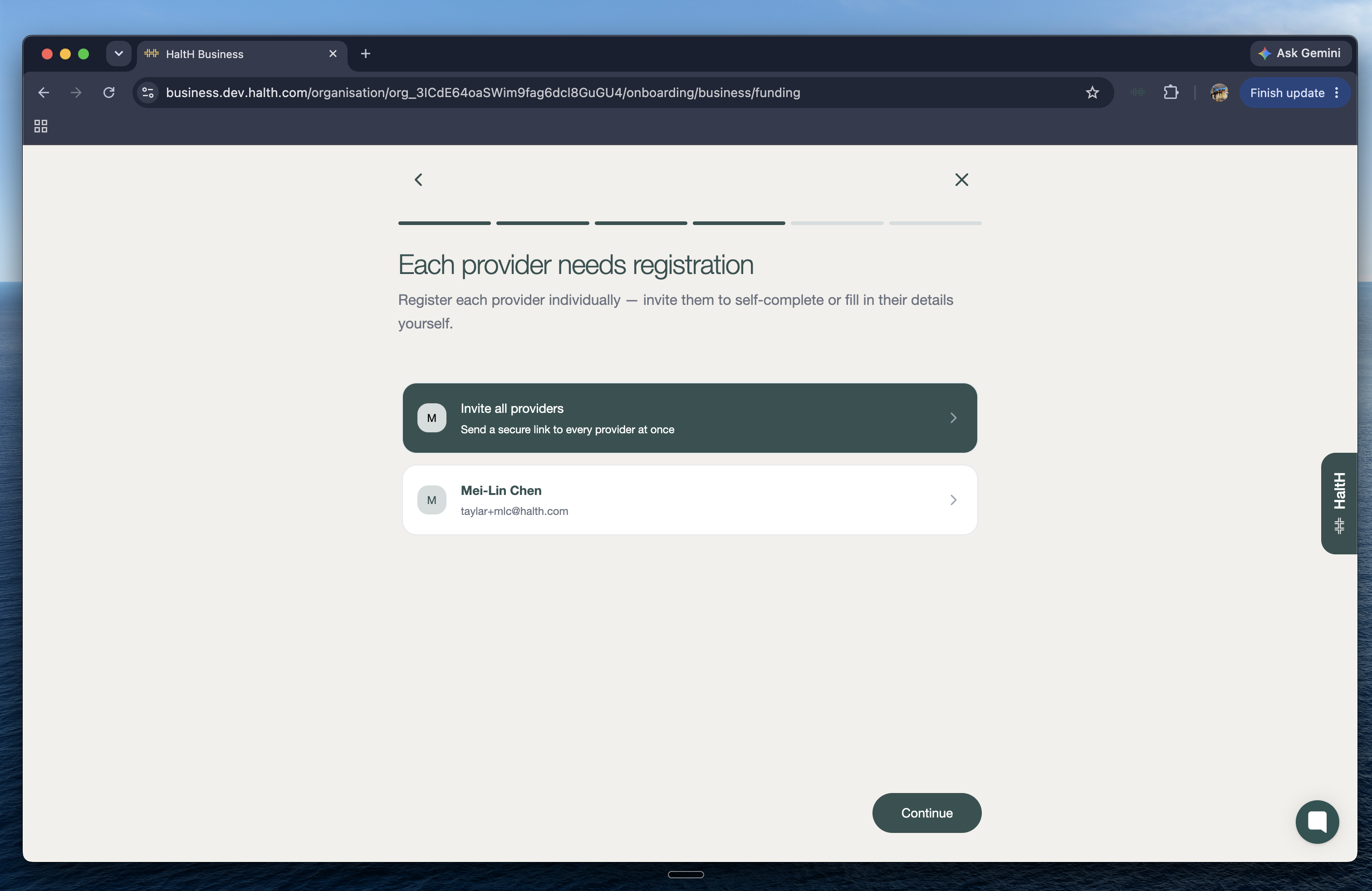
Every provider who claims needs their own registration: their provider number for each location, and their registration letter. On Each provider needs registration you can:
Select Invite all providers to send each one a secure link to complete it themselves (recommended), or
Fill in a provider's details yourself. See Connecting your registration letter for claiming.
HaltH's team reviews each registration and turns on claiming for that provider and location. You'll see the provider as Pending until it's approved.
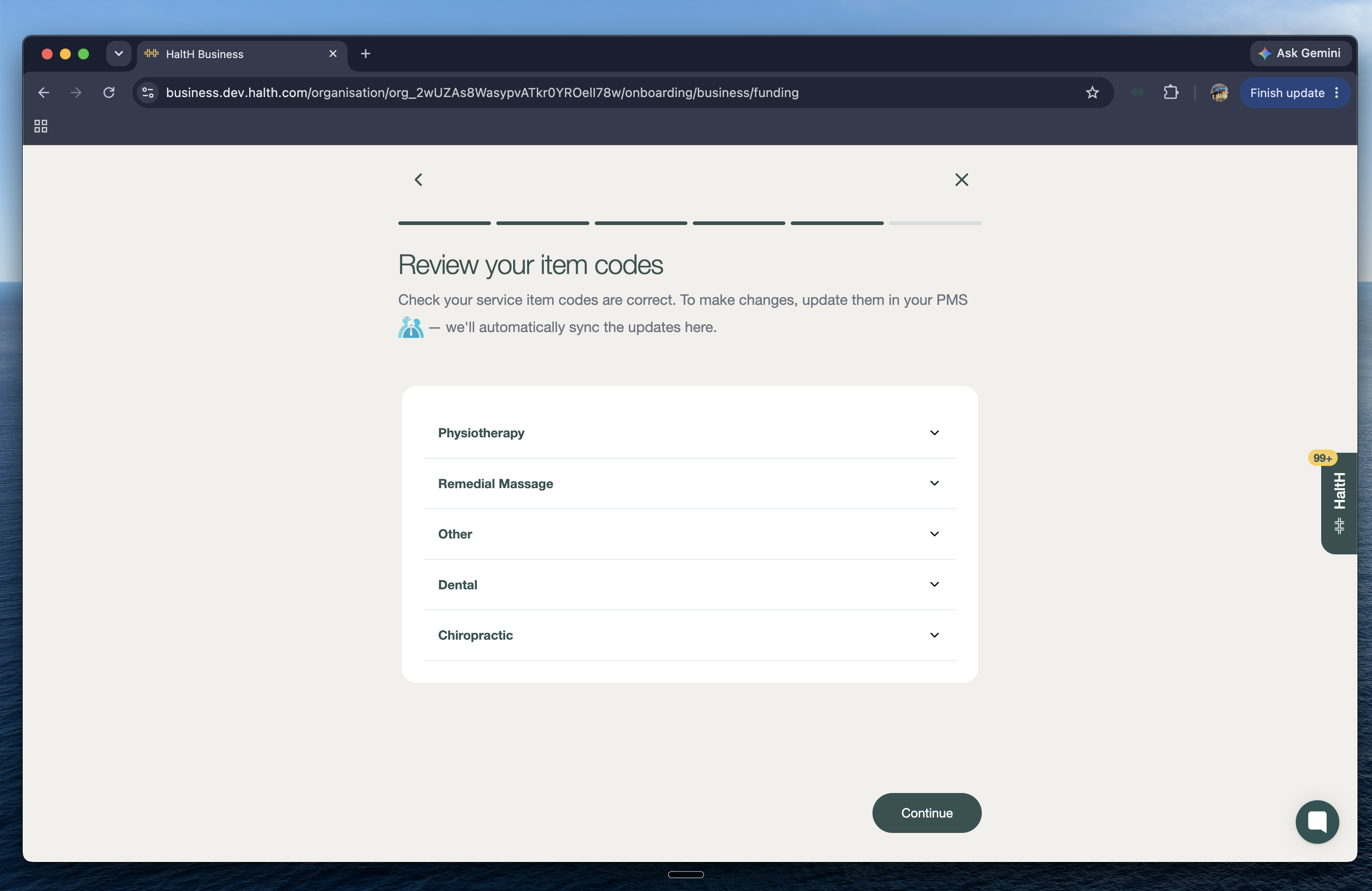
Check that each of your services has the right item code. Funds use these codes to work out the rebate, so a wrong code means a wrong or zero benefit. Codes come from your PMS, so to change one, update it there and it will sync across. Select Continue.
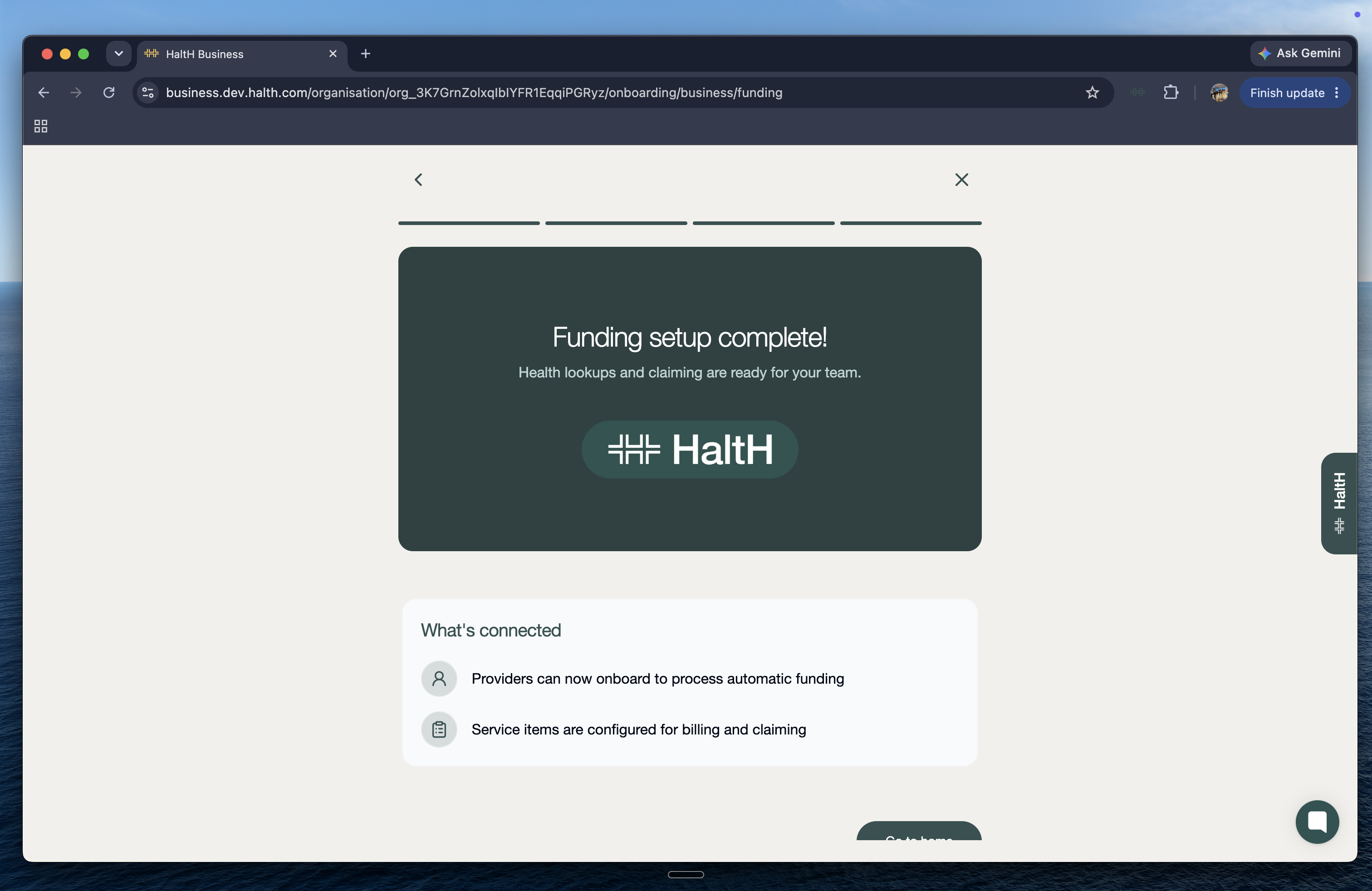
You'll see Funding setup complete! Health fund lookups and claiming are ready for your team as soon as each provider's registration is approved.
Medicare and DVA. Medicare is registered separately, per location, with Services Australia. One form (HW027) covers both Medicare and DVA, and Services Australia processes it within 5 business days.
Medicare onboarding with HaltH
Set up Medicare so your providers can submit Medicare claims and check patient funding in real time, all from HaltH.
Your first private health claim. Once a provider is approved, here's what claiming at checkout looks like:
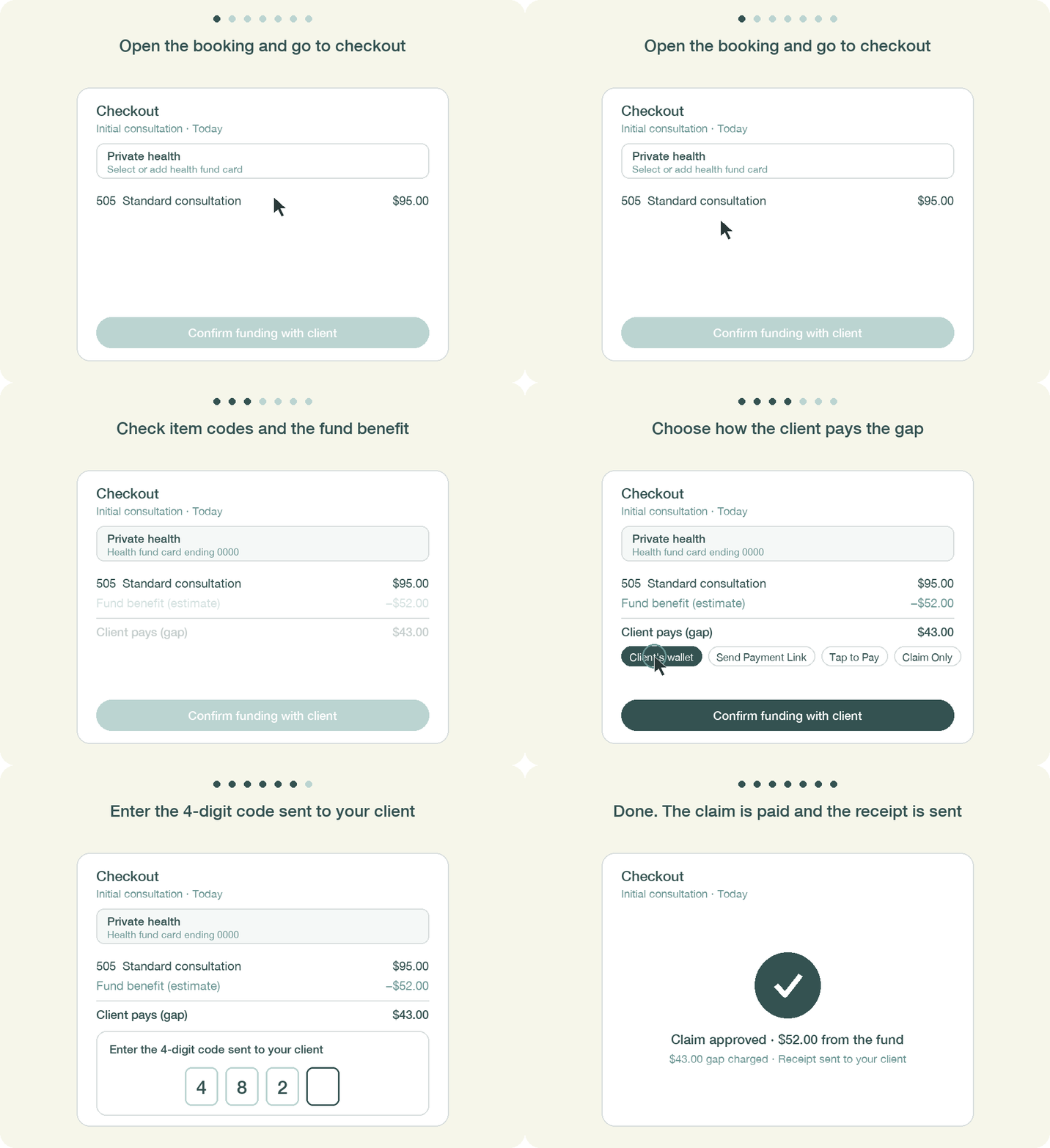
Walkthrough to processing your first transaction and others for the future
This guide walks you through processing your first and all futures bookings in HaltH, from opening the booking to confirming funding with your client and downloading the invoice.
