You're almost there! 🎉 This is the final step of your HaltH onboarding.
Setting up your health funding will prepare your organisation for health fund claiming, Medicare claiming, and automatic funding. Follow the steps below to complete your setup and finish onboarding.
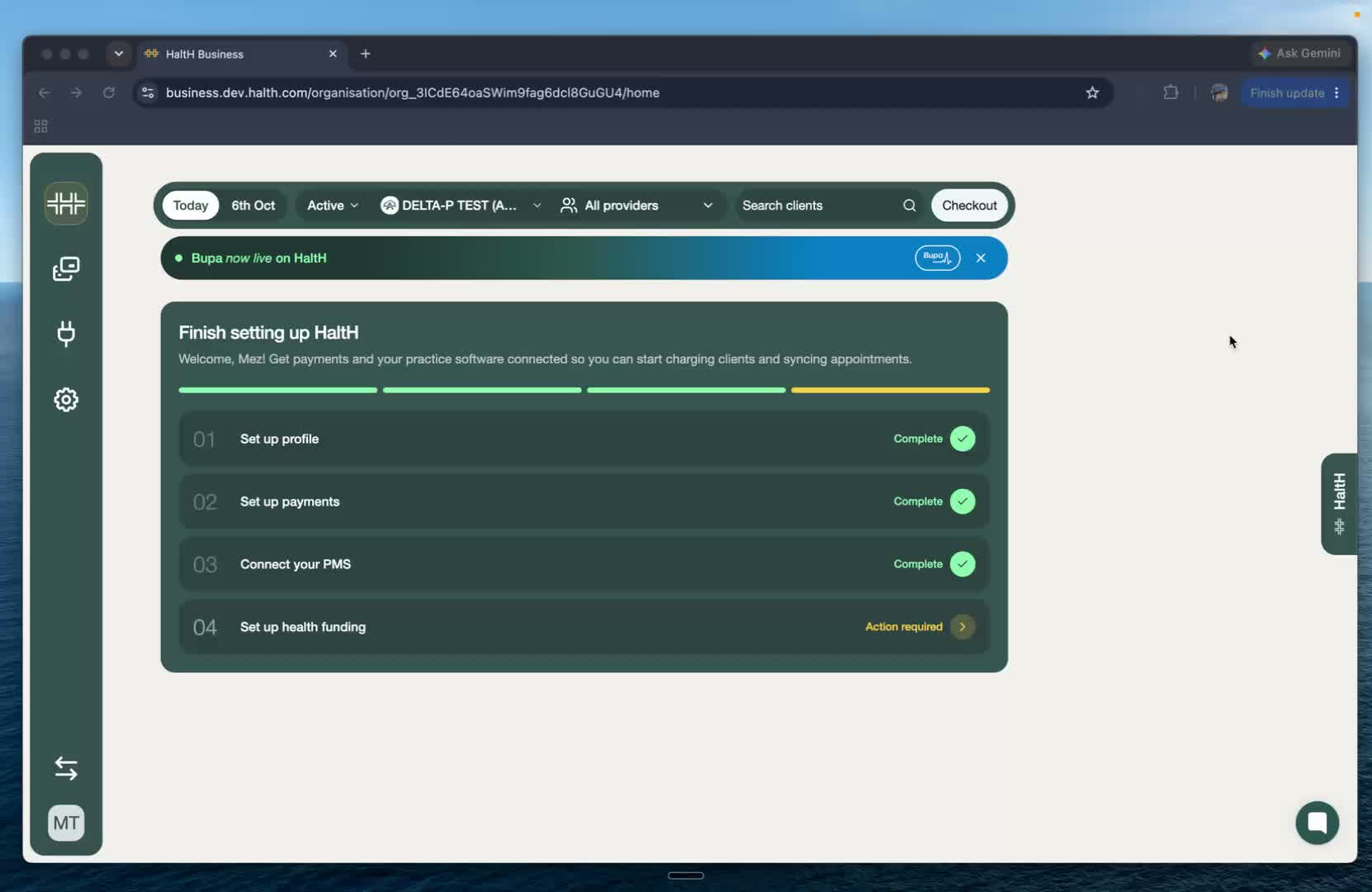
You've reached the final step of onboarding — setting up your Health Funding.
From your onboarding screen:
Click Set Up Your Health Funding.
This will take you into the funding setup process.
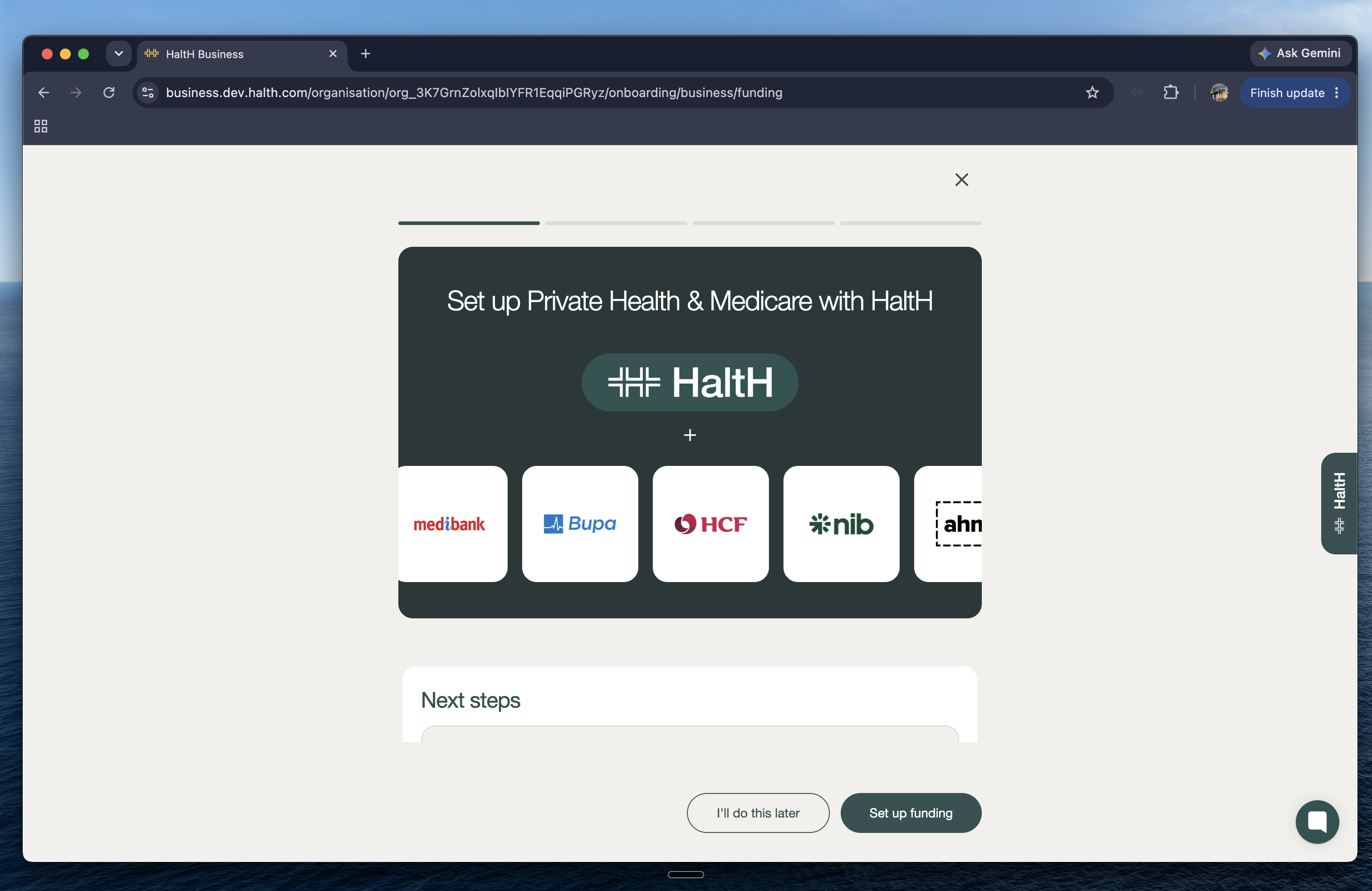
You'll now enter the private health insurance onboarding flow.
This setup prepares your organisation for:
Private health insurance claiming
Medicare claiming
NDIS provider number setup (optional)
Follow the prompts on screen to continue.
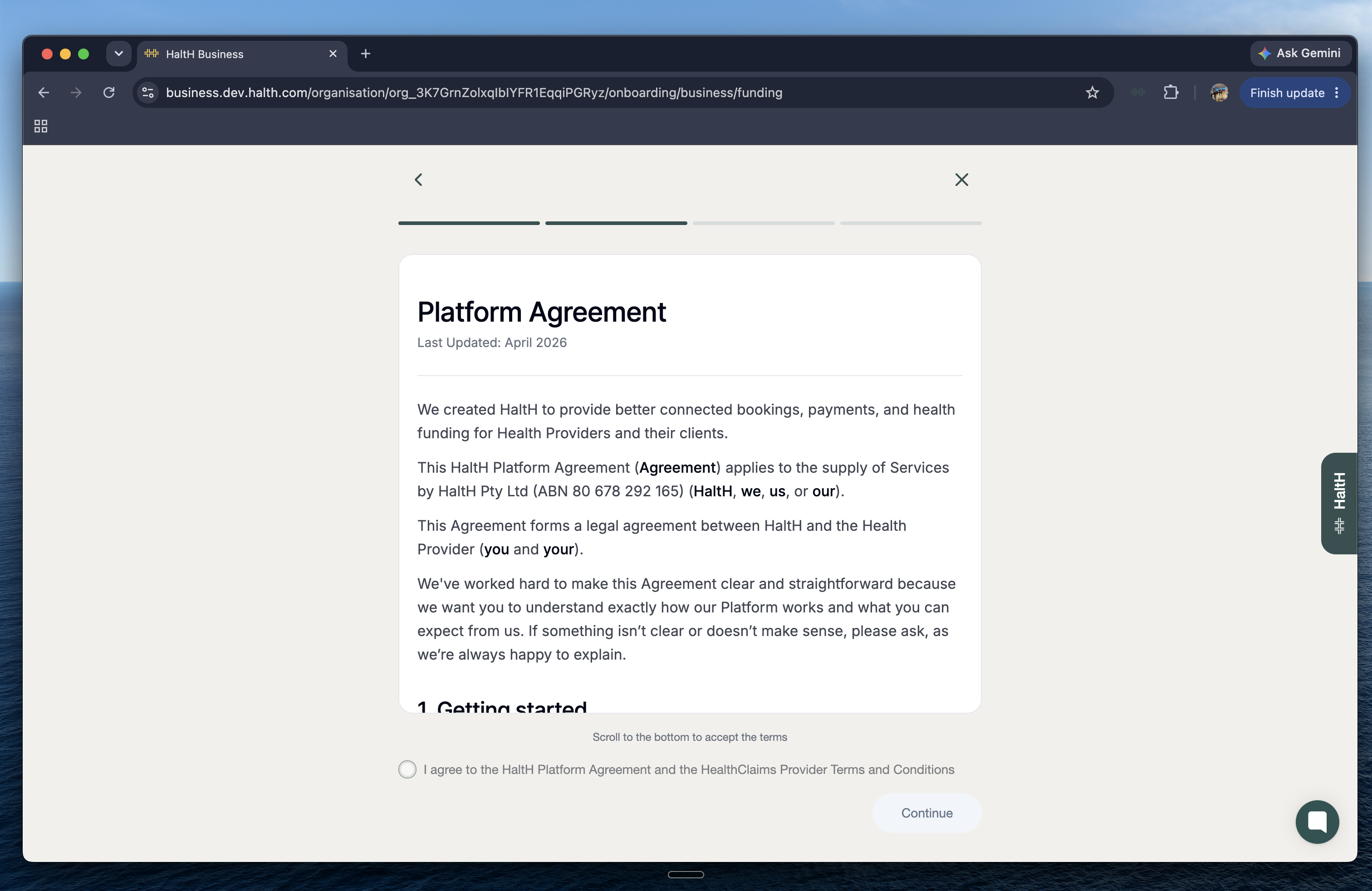
Before continuing, you'll be asked to review HaltH's platform and claiming terms.
Review the HaltH Platform Agreement & HaltH Claim Provider Terms and Conditions.
Accept both agreements.
Click Continue.
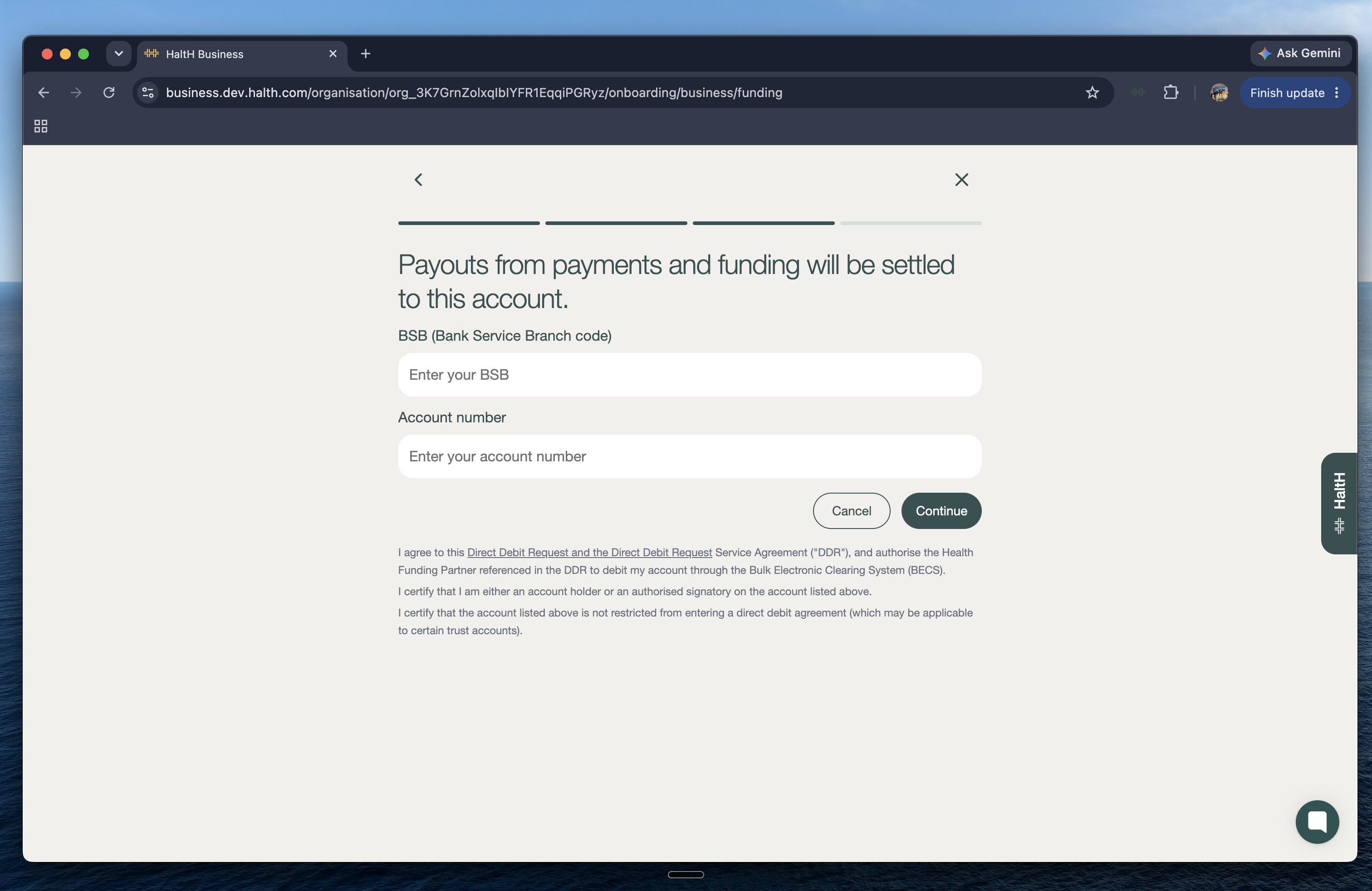
Next, you'll need to add the bank account you'd like your payouts deposited into.
Enter your:
BSB
Account number
Once you've entered your details, click Continue.
Once you've accepted the platform agreement and entered your payout details, you'll be taken through the registration process if you have connected providers.
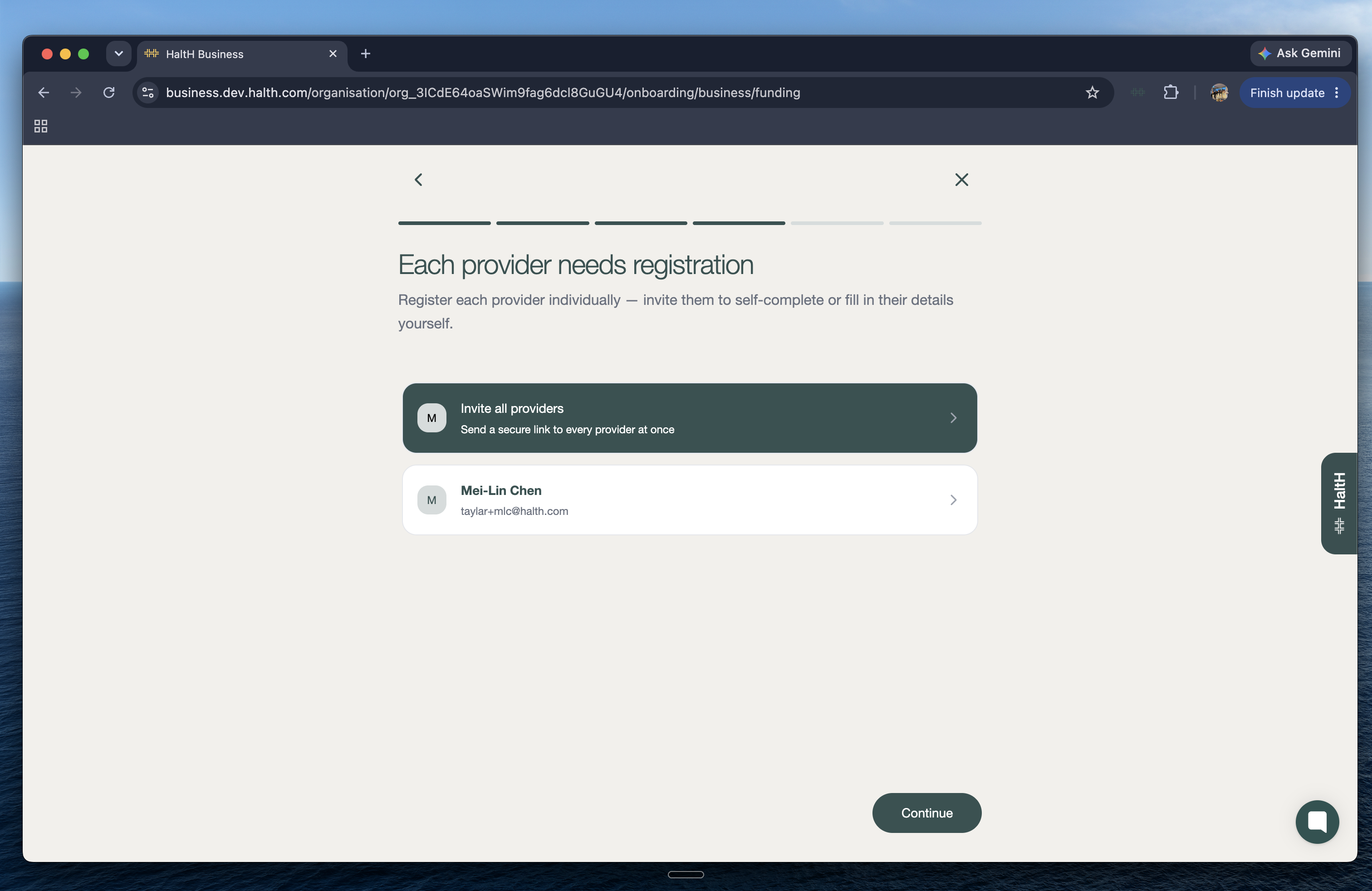
For each provider, you can:
Invite them to complete their own registration, or
Complete their registration on their behalf
You can choose to register providers individually or invite all connected providers at once.
Inviting your providers will allow them to join HaltH and complete their own provider setup, including their private health insurance details.
Want to learn how to enter a provider's insurance details yourself?
Click here →
Connecting Your Registration Letter For Claiming.
Upload your registration letter and start claiming through HaltH.
Your service item codes will be displayed for you to review.
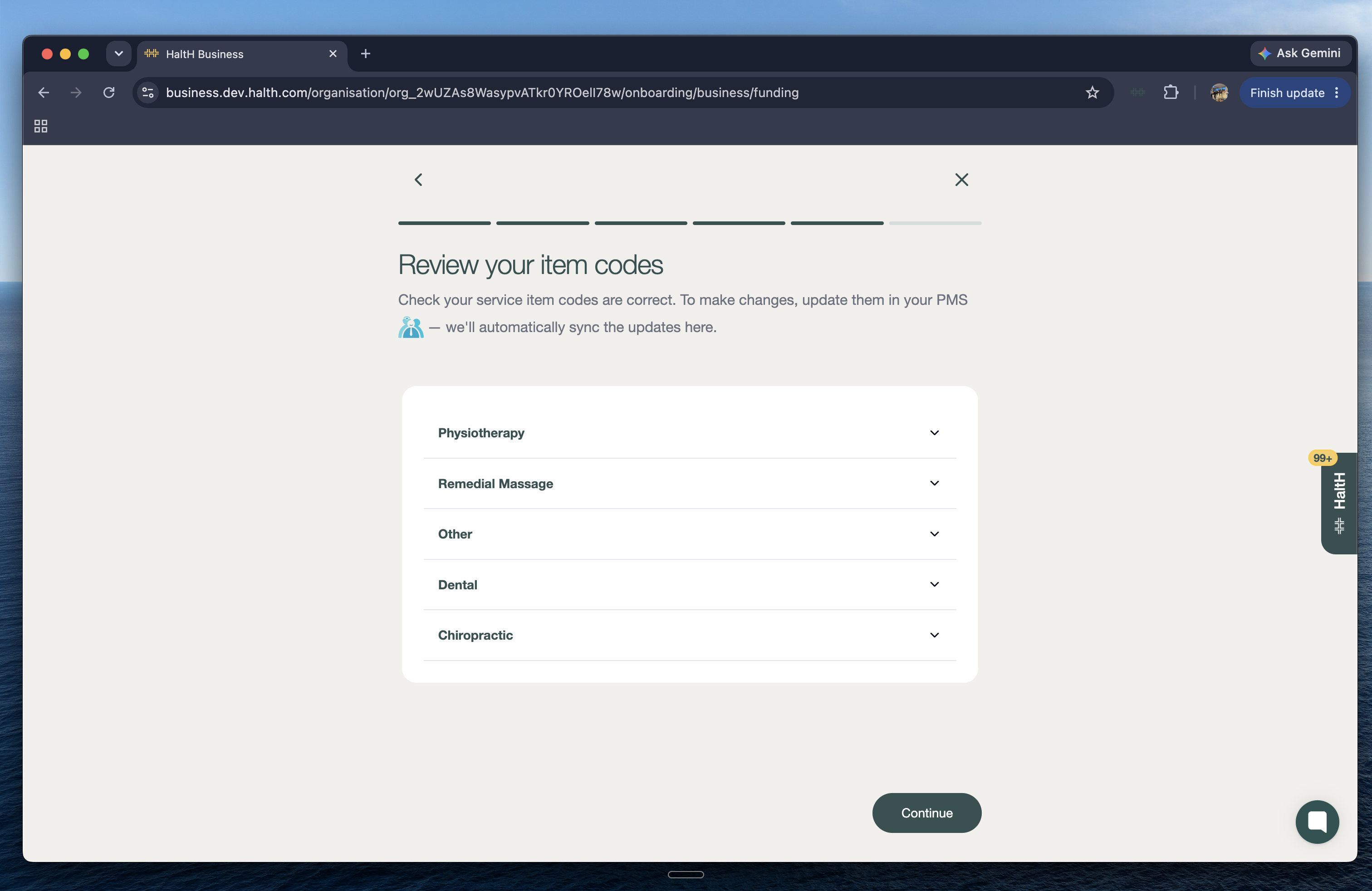
Check that your service item codes are correct, then click Continue to move on.
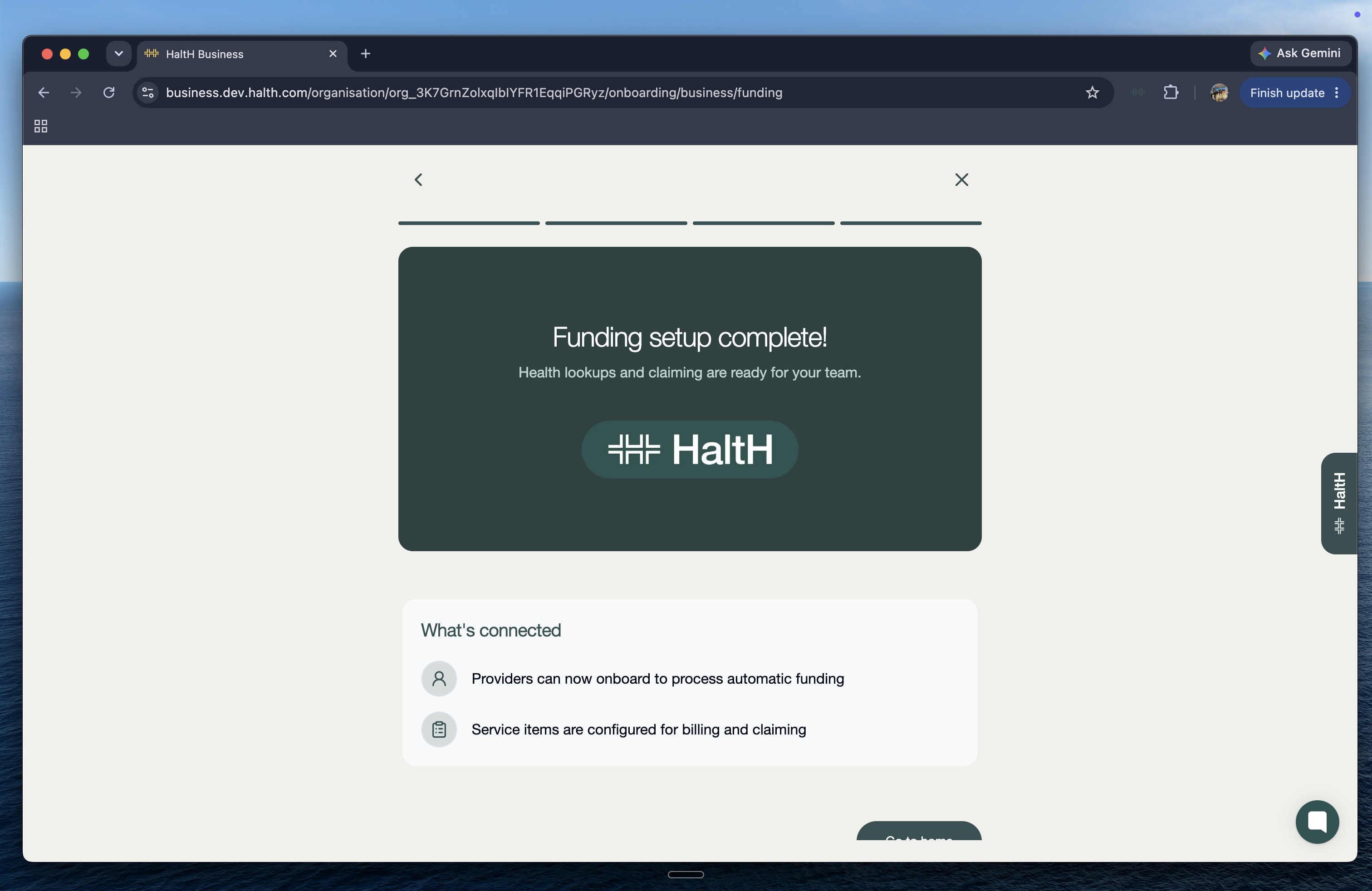
Once your payout details have been saved, HaltH will confirm that your funding setup is complete.
You'll now have:
Lookups and claiming ready to go
Automatic funding enabled
Service items configured for billing and claiming
You can now return to Home.
Your Health Funding setup is complete, which means you've now finished your HaltH onboarding.
You're ready to start using HaltH with your organisation.
Next up: Head back to Home and start exploring HaltH.